A former employee leaves, a password reset goes to a personal inbox, and no one can change the billing card for the company CRM. That is when the question of who owns SaaS admin accounts stops being an IT detail and becomes a business continuity problem. For a small business, one inaccessible account can interrupt sales follow-up, customer support, payroll, marketing campaigns, or a busy weekend of online orders.
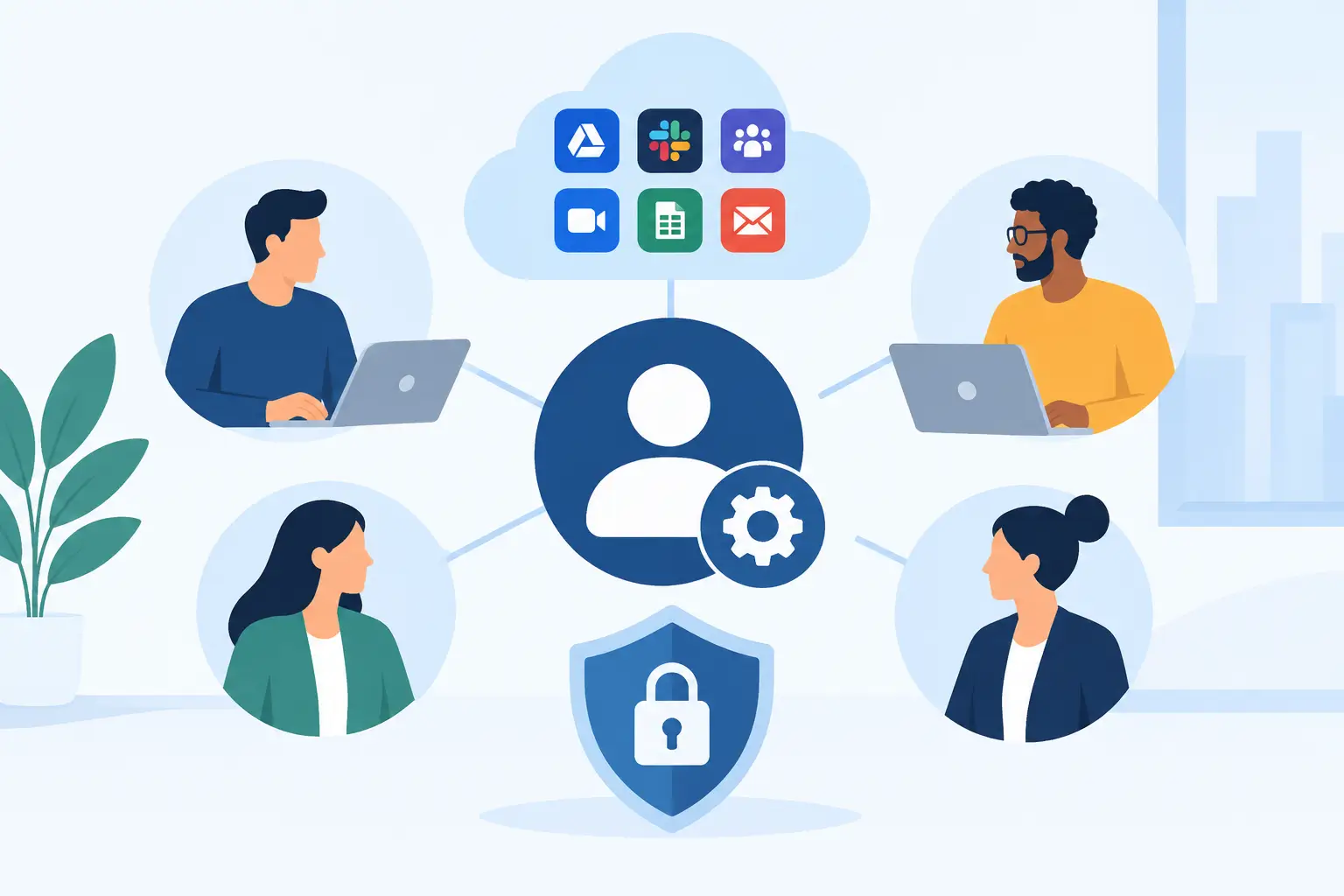
The short answer is simple: the business should own every SaaS account, while named people hold role-based access to administer it. The longer answer matters because “ownership” can mean the billing relationship, the primary login, the recovery email, the data controller, or the highest permission level inside the app. Those should not be left to chance.
Who owns SaaS admin accounts legally and operationally?
In most cases, the company should be the account owner. That means the subscription is purchased by the business, paid from a business payment method, registered to a business-controlled email domain, and recoverable by more than one authorized company leader.
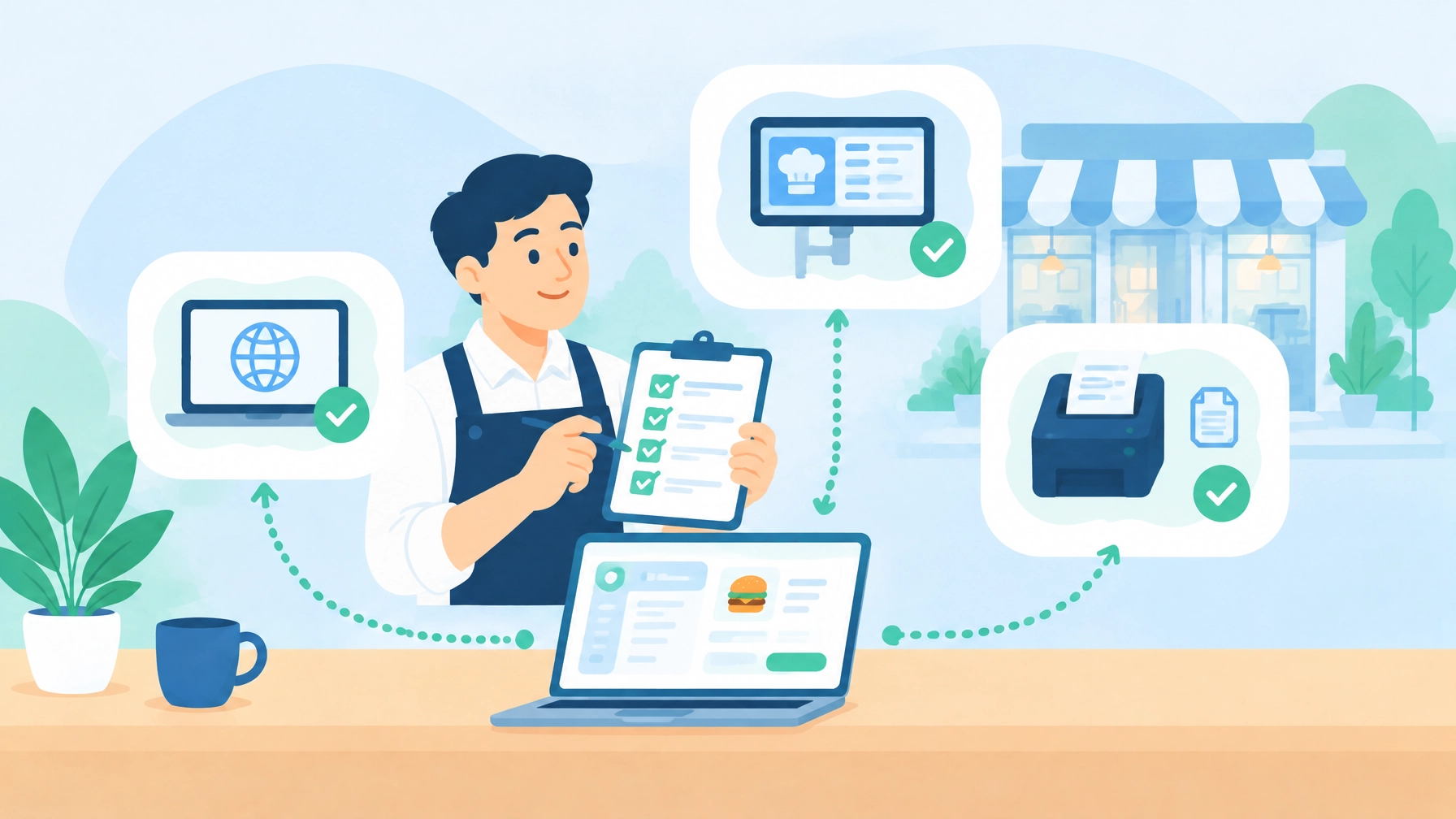
An employee may be the day-to-day administrator. A marketing manager may manage EngageBay contacts and campaigns, a sales lead may administer Smartlead sending settings, and a restaurant manager may oversee Restomas. Those responsibilities are practical. They do not mean the individual should control the account independently of the business.
The same distinction applies to outside help. A freelancer, agency, consultant, or software specialist may need administrator access to configure a tool. But they should be invited into an account the business controls, not create a separate account under their own email and payment method. If the relationship ends, the business needs to retain its data, configuration, history, and ability to keep operating.
Ownership is not the same as access
A common mistake is assuming that the person with the admin role owns the account. They may have broad permissions, but true ownership depends on how the vendor recognizes the account. Some platforms assign an account owner role. Others rely on the email address used at signup, the billing contact, or the person authorized to manage the workspace.
Before assuming you can recover an account, check the platform’s rules. Some vendors require the existing owner to transfer ownership. Others allow recovery through domain verification, billing records, or a support request. The more evidence the business controls, the easier that process will be.
Why personal email addresses create avoidable risk
Using a personal Gmail, Yahoo, or former employee email for a business subscription feels harmless when a company is small. It becomes expensive when that person is unavailable, unwilling to help, or simply cannot remember which login they used.
A business email address is the better foundation because it stays under company control. Ideally, the primary ownership email is a functional address such as admin@, operations@, or software@yourcompany.com rather than one tied to a single staff member. That inbox should have clear access rules and multi-factor authentication.
There is a trade-off. Shared inboxes can make accountability fuzzy if several people use the same credentials. The better approach is to use the functional address for ownership and recovery, then give each administrator an individual user account inside the software. This preserves continuity without making it impossible to tell who changed a setting.
For Texas businesses with seasonal staff, multiple locations, or family members involved in operations, this separation is especially useful. It reduces friction when duties shift during a busy period and protects the company if staffing changes quickly.
Set up SaaS ownership before a problem occurs
A practical SaaS ownership policy does not need to be a long legal document. It needs to establish a few non-negotiable rules: the company creates or approves subscriptions, company-controlled contact details are used, and access is reviewed when someone changes roles or leaves.
Start by identifying the person accountable for the software portfolio. In a small company, that may be the owner, operations manager, or finance lead. That person does not need to personally administer every app. They do need visibility into what the company pays for, who has elevated access, and how accounts can be recovered.
Then assign an operational admin for each system. The operational admin handles everyday work, while the accountable owner ensures the business retains control. In a two-person business, one person may hold both roles. As the company grows, separating them becomes safer.
Keep a simple account register
A basic register in a secure internal system is often enough. For every paid or business-critical app, record the platform name, purpose, subscription level, renewal date, billing contact, ownership email, current admins, recovery method, and where credentials are stored.
Also record whether the tool contains sensitive customer, employee, financial, or marketing data. A live chat platform such as LiveChat may contain customer conversations. A CRM can hold sales notes and contact details. A loyalty platform such as BoomerangMe can include customer engagement data. The more sensitive the data, the more carefully you should control administrator access.
Your register should not become a spreadsheet full of passwords. Store passwords in a reputable business password manager, with shared access governed by roles. The register should point to the approved credential location, not expose credentials to anyone who opens the file.
How many SaaS admins should a business have?
One admin is too few for a business-critical system. If that person is sick, leaves, or loses access, the company is stuck. Giving everyone admin rights is not the answer either. Broad access increases the chance of accidental deletion, unauthorized exports, billing changes, and confusing configuration decisions.
For most small and medium-sized businesses, two trusted admins is a sensible minimum: an operational administrator and an owner-level backup. Depending on the application, finance may also need access to invoices and subscriptions without permission to alter customer data or campaign settings.
Use the least access necessary. A customer service employee may need access to conversations but not billing. A marketing contractor may need to build emails but not export every contact record. A bookkeeper may need invoices but not user management. Many SaaS platforms support roles that make these distinctions possible, although the available controls vary by plan.
What to do when an employee or vendor leaves
Offboarding is the moment weak SaaS ownership becomes visible. Do not wait until the final day to discover that an outgoing employee is the only owner of your email platform or payment account.
Before access ends, transfer any ownership role to a company-controlled account, change recovery email addresses and phone numbers, remove personal payment methods, and confirm the company can receive password reset messages. Review integrations too. An automated lead flow, calendar connection, domain authentication record, or API key may be tied to the departing person’s account.
After the change, remove or reduce access based on the person’s new relationship with the business. If a former contractor still needs temporary access for a handoff, set a clear end date and give them only the permissions required. Keeping an old admin account active “just in case” is usually a weak control, not a contingency plan.
If someone has already left and you cannot access an account, gather evidence before contacting vendor support. Useful records include invoices, payment statements, the company domain, screenshots of business use, and documents showing the person’s role. Recovery is possible in some cases, but vendor policies differ and there is no guarantee of a quick result.
A quick ownership review for your software stack
Review your core tools at least twice a year and whenever leadership, finance, or key staff changes. Confirm these five items:
- The account is registered with a company-controlled email address.
- At least two authorized people can administer or recover it.
- Billing and renewal notices reach the appropriate business contact.
- Former employees and vendors no longer have unnecessary access.
- Passwords, recovery codes, integrations, and ownership details are documented securely.
This review is also a good time to ask whether each subscription still earns its place. Redundant software costs money, complicates training, and creates more accounts to secure. A simpler stack is often easier to manage than a collection of overlapping tools purchased by different departments.
When the business owner should not be the daily admin
Business owners should retain ultimate control, but they do not need to be the person editing automations or responding to every support setting. In fact, forcing the owner to be the only administrator can slow down the team and create another single point of failure.
The better model is ownership with delegated responsibility. Keep the owner or a senior operator as the accountable backup, appoint capable day-to-day admins, and document the handoff process. This works whether you are using a simple email tool or a connected sales and marketing stack.
Treat SaaS ownership like a company key ring: the business keeps the master key, trusted people receive the keys they need, and every key is accounted for when responsibilities change.