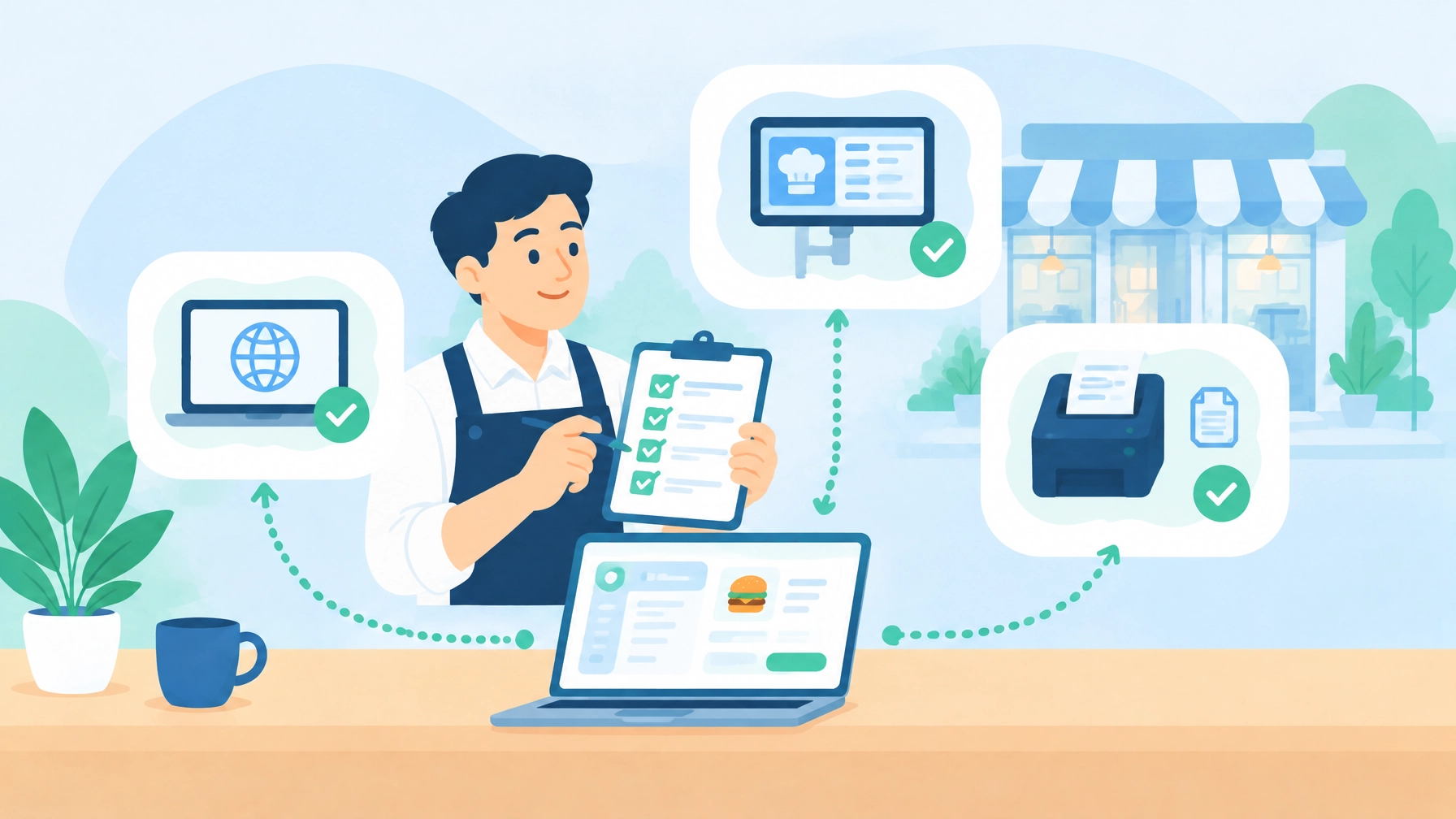
A new software subscription can look like a quick fix until Monday morning arrives. Your team needs to learn a new process, customer records may need to move, and the old way of working cannot simply stop while everyone figures it out. A software change management plan gives your business a practical way to make that transition without creating avoidable disruption.
For a Texas contractor, retailer, restaurant, or professional service firm, the stakes are usually straightforward: missed leads, confused customers, duplicate work, and staff frustration cost time and money. The goal is not a corporate-style project plan with endless meetings. It is a clear, right-sized process that helps people adopt the new tool and keeps the business operating.
What a software change management plan should accomplish
Software change management is the people and process side of adopting, replacing, or significantly updating a business system. It covers more than switching on an account. It sets expectations, assigns ownership, prepares data, trains users, and checks whether the new process is actually working.
A useful plan answers several basic questions before the rollout starts: What business problem are we solving? Who will use the system every day? What needs to happen to customer data and current workflows? How will we know the change has succeeded? And what happens if a critical issue appears during the transition?
This matters most when software touches revenue or customer experience. Replacing a CRM, launching a sales outreach platform, moving to a new restaurant operations system, or adding live chat changes the way employees perform routine work. The software may be easy to buy, but adoption still needs direction.
Start with the business case, not the feature list
It is easy to choose software based on a long list of features and then ask the team to adjust. A better approach starts with the operational issue that is costing the business the most.
For example, a home services company may need faster lead follow-up because web inquiries sit unanswered after business hours. A local restaurant may need a clearer process for orders, promotions, or customer loyalty. A B2B firm may need a more organized way to manage prospects and email outreach. Those are different problems, so they require different tools and rollout plans.
Write a short statement that connects the change to a measurable outcome. “Reduce the time to respond to new leads from one business day to one hour” is more useful than “improve communication.” “Give front-desk staff one place to view customer conversations” is clearer than “modernize customer service.”
That statement also prevents scope creep. If you are implementing a CRM to organize leads, do not turn the first phase into a full rebuild of every marketing process, reporting dashboard, and internal policy. Small businesses often get better results by solving one high-value problem well, then expanding after the team has settled into the new process.
Assign one accountable owner
Every software rollout needs a person who owns the decision-making process. That does not mean the owner must complete every task. It means employees know where to take questions, who approves workflow changes, and who decides whether the launch is ready.
In a smaller business, this may be the owner, office manager, sales manager, or operations lead. Choose someone who understands the daily work affected by the change and has enough authority to make decisions. Handing the project to the most technically confident employee can backfire if that person does not understand how customer requests, sales handoffs, or fulfillment actually work.
The accountable owner should identify the people most affected by the change early. Include a few frontline users before finalizing settings and workflows. They often spot practical problems that are invisible in a software demo, such as a required customer field that slows down calls or a notification setting that creates too much noise.
Map the current process before changing it
You do not need a complicated process diagram. A simple written walkthrough is enough: where a new lead comes from, who responds, where notes are stored, how work is assigned, and when the customer receives an update.
Then identify what will change. If you are introducing EngageBay for contact management and marketing automation, decide which team member owns new contacts, what information is required, and when a lead moves to sales. If you are considering Smartlead for outbound email, define the approved sending process, messaging review, lead-source rules, and who monitors replies. For customer conversations, LiveChat may fit businesses that need website visitors routed quickly to the right person, but someone still needs to own response coverage and escalation.
The point is not to copy every old step into the new platform. Some existing steps are inefficient precisely because the previous tools were limited. Keep the steps that protect service quality, compliance, or accountability. Remove the ones that exist only because employees have been working around outdated systems.
Build the rollout in phases
A phased rollout reduces risk, particularly when the new software affects customer records or active sales opportunities. Start with a small, representative group of users or a limited workflow. This is often called a pilot, but it can be as simple as one location, one sales team, or one service line using the system first.
During that phase, check whether the data is accurate, notifications are useful, permissions are appropriate, and employees can complete the most common tasks without workarounds. A pilot also gives you a chance to refine training materials based on real questions rather than assumptions.
For lower-risk changes, such as launching a digital loyalty program through BoomerangMe, the rollout can be quicker. Even then, decide how customers will be invited, who handles questions at the counter, and what staff should say about the program. A loyalty platform only helps if employees understand how it fits the customer experience.
Avoid running two full systems indefinitely. Parallel operation can be useful for a short period when accuracy is critical, but it becomes expensive and confusing when employees are expected to update both platforms. Set a specific date for the old process to end, along with any exceptions that require temporary access.
Prepare data, access, and safeguards
Data migration is where a simple change can become a serious operational problem. Before importing contacts, customer histories, product information, or account records, decide what deserves to move. Old duplicates, incomplete records, and unused custom fields can make a new system harder to use from day one.
Create a backup of important data and test a small import before moving everything. Confirm that names, email addresses, phone numbers, notes, tags, and dates land in the correct fields. If data is sensitive, limit access based on job responsibilities and review who can export, edit, or delete information.
Also consider integrations. A new marketing platform may need to connect with a website form. A restaurant system may need to fit existing ordering or customer communication processes. Integrations can save time, but each connection adds another point to test and monitor. If an integration is not essential to the first launch, postponing it may be the wiser choice.
Employees do not need a tour of every feature. They need to know how to complete the tasks they perform during a normal shift or workday.
Training should cover the actual workflow: entering a new lead, responding to a customer, updating a deal, sending an approved campaign, or checking a report. Use realistic examples and give people a place to document questions. Short reference instructions can be more valuable than a long recorded presentation when someone is trying to help a customer in the moment.
Be direct about what is changing and why. Employees are more likely to use a new system when they understand that it will reduce duplicate entry, prevent missed follow-ups, or make customer information easier to find. If the software also creates new responsibilities, explain those plainly. Trust falls quickly when a rollout is presented as easier work but quietly adds several reporting tasks.
Measure adoption after launch
A launch date is not the finish line. For the first few weeks, review whether people are using the system consistently and whether the intended business result is moving in the right direction.
Useful measures depend on the project. You might track lead response time, the percentage of customer records completed, open sales tasks, campaign engagement, chat response time, or loyalty enrollment. Pair those numbers with short conversations with employees. Low usage may indicate resistance, but it can also reveal poor training, an unnecessary approval step, or a feature that does not fit the workflow.
Schedule a review after 30 days and again after 60 or 90 days. Keep what is working, adjust what is not, and document the final process. That ongoing review matters because software settings, staffing, and customer expectations change over time.
Choose software that fits your capacity
The best platform is not always the one with the most features. It is the one your team can realistically configure, learn, and maintain while running the business. A simpler tool with clear ownership often delivers more value than an advanced system that sits half-finished.
Before subscribing, compare pricing, user limits, essential integrations, available training resources, and the effort required to move your existing data. Be especially cautious about annual commitments if you have not confirmed that the software fits your real workflow. MBH Web Services may earn commissions when readers choose certain software through qualifying links, but the right choice should still be based on your business needs rather than a recommendation alone.
Treat your software change management plan as a working operating document, not paperwork for its own sake. When the next tool promises to save time or improve customer follow-up, you will have a repeatable way to decide whether it fits, introduce it responsibly, and give your team a fair chance to make it work.