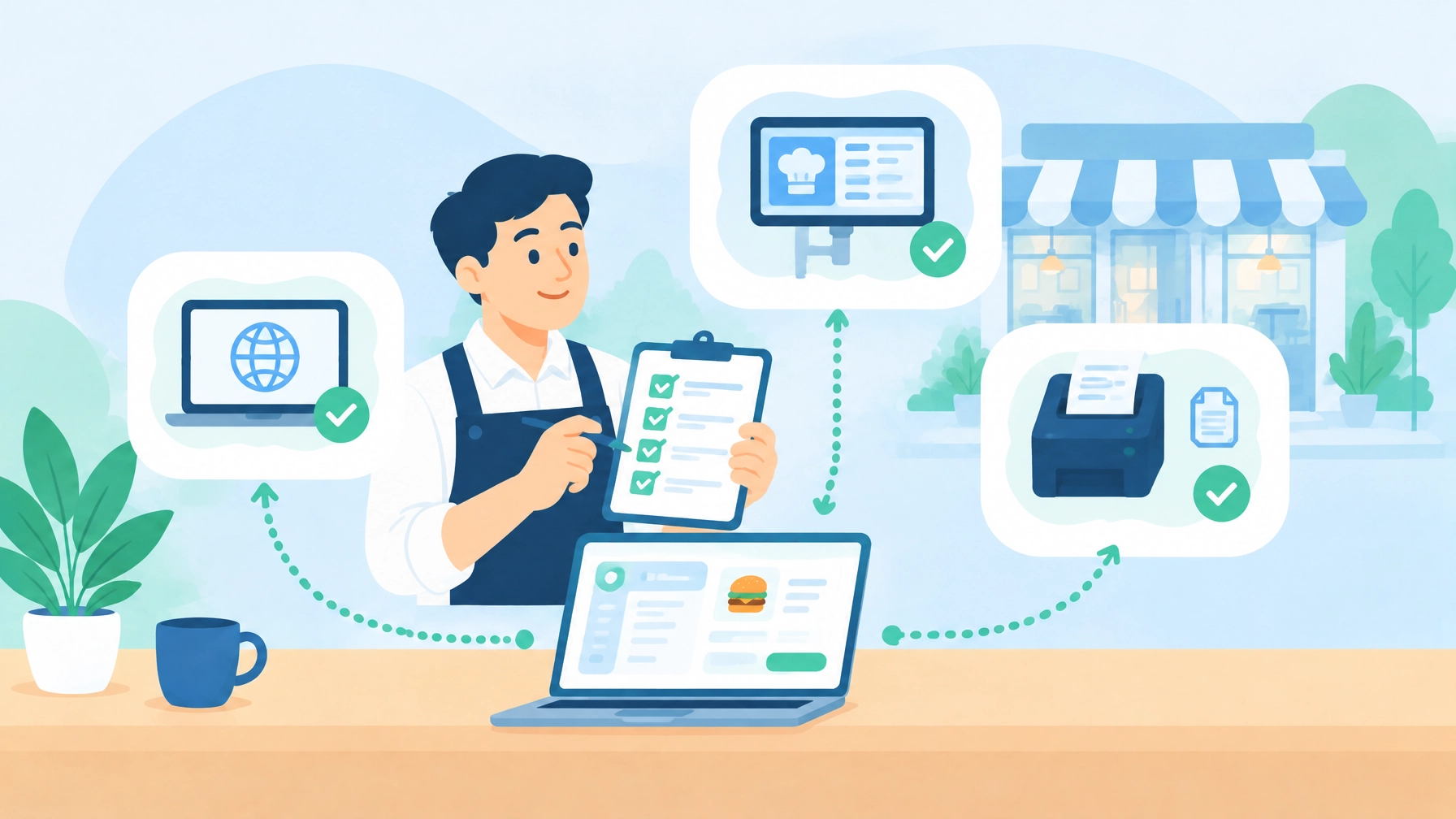
You may not need to replace every device to try restaurant software. You also should not assume that an existing printer, terminal, and tablet will all work together because the software runs in a browser.
A Restomas hardware compatibility checklist should separate those questions. Restomas says its platform works in modern browsers on desktop computers, tablets, and smartphones. That is useful for evaluating device access, but it is not a model-by-model guarantee for every restaurant peripheral. (Restomas device overview)
Before buying equipment for Restomas, test the devices you have and get specific answers about anything that must connect to them.
Make a Restomas hardware compatibility checklist by job
Consider an illustrative café owner, Priya. The café has a counter laptop, an older tablet, a kitchen display, a receipt printer, and a card terminal.
Those are five different roles, not one compatibility question. Priya should list what each device must do during service.
- Counter device: Staff access and order review.
- Kitchen display: Clear order visibility and handling.
- Customer phone: Menu access and the intended guest workflow.
- Receipt printer: A specific required print output.
- Payment terminal: A separately confirmed payment path.
Record the model, operating system, browser, and connection method where relevant. “We have an iPad” is less useful to support than the model, software version, and task it must perform.
Do not replace the older tablet merely because it is older. Test the intended job before making a purchase.
Test the browser with a service task
Restomas describes browser-based access and a kitchen display workflow. Priya should verify those functions on the actual devices instead of stopping at a successful login. (Restomas browser and kitchen display features)
Run a representative sequence: open the working screen, receive a test order, read its details, and complete the expected staff action. Include a realistic modifier or note if the menu uses them.
Inspect:
- Text size at the normal working distance.
- Touch accuracy or mouse access.
- Loading and response during the test.
- Screen sleep and power behavior.
- Whether staff can distinguish a new order from an old one.
These are recommended acceptance checks, not published minimum specifications. If the browser or device cannot complete the task reliably, ask the vendor for supported requirements before blaming or replacing unrelated equipment.
For Priya, a tablet that loads the dashboard but cannot be read from the kitchen station has not passed.
Treat printer support as a separate written question
A browser-based application does not automatically support every receipt printer. The Restomas overview is not a substitute for confirmation of Priya's exact printer and intended print workflow. (Restomas product overview)
Give the vendor a precise request:
- Model: The full printer model.
- Connection: USB, network, Bluetooth, or another method.
- Host device: The device and operating system sending the job.
- Output: Customer receipt, kitchen ticket, or another document.
- Requirement: Whether printing is essential or optional for launch.
Ask whether the connection is supported, what software or bridge is required, and who supports the complete path. Get those answers before ordering replacement hardware.
If a kitchen display covers the intended need, Priya may choose a pilot without printing. That is a workflow decision to confirm, not a claim that paper is unnecessary for every restaurant.
Check the network where staff actually work
Priya should test at the counter and kitchen station, not beside the router. A working browser on the office computer does not establish that a device at the back of the kitchen has a dependable connection.
Use the actual network and inspect the normal service conditions. Identify who owns the Wi-Fi, device charging, and recovery when a connection fails.
Ask the vendor what happens during an interruption and which recovery steps are supported. Do not assume offline ordering or automatic reconciliation unless the provider confirms it for the intended setup.
Create a simple staff fallback that avoids duplicate orders. If an order's status is uncertain, verify the original before entering it again.
The recommendation is operational: the restaurant needs a safe response to uncertainty, not merely a screen that works under ideal conditions.
Keep payment hardware out of the assumption pile
Restomas's catalog identifies payment processors used with the restaurant's own account. It does not establish compatibility for every existing card terminal. (Restomas payment-provider catalog)
Priya should therefore confirm terminal reuse separately from browser access. Ask about the exact provider, account, country, device, and connection method.
A restaurant can pass the menu and kitchen tests while still having an unresolved payment-equipment question. Keep those approvals separate so one successful demonstration does not imply that everything is ready.
Buy only after the missing requirement is clear
Priya's final list should show which devices passed, which need a supported change, and which need vendor confirmation. That turns equipment buying into a response to evidence rather than a guess.
Evaluate Restomas on the actual counter and kitchen workflow before purchasing replacement devices. MBH Web Services can help coordinate the checks if you want assistance, but the goal is a setup the restaurant can operate, not a shopping list of unnecessary hardware.