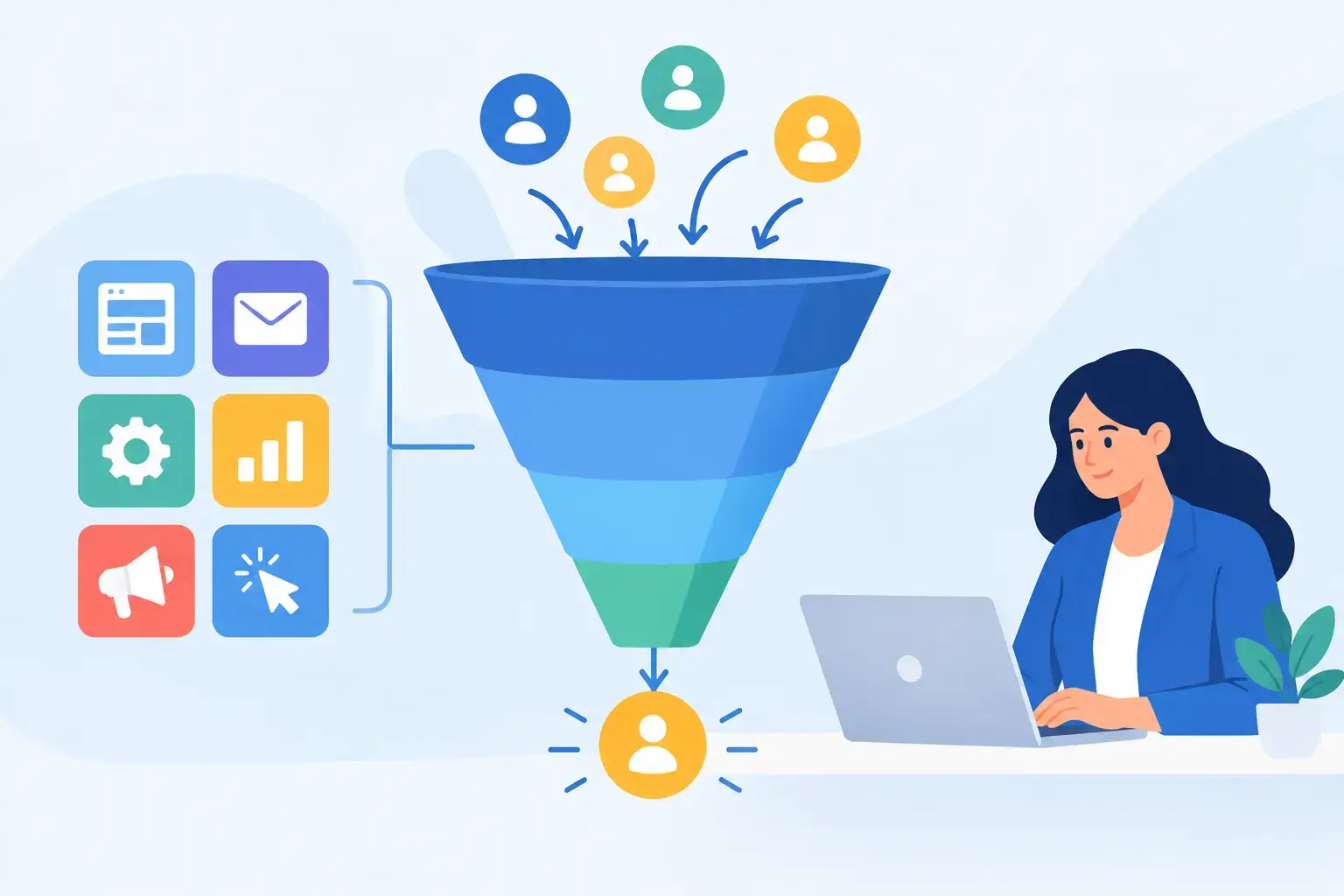
A missed follow-up can cost more than a missed call. When a prospect requests a quote, a customer has not returned in six months, or a lead downloads a guide, email software gives your business a way to respond consistently without adding another manual task to an already full day.
For Texas small businesses and growing teams nationwide, the best choice is rarely the platform with the longest feature list. It is the one that fits how you acquire customers, how often you communicate, and who will actually use it after the initial setup. A contractor sending estimate follow-ups needs something different from a restaurant promoting weekday specials or a B2B firm running outbound prospecting campaigns.
What Email Software Should Do for a Small Business
At a basic level, email software stores contacts, sends messages, and tracks engagement. That is useful, but it is not enough reason to pay for a platform. The real value comes from turning routine communication into a repeatable process.
A practical system should help you capture leads, organize them by interest or customer status, send relevant messages, and see what happens next. If someone opens three emails but never books an appointment, your sales team should be able to spot that behavior. If a new customer needs a welcome series, the sequence should run automatically rather than depend on someone remembering to send it.
Most small businesses should look for four core capabilities: contact segmentation, email templates, automation, and reporting. Segmentation lets you send different messages to prospects, active customers, and past customers. Templates save time while keeping your brand consistent. Automation handles follow-ups and scheduled campaigns. Reporting shows whether people are opening, clicking, replying, or unsubscribing.
The right balance depends on your operation. A simple newsletter tool can be enough for a local service business with a small contact list. A company with multiple salespeople, lead forms, and longer buying cycles may need email tied directly to a CRM.
Start With the Job the Software Must Handle
Before comparing plans, write down the one or two communication problems you need to solve first. This prevents a common mistake: buying an advanced platform for features you will not use while overlooking the workflow that actually matters.
For marketing-focused businesses, the priority may be sending promotions, seasonal offers, educational newsletters, and post-purchase follow-ups. An HVAC company might use email to remind customers about maintenance before peak summer demand. A retail store could bring back lapsed shoppers with a targeted offer. In these cases, attractive campaign builders, customer segments, and basic automations are usually more valuable than complex sales tools.
For sales-led businesses, the job may be tracking leads and prompting timely follow-up. A commercial supplier, agency, consultant, or B2B service provider often needs email connected to deal stages, notes, and tasks. The goal is not simply sending more email. It is helping the team know who needs a response and what conversation has already happened.
Outbound prospecting is a separate use case. It requires careful list quality, thoughtful personalization, sensible sending limits, and attention to email deliverability. A platform built for newsletter marketing is not always the best fit for cold outreach. Smartlead is worth considering for businesses running structured outbound campaigns, particularly when sales teams need campaign management and sending infrastructure designed around prospecting. It is less appropriate if your primary need is customer newsletters and promotional emails.
When a CRM With Email Makes More Sense
Separate email tools can work well, especially when your needs are limited to campaigns and simple automation. But a disconnected setup creates extra work when your team also manages quotes, calls, appointments, and sales opportunities. Contacts get duplicated, reporting becomes harder to trust, and follow-up can fall through the cracks.
That is where a CRM platform with built-in email marketing can make sense. EngageBay is a relevant option for small businesses that want contact management, marketing emails, automation, and sales activity in one system. It can be a practical fit for teams that have outgrown spreadsheets but do not need an enterprise-level platform.
The tradeoff is that an all-in-one system takes more planning. You need to decide how contacts enter the database, which fields matter, how leads are assigned, and which actions should trigger an email. Those decisions are not technical for the sake of being technical. They determine whether the system helps your team work faster or becomes another subscription nobody fully uses.
Businesses selling digital products, courses, or simple online offers may also want to evaluate Systems.io. Its broader funnel and email capabilities can be useful when the customer journey includes landing pages, automated email sequences, and online sales steps. It may be more than a traditional local service business needs, but it can reduce the number of separate tools for the right business model.
Features That Matter More Than a Fancy Dashboard
A polished dashboard does not guarantee a good fit. Focus on the daily tasks your team will perform and the information you need to keep clean.
First, check contact management. Can you import your existing list without creating a mess? Can you add tags such as “new lead,” “customer,” “quote sent,” or “inactive”? Can your team quickly see a contact’s email history? Poor contact organization is one of the fastest ways to make email marketing feel ineffective.
Next, evaluate automation in plain language. You should be able to create useful workflows such as sending a welcome email after a form submission, following up after a quote, or asking for a review after a completed service. Start with a few high-value automations. A complicated sequence with too many branches can be difficult to maintain and harder to troubleshoot when something changes.
Deliverability also deserves attention. This is the likelihood that your messages reach the inbox rather than the spam folder. Good deliverability depends partly on the platform, but your own practices matter just as much. Use permission-based contact lists, avoid purchased lists, remove inactive addresses when appropriate, and set up your sending domain correctly. No email platform can fix a low-quality list or messages recipients do not want.
Finally, look at reporting that supports decisions. Open rates can offer a general signal, but they are not the whole story. Clicks, replies, booked appointments, purchases, and revenue are more meaningful indicators. If reporting cannot connect email activity to a business outcome, you may be measuring effort instead of results.
Compare Pricing With Your Actual Growth Plan
Email software pricing often looks affordable at first because entry plans support a limited number of contacts or emails. Costs rise as your list grows, when you add users, or when advanced automation and CRM features sit behind a higher tier. Read the plan limits before importing your full database.
Consider how your list will grow over the next 12 months, not only its size today. Also check whether the provider charges based on contacts, monthly sends, users, or a combination of those factors. A lower monthly price is not necessarily the lower long-term cost if it forces you to upgrade quickly or add separate tools later.
Free plans can be useful for learning the interface or sending a basic newsletter. They are less useful when core needs such as automation, segmentation, removal of platform branding, or reporting require an upgrade. A paid plan is easier to justify when it replaces manual follow-up or helps the team act on leads faster.
Set Up the Basics Before Sending a Campaign
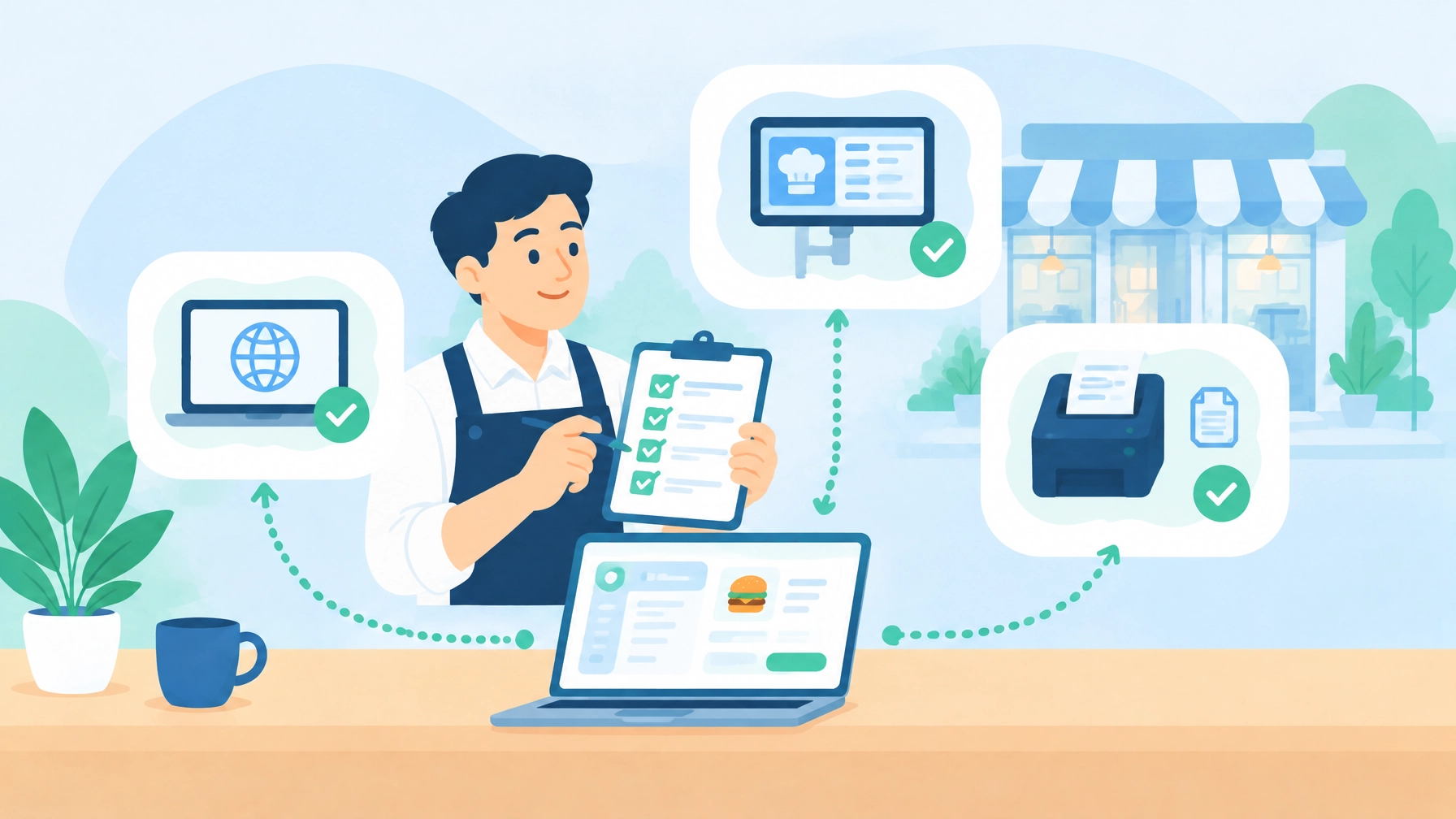
Choosing the platform is only the first decision. Before you send customer emails, establish a clean foundation. Import contacts carefully, remove obvious duplicates, and document what each tag or lifecycle stage means. Set up your branded sending address and complete the provider’s domain authentication steps. These actions support credibility and inbox placement.
Then create a small set of reusable templates: a welcome message, a quote follow-up, a customer check-in, and a promotional campaign if relevant. Keep each email focused on one next step. Ask the reader to reply, schedule, request a quote, or view an offer, rather than giving them five competing choices.
It is also wise to assign ownership. Someone should be responsible for reviewing bounced emails, unsubscribes, automation errors, and campaign results. Software can reduce manual work, but it still needs periodic oversight as your offers, team, and customer journey change.
MBH Web Services may earn a commission when readers choose certain software through qualifying links. That does not make one platform the automatic answer. For a business that needs marketing and contact management together, explore EngageBay’s features and current pricing. For a sales team focused on outbound prospecting, compare Smartlead’s workflow and sending options against your deliverability needs.
Choose email software that makes the next customer conversation easier to start, easier to track, and harder to forget. That is a better standard than chasing the most features for the lowest advertised price.