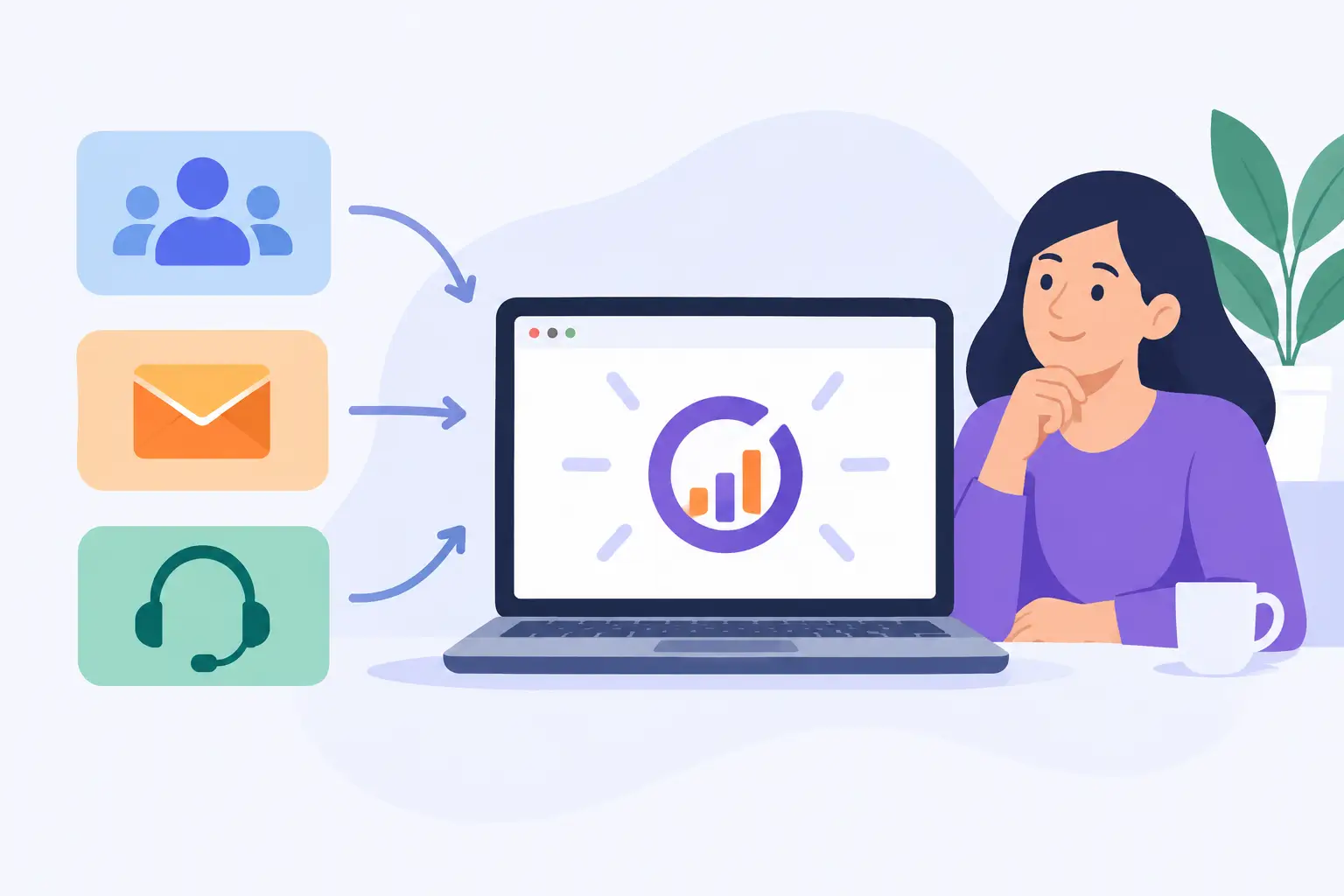
A growing business can end up paying for a CRM, an email platform, a helpdesk, chat software, and several connectors just to keep customer information moving. The practical question is: can EngageBay replace your separate CRM, email marketing, and helpdesk tools? For many small and mid-sized teams, it can reduce the number of systems they manage. But the better answer depends on the capabilities you use today, the complexity of your processes, and how carefully you implement the change.
EngageBay combines customer relationship management, sales tools, marketing automation, customer service features, and live chat in one platform. That shared foundation can eliminate duplicate contact records and reduce the manual work required to keep separate teams informed. It does not automatically mean every organization should consolidate. A platform replacement should be evaluated as an operational decision, not just a subscription-cost decision.
EngageBay is most likely to work as a consolidated platform when a business needs connected core functions rather than highly specialized tools. A sales representative can see marketing activity, such as email opens or form submissions, alongside deal information. A support agent can review customer history before responding to a ticket. Leadership can get a more complete view of the customer lifecycle without building reports across several systems.
For a smaller organization, that visibility is often the primary benefit. When marketing, sales, and service each maintain a separate contact database, records drift. One system may have an updated phone number, another may show a different account owner, and the helpdesk may have no context for an active sales conversation. A unified platform gives teams a better chance to work from the same record.
CRM and sales management
EngageBay can replace a basic or moderately configured CRM for teams that need contact management, companies and deals, pipelines, tasks, appointment scheduling, and sales automation. It is a reasonable fit when sales processes are clear and repeatable, such as qualifying inbound leads, moving opportunities through defined stages, and following up on proposals.
The CRM is especially useful when marketing activity should influence sales follow-up. A lead who visits a pricing page, downloads a guide, or responds to a campaign can be routed to the appropriate salesperson with that context available.
It may be less suitable as a full replacement if your current CRM supports highly customized objects, intricate territory rules, advanced forecasting, complex partner sales operations, or extensive industry-specific workflows. Those requirements do not rule out EngageBay, but they should be tested before a migration is approved.
Email marketing and automation
For many businesses, email marketing is the easiest separate tool to consolidate. EngageBay supports email campaigns, forms, landing pages, segmentation, automated journeys, and contact scoring. A company that primarily sends newsletters, nurture campaigns, event follow-ups, and straightforward sales sequences may find that these capabilities cover its day-to-day needs.
The advantage is not simply sending email from a different system. It is using the same contact history that sales and service teams use. Marketing can segment based on lifecycle stage, prior purchases, support activity, or deal status, provided the data is organized correctly. Sales teams can also avoid sending one-to-one outreach that conflicts with an active marketing sequence.
There are trade-offs. A dedicated enterprise email platform may offer deeper template controls, more elaborate analytics, a larger integration ecosystem, or more sophisticated testing options. Organizations with large sending volumes, complex multi-brand programs, or strict deliverability requirements should review those needs closely. Migration also requires careful work on consent records, suppression lists, authentication settings, and sender reputation.
Helpdesk, ticketing, and live chat
EngageBay can replace a separate helpdesk for teams handling common customer service workflows: ticket intake, assignments, status tracking, agent responses, live chat, and basic service reporting. A shared customer record is valuable here. Agents can see whether a customer is in an onboarding sequence, has an open deal, or recently received a campaign before they respond.
This approach works well for small service teams that need consistency more than deep specialization. It can bring customer conversations out of individual inboxes and create a more accountable process for response and resolution.
A separate helpdesk may remain the better choice when support operations depend on advanced service level agreement management, complex routing, large knowledge bases, extensive customer portals, field service coordination, detailed quality assurance, or a high-volume contact center. Consolidation is not useful if it removes essential service controls.
Not without a plan. The software may centralize functions, but implementation determines whether employees see it as an improvement or another system they need to work around. The most common failure is trying to reproduce every legacy process before teams have agreed on which processes still deserve to exist.
Start with a process review. Identify how a new inquiry becomes a lead, who owns the next step, when marketing communications should stop, how a customer receives support, and how closed tickets or renewals affect future outreach. If these handoffs are unclear now, moving them into one platform will make the gaps more visible, not solve them on its own.
Data preparation comes next. Contact records should be deduplicated, inactive fields removed, ownership rules clarified, and required consent data preserved. Importing every historical record without standards can create a cluttered workspace on the first day. Decide which fields are necessary for sales, marketing, and support teams, then map them consistently.
Configuration should follow the real operating model. Build only the pipelines, ticket categories, automations, and templates that employees will use at launch. A phased rollout is often safer than activating every feature at once. For example, a business might first move its CRM and core sales follow-up, then bring over marketing campaigns after sender authentication and segmentation have been validated, and finally transition support tickets.
Training should be role-based. Sales employees need practical guidance on contacts, deals, follow-ups, and activity records. Marketing users need to understand lists, permissions, automations, and reporting. Support agents need ticket workflows, response standards, and escalation procedures. Generic platform training rarely creates reliable adoption because it does not answer what each person must do in their daily work.
The cost question is larger than subscriptions
Replacing multiple subscriptions with one platform can lower direct software costs, particularly when a business is paying for overlapping contact databases and integration tools. It may also reduce administrative effort by limiting user provisioning, billing reviews, vendor support requests, and connector maintenance.
Those savings should be measured against migration, configuration, training, and ongoing administration. A lower monthly price does not help if automations fail, reporting becomes less useful, or staff continue using old tools because the new workflow was not adopted. The financial case is strongest when the business can retire systems completely and simplify the work around them.
Consider integration needs as well. Accounting, ecommerce, scheduling, document signing, payment, and internal collaboration tools may still need to exchange information with EngageBay. Confirm what data must move, how often it must update, who will monitor failures, and what happens when an integration changes. One platform can reduce fragmentation, but it will not eliminate every connection in a modern software environment.
A practical decision framework
EngageBay is a strong candidate for consolidation when your organization has a manageable sales process, standard email marketing requirements, a modest support operation, and a clear desire for one customer record. It is also a practical option when the biggest current problem is not a missing feature but the operational burden of keeping separate tools and teams aligned.
Keep specialized systems, or plan a hybrid environment, when a function is mission-critical and requires advanced depth that an all-in-one platform cannot provide. For example, a company may use EngageBay for CRM and marketing while retaining a specialized helpdesk for a large support organization. That is not a failed consolidation effort. It is a deliberate architecture based on business requirements.
Before committing, run a focused evaluation using real scenarios: a lead submits a form, enters an email sequence, becomes a deal, purchases, opens a support ticket, and receives follow-up communication. Ask the employees who perform those tasks to validate the workflow. Their experience will reveal more than a feature checklist.
For organizations that want a single accountable partner through selection, setup, migration, training, and maintenance, MBH Web Services can help turn that evaluation into a supported operating plan. The goal is not to own fewer software subscriptions for its own sake. It is to give your team a customer system they can use confidently, maintain consistently, and improve as the business grows.