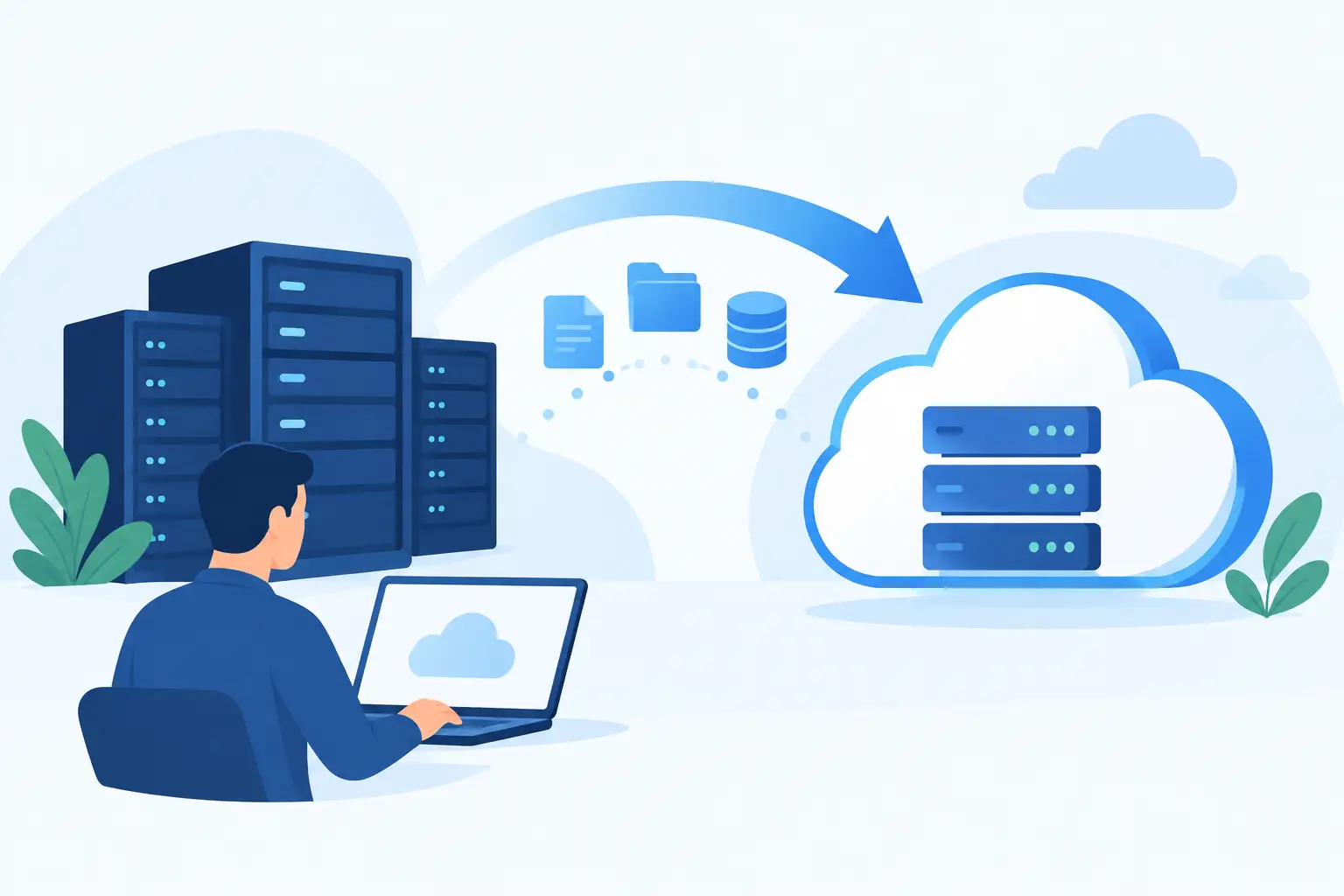
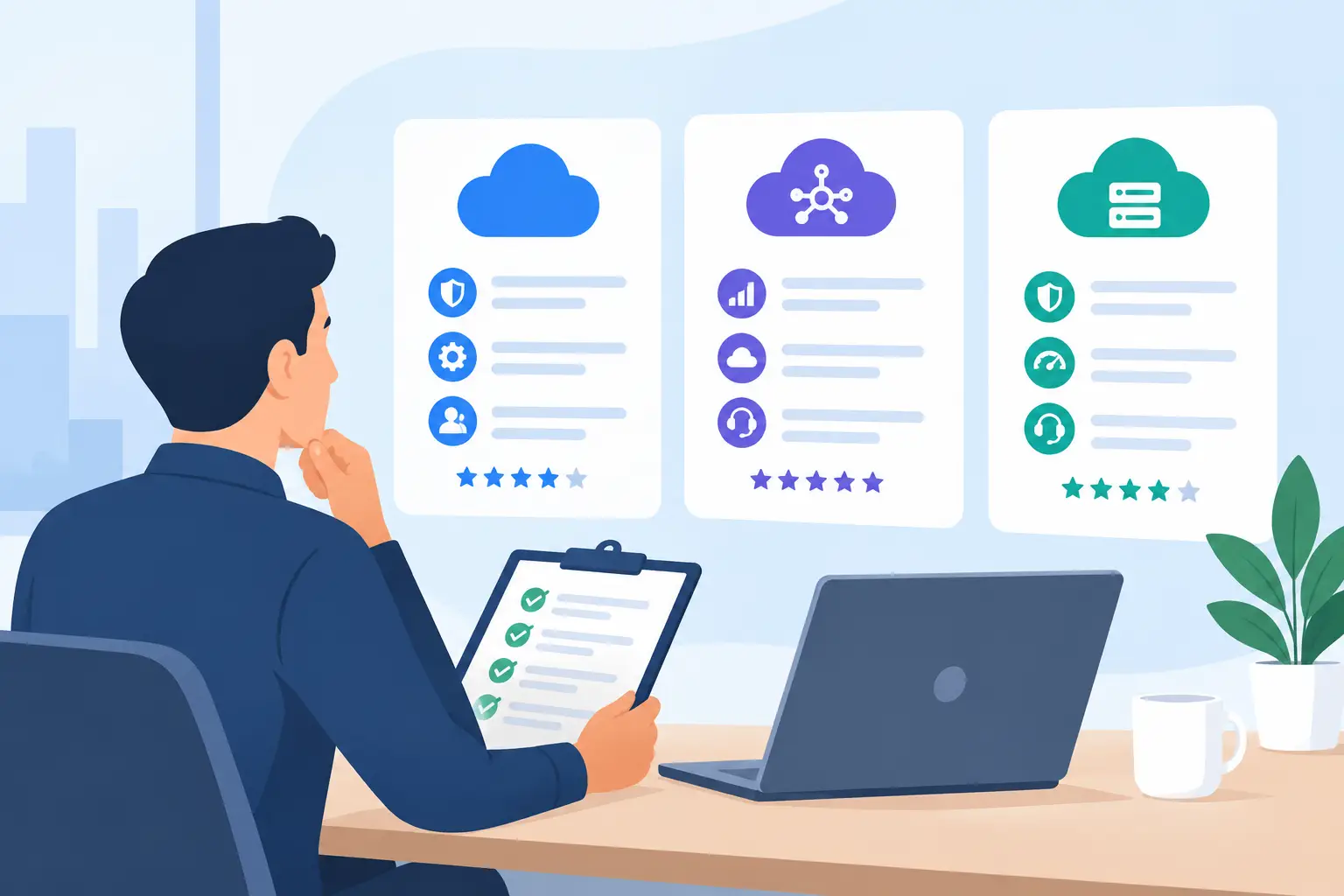
A cloud migration can look straightforward until a team has to keep serving customers, processing invoices, managing projects, and protecting records while the change is underway. Cloud software migration support gives growing businesses a practical way to move to a new platform without leaving employees to solve configuration issues, data questions, and vendor handoffs on their own.
For most small and mid-sized businesses, the software purchase is not the difficult part. The difficult part is turning that purchase into a reliable working system. A new cloud platform may promise better visibility, automation, or collaboration, but those benefits depend on how the system is configured, how information is moved, and whether employees know how to use it in their daily work.
Why Cloud Software Migration Support Is More Than Data Transfer
Migration is often described as moving files or records from one system to another. That is one part of the work, but it is rarely the whole job. A successful transition also requires decisions about user access, permissions, workflows, integrations, reporting, security settings, and the process employees will follow after launch.
Consider a business replacing a shared spreadsheet process with a cloud-based project management or customer relationship platform. The historical data may transfer correctly, yet the project can still fail if teams do not agree on who updates records, which fields are required, or how managers review activity. The platform becomes another source of incomplete information instead of a dependable operating tool.
Effective support addresses both the technical and operational sides of the migration. It connects the platform's capabilities to the way the business actually works. That may mean simplifying an existing process rather than reproducing every old workaround in a new system.
Start With the Operating Need, Not the Feature List
Software vendors provide feature descriptions, setup documentation, and support channels. Those resources are useful, but they do not automatically account for a company's priorities, staffing, or existing process gaps. Before a migration begins, the business needs clarity about what the new system must accomplish.
That conversation should identify the workflows that cannot be interrupted, the information that must remain accurate, and the teams most affected by the change. An operations leader may be focused on reporting consistency, while an IT administrator may need clear access controls and a department manager may be concerned about adoption. Each concern is valid, and the migration plan should account for all of them.
This is also the right time to decide what should not move. Older records, duplicate contacts, unused fields, and outdated permissions can create unnecessary complexity in the new environment. Carrying every item forward may feel safer, but it can make configuration harder and reduce confidence in the new system. The right choice depends on regulatory retention needs, reporting requirements, and the practical value of historical data.
Build a Migration Plan Around Daily Work
A useful migration plan is specific enough to guide people through the change without becoming a document no one uses. It defines the source and destination systems, assigns responsibility for decisions, establishes a timeline, and sets clear checkpoints before launch.
The plan should also separate tasks that are often grouped together. Data preparation is different from data import. Account setup is different from workflow configuration. User training is different from ongoing support after employees begin using the platform under real business conditions.
A staged approach is often the most dependable option. A team can configure the platform, test a limited set of records and workflows, gather feedback from representative users, and correct issues before the full rollout. This process may take longer than switching everything at once, but it reduces the risk of discovering critical problems when the entire organization is already dependent on the new system.
For a smaller migration with limited users and simple data, a direct cutover may be appropriate. For systems tied to customer activity, financial processes, compliance requirements, or several departments, phased implementation usually provides more control. The right path depends on the business impact of downtime and the complexity of the existing environment.
Cloud software is designed to serve many types of organizations. That flexibility is useful, but it also means default settings may not support a particular business without thoughtful configuration. User roles, notifications, approval paths, naming conventions, required fields, and reporting views all shape the employee experience.
Poor configuration creates avoidable friction. Employees may see information they do not need, miss tasks that require attention, or enter data in inconsistent ways. Managers may struggle to pull accurate reports because teams are using different fields or statuses for the same activity.
A support partner can help translate business requirements into practical settings. The goal is not to customize every part of the platform. Excessive customization can make maintenance more difficult and may limit future upgrades. Instead, the focus should be on the configuration decisions that improve control, adoption, and visibility without adding unnecessary complexity.
Treat Data Validation as a Business Checkpoint
Data migration is complete only when the business can trust the information in the new system. That requires more than confirming that a file imported without errors. Teams should validate record counts, required fields, relationships between records, dates, ownership assignments, and the reports that leaders rely on.
It is especially important to test the information that drives customer service, billing, sales follow-up, inventory decisions, or project delivery. A missing note or duplicated record may be inconvenient. An incorrect account owner, incomplete financial record, or broken integration can disrupt operations and create customer-facing problems.
Validation should involve the people who understand the records, not only the people managing the technical setup. Department users are often best positioned to identify whether the data is meaningful in context. Their feedback can reveal issues that an import log will not show.
User Onboarding Is Part of the Migration
A new platform cannot deliver value if employees avoid it, use it inconsistently, or continue maintaining the old process in parallel. Training should be tied to roles and real tasks rather than limited to a general tour of the software.
For example, a manager may need to approve requests and review dashboards, while a frontline employee needs to create records, update status, and respond to alerts. Their training needs are different. Giving each group a practical starting point helps them build confidence faster.
It also helps to establish clear expectations for the first several weeks after launch. Employees need to know where to ask questions, which system is the source of truth, and what to do when they find an issue. Without that guidance, teams often create informal workarounds that weaken the purpose of the migration.
Plan for Support After Go-Live
Go-live is a milestone, not the end of the work. Once employees begin using a cloud platform every day, new questions appear. Permissions may need adjustment, reports may require refinement, integrations may need attention, and a vendor update can change a familiar process.
Ongoing maintenance gives businesses a way to address these issues before they become larger operational problems. It provides continuity when staff changes occur or when the business adds new users, departments, or workflows. Rather than relying on scattered internal knowledge, the organization has a defined support path and a partner familiar with the implementation.
This continuity is particularly valuable for companies without a large internal IT team. Business leaders should not have to choose between delaying improvements and assigning software administration to an employee who already has a full-time role.
MBH Web Services supports the full lifecycle of third-party SaaS adoption, from product setup and implementation through user onboarding and continued maintenance. That approach gives customers a single accountable resource for the practical work that follows a software purchase.
What to Expect From a Capable Support Partner
The best migration support is not measured only by how quickly a platform is activated. It is measured by whether the business can use the system reliably after the transition. A capable partner asks practical questions, documents key decisions, coordinates the work across stakeholders, and remains available as the platform becomes part of daily operations.
They should also be direct about scope. Some issues belong with the software vendor, while others involve internal business decisions, data ownership, or third-party systems. Clear accountability prevents the common problem of being passed between providers when something needs to be resolved.
Before committing to a migration, identify the process that causes the most friction today and define what better looks like after implementation. Start there, involve the people who do the work, and give the new platform the support it needs to become a dependable part of the business.