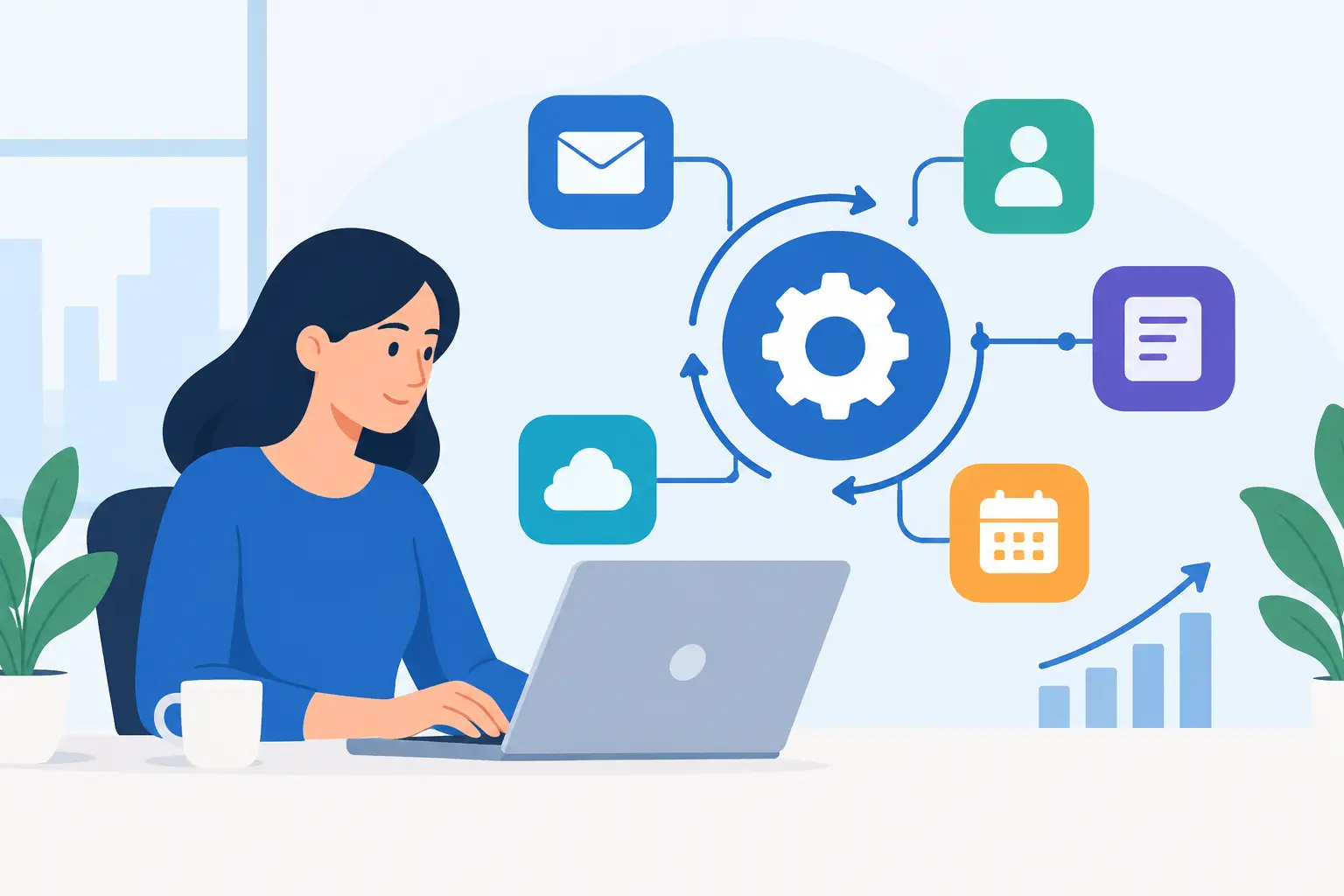
A missed web inquiry at 4:45 p.m. can turn into a competitor’s new customer by the next morning. That is why workflow modernization examples matter to small businesses: the goal is not to replace every familiar process with software. It is to remove the handoffs, delays, and repeat work that cost revenue or keep owners stuck in routine administration.
For a Texas contractor, retailer, restaurant, or professional service firm, modernization usually starts with one recurring bottleneck. Pick a workflow with a clear business consequence, put one owner in charge of it, and measure whether the new process actually improves response time, sales activity, or customer retention.
1. Capture and route new leads automatically
Many small businesses still collect leads through a website form, voicemail, social media message, or emailed referral, then rely on someone to manually copy details into a spreadsheet. That gap is where fast-moving prospects disappear.
A modern lead workflow sends each inquiry into one central system, creates a contact record, and assigns the next action. For example, a Dallas home services company might route website estimate requests to a shared sales inbox, send an immediate acknowledgment, and create a task for a sales rep to call within 15 minutes during business hours.
EngageBay can be a practical fit for businesses that want contact management, forms, email marketing, and basic sales automation in one platform. It makes more sense than stitching together several entry-level tools when the business needs a shared customer record. The tradeoff is that an all-in-one system takes more initial setup and process discipline than simply forwarding form emails.
The measure to watch is not form submissions alone. Track time to first response and the percentage of qualified leads that receive a real conversation.
2. Make sales follow-up consistent
The first call is rarely the problem. The second, third, and fourth follow-up are where busy teams lose consistency. Modernizing this workflow means defining what happens after an inquiry, a proposal, or a no-response email instead of asking each salesperson to remember the sequence.
A simple process may create a follow-up task two days after a proposal, send a helpful email one week later, and flag the opportunity for a personal call after that. The messages should be specific to the buyer’s situation, not a stream of generic reminders.
For B2B teams with a high volume of targeted outreach, Smartlead is worth considering for organizing email campaigns and managing sending activity. It is better suited to deliberate outbound prospecting than to handling every type of customer relationship. A local accounting firm pursuing a defined list of commercial clients may find it useful; a neighborhood salon that mainly depends on repeat appointments probably needs a different priority.
Before automating follow-up, clean up the sales stages. If “contacted,” “quoted,” and “waiting” mean different things to different people, automation will simply make a confused process happen faster.
3. Turn new-customer onboarding into a repeatable sequence
A signed agreement or paid invoice should trigger a clear internal process. Without one, customers receive uneven communication, staff scramble to find details, and basic tasks get missed during busy weeks.
A modern onboarding workflow begins when a customer says yes. It can send a welcome message, collect required information through a form, notify the responsible team member, and schedule the next milestone. For a marketing agency, that might mean gathering brand assets and approving access. For a commercial cleaning company, it could mean confirming site requirements, contacts, and service dates.
Systeme.io can fit businesses that sell services, digital offers, or simple programs and need landing pages, email sequences, forms, and customer journeys in one place. It is often appealing to owners who prefer a straightforward toolkit over a large marketing stack. Its limitations become clearer when a company needs highly specialized CRM controls, complex account structures, or deep operational integrations.
The point is not to make onboarding feel impersonal. Automation should handle confirmation, reminders, and information collection so staff can spend their time answering questions that require judgment.
Customer retention often relies on memory: someone notices a regular has not returned, or an owner remembers to run a seasonal offer when sales slow down. A modern workflow uses purchase and engagement signals to prompt timely outreach.
A retail shop could send a reactivation offer to loyalty members who have not visited in 60 days. A café might reward frequent customers with points and send a birthday offer automatically. BoomerangMe is relevant for businesses that want to run digital loyalty programs without building a custom app. It is particularly useful where repeat visits matter, such as restaurants, salons, fitness studios, and local retailers.
Loyalty software is not a cure for weak service or an unclear offer. It works best when customers already have a reason to return and the reward is easy to understand. Owners should also consider whether staff can explain the program at checkout and whether customers will realistically use a digital pass.
5. Put customer conversations in one visible place
When questions arrive through a website chat, email inbox, phone message, and social channels, customers can receive duplicate answers or no answer at all. That is both a service issue and an operational one.
A shared communication workflow gives the team a central place to see active conversations, route requests, and preserve context. LiveChat can be a strong option for businesses that get meaningful website traffic and want to answer pre-purchase questions while a visitor is actively considering a purchase. For a Texas law office, for example, chat can help identify the type of matter and capture contact details without promising legal advice. For an ecommerce seller, it can address shipping or product questions before a shopper abandons a cart.
Live chat requires coverage expectations. If nobody can respond promptly, a contact form or clearly stated response window may serve customers better. The technology should match the team’s capacity, not create a new channel that goes unattended.
6. Standardize restaurant ordering and daily operations
Restaurants have a particularly high cost for unclear workflows. A handwritten note, missed modifier, delayed table update, or loosely managed staff task can affect guest experience and margins in the same shift.
Modern restaurant operations connect ordering, table management, customer data, and routine team actions where possible. Restomas is designed for restaurant-focused needs and may be a better match than a general CRM for operators who need technology built around food service workflows. It can be worth evaluating for restaurants that want a more organized approach to customer engagement and operations rather than adding another general-purpose marketing tool.
The tradeoff is change management. Front-of-house and kitchen teams need a process that is faster under pressure, not merely more detailed on paper. Start with one location or one service period, document the exceptions, and revise the workflow before making it standard.
7. Build a weekly management view instead of chasing updates
Modernization is not only customer-facing. Owners need a dependable view of what requires attention without asking every employee for an update. The workflow can pull key activity into a weekly review: new leads awaiting contact, proposals without a next step, unresolved customer questions, campaign performance, and retention activity.
This does not require a complicated business intelligence project. A CRM dashboard, a shared task view, and a brief weekly operating meeting may be enough for a 10-person company. The value comes from agreeing on what the numbers mean and who acts when something falls behind.
Avoid the temptation to track everything. An owner who sees 40 metrics is less likely to notice the five that affect cash flow and customer experience. Start with a small scorecard tied directly to the workflow you changed.
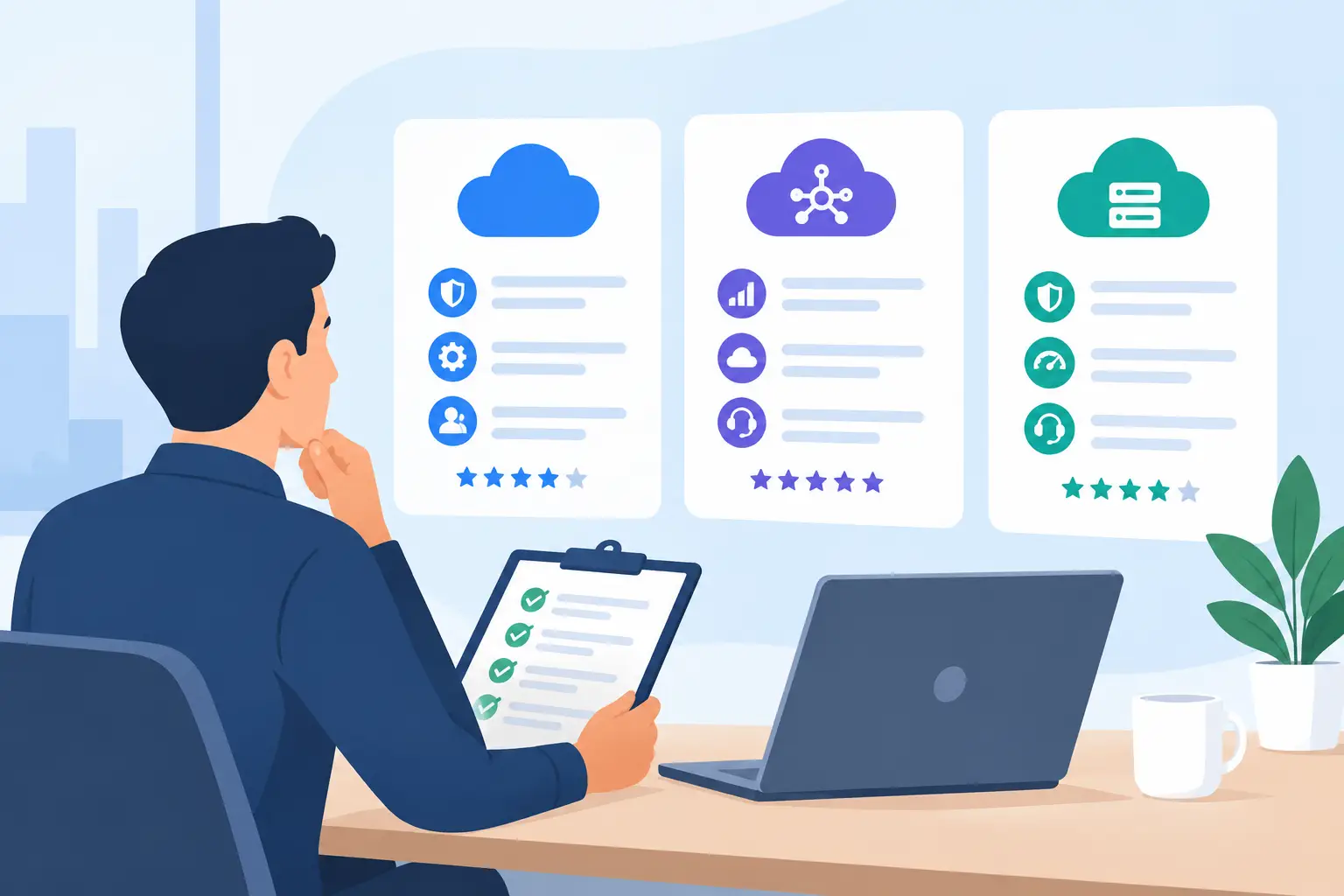
How to choose among workflow modernization examples
The best software choice depends on the job to be done. A business trying to generate B2B conversations may prioritize Smartlead. A company needing contacts, marketing, and sales follow-up under one roof may lean toward EngageBay. A repeat-visit business may get more value from BoomerangMe, while a website-driven company may prioritize LiveChat. Restaurant operators should assess restaurant-specific tools such as Restomas before forcing a general platform into a specialized environment.
Pricing matters, but so does the cost of partial adoption. A less expensive tool that staff never use is not cheaper in practice. Review the features you need now, the effort required to configure them, and what data or processes would be difficult to move later. Product plans and capabilities change, so review current pricing and feature details before making a subscription decision.
MBH Web Services may earn a commission when readers purchase software through qualifying partner links. That does not make every recommended platform right for every business. The useful question is simpler: which workflow is costing you the most time, missed revenue, or customer goodwill this month? Improve that one first, then let the results determine what deserves attention next.