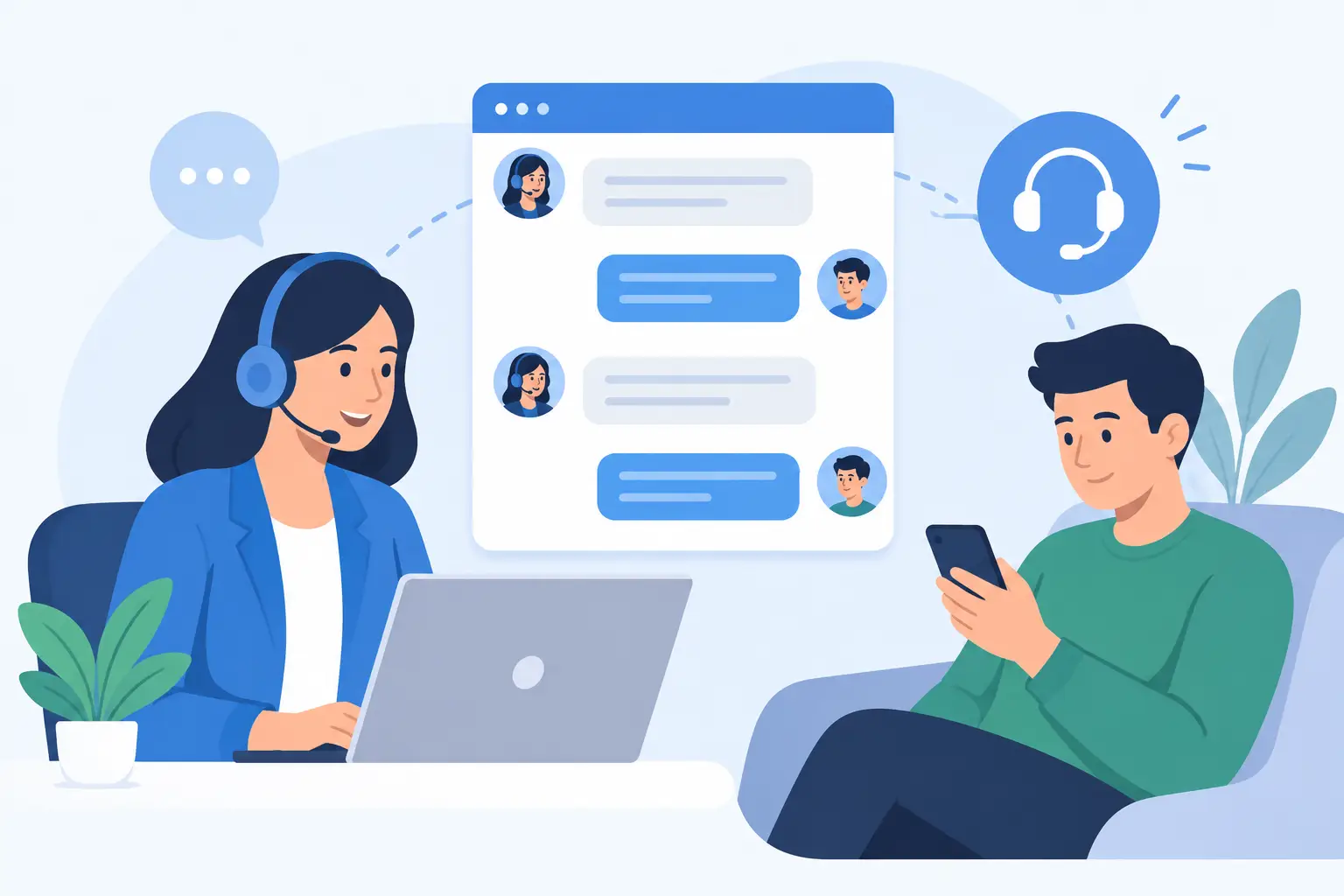
A chat window can be the fastest path from a customer question to a resolved issue, but only when someone owns what happens after the message arrives. LiveChat gives businesses a direct customer communication channel, yet the software alone does not define response quality, staff availability, routing rules, or follow-up accountability. Those decisions determine whether chat becomes a useful service capability or another unattended inbox.
For small and mid-sized businesses, the goal is not simply to add a chat widget to a website. The goal is to give customers a reliable way to get help while giving internal teams a manageable process for responding, documenting issues, and improving service over time.
What LiveChat Can Do for a Service Team
LiveChat is designed to help businesses communicate with website visitors and customers in real time. Depending on the plan and configuration, teams can use it to receive incoming chats, assign conversations, create saved responses, collect visitor details, track support activity, and connect chat activity with other business systems.
The immediate benefit is speed. A prospective buyer who has a pricing or compatibility question may get an answer before leaving the site. An existing customer can request help without searching for an email address, calling a main line, or waiting for a reply. For many organizations, that faster first response can improve both sales conversations and customer satisfaction.
However, real-time availability also changes customer expectations. If a chat button suggests that help is available but messages sit unanswered, the experience can be worse than offering a clearly managed support form. The right implementation starts with an honest decision about when the team can respond and what type of questions chat should handle.
Before configuring LiveChat, define the job it needs to perform. A sales-focused team may use chat to qualify website inquiries and schedule consultations. A support team may use it for product questions, account assistance, and basic troubleshooting. Some businesses need both, but they should still separate priorities and ownership.
A practical starting point is to identify the most common questions customers ask before and after purchase. Review email inboxes, call notes, support tickets, and conversations with frontline employees. Patterns usually emerge quickly: shipping questions, appointment requests, login problems, billing issues, product fit, or requests that must be escalated to a specialist.
Then establish clear boundaries. For example, chat agents may answer standard service questions, collect details for technical support, and route billing matters to an authorized team member. They may not have authority to make contract changes, discuss sensitive account details without verification, or diagnose complex issues in a public-facing chat session.
This level of definition protects employees as well as customers. Staff should not need to invent policy in the middle of a conversation, and customers should know when a question requires a follow-up instead of an immediate answer.
Choose Coverage Hours That Your Team Can Sustain
Coverage hours should reflect staffing reality. A business open from 8 a.m. to 5 p.m. may offer live chat during those hours and use an offline message form outside them. A distributed team might extend coverage without staffing a full overnight shift. What matters is that availability is accurate and that after-hours requests enter a monitored process.
It also helps to set internal response expectations. Not every chat must be answered in seconds, especially when one employee is assisting several customers. Still, teams should define a reasonable target, monitor missed chats, and assign responsibility for checking queues during peak periods.
Implementation should follow the paths customers take through the website. A visitor on a service page may need a different greeting and routing option than a customer reviewing account help materials. Generic messaging can work at first, but a thoughtful setup becomes more effective when it reflects why people are contacting the business.
Build the initial configuration around a small number of clear choices. Visitors might select sales, customer support, billing, or general questions. Too many menu options create friction and often send visitors to the wrong place. The purpose is to help the team understand the request quickly, not to force customers through a complicated decision tree.
Saved replies are useful for frequent, straightforward questions, such as business hours, document requests, basic account instructions, or next steps after submitting a support issue. They should be reviewed by the people who actually serve customers. A saved reply that sounds efficient internally but fails to answer the customer’s question only adds another message to the exchange.
Automated greetings require similar restraint. A welcome message can help a visitor understand what the chat channel is for. Repeated pop-ups, aggressive prompts, or messages that appear before someone has had time to read the page can feel intrusive. The best approach depends on traffic volume, page purpose, and the behavior of the business’s customers.
Give Employees an Operating Process
LiveChat implementation is an operational project, not just a technical task. Every agent needs to know who monitors conversations, how transfers work, when to request identifying information, and where the record of a customer issue belongs after the chat ends.
For teams handling support, chat transcripts should connect to an established case-management or follow-up process. A customer should not have to repeat the same details by email because the conversation ended without notes or ownership. For sales teams, qualified inquiries should move into the appropriate pipeline with enough context for the next person to continue the conversation.
Training should include realistic scenarios, not only a tour of the software. Ask employees to practice handling an urgent service question, a request outside their authority, a frustrated customer, a chat that drops unexpectedly, and a question that requires escalation. These exercises reveal missing policies before customers encounter them.
Teams also need standards for writing. Chat should be concise, clear, and professional, but it should not sound copied and impersonal. Agents should acknowledge the question, explain the next action, and avoid making promises they cannot control. If a specialist will follow up, the customer should know who owns the next step and when to expect an update.
Integrations Need a Business Reason
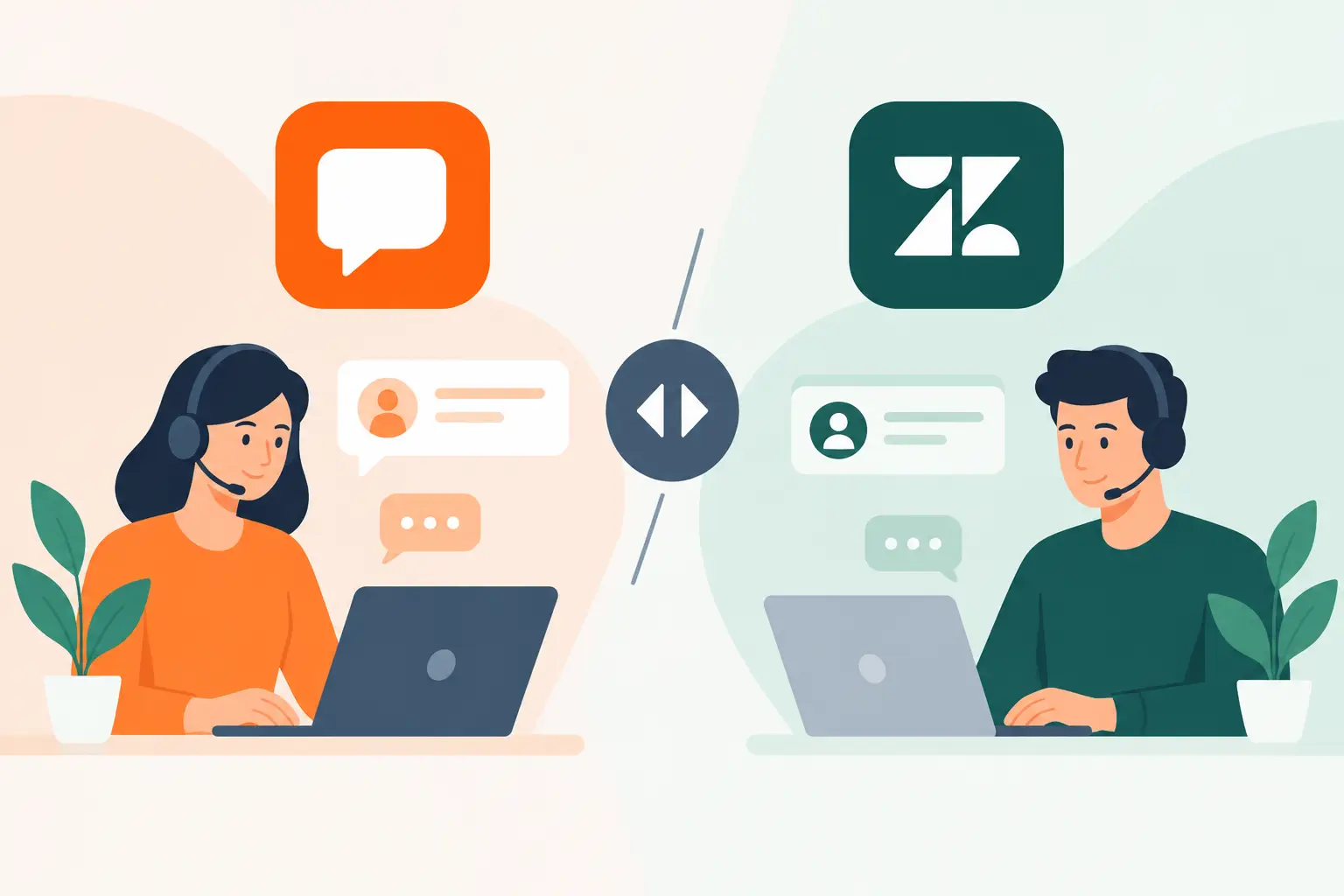
LiveChat may be more useful when it connects with a customer relationship management platform, help desk, scheduling tool, ecommerce system, or analytics process. But every connection should solve a defined problem. An integration that automatically creates duplicate records or sends incomplete data to multiple systems can increase administrative work rather than reduce it.
Consider what information the next team member needs after a conversation. It may include contact details, page visited, conversation topic, account number, products discussed, or a concise agent note. Determine which fields should transfer automatically and which information should be verified by a person.
Security and privacy should be part of this planning. Teams should avoid asking customers to share unnecessary sensitive information in chat. Access should be limited to employees who need it, and administrators should regularly review user roles, former employee access, and data retention practices. These responsibilities do not disappear because the platform is hosted by a third party.
Measure the Experience, Then Maintain It
The first month after launch is a learning period. Review chat volume by hour, average first-response time, missed conversations, transfer frequency, common topics, and conversations that required follow-up. Numbers provide direction, but transcript reviews add context. A short response time does not help if the customer receives an incomplete answer or is routed repeatedly.
Look for operational signals. If the same question appears every week, the website content, onboarding materials, or product instructions may need improvement. If one agent receives most escalations, that person may have expertise worth documenting for the rest of the team. If chat volume rises sharply at a particular step in the customer journey, there may be a process issue outside LiveChat itself.
Ongoing maintenance should include checking business hours, staffing assignments, saved replies, routing rules, integrations, and reporting. Changes in products, policies, seasonal schedules, or team structure can make an originally sound setup inaccurate. A neglected chat system creates inconsistent service quickly because it sits directly in front of customers.
For organizations without dedicated platform administrators, a partner such as MBH Web Services can help connect software procurement with configuration, employee onboarding, and continuing maintenance. This is especially valuable when chat must fit alongside existing support, sales, and operational workflows rather than operate as a separate tool.
LiveChat works best when customers can trust the channel and employees can trust the process behind it. Start with a manageable service promise, support the people answering conversations, and review performance often enough to correct issues before they become part of the customer experience.