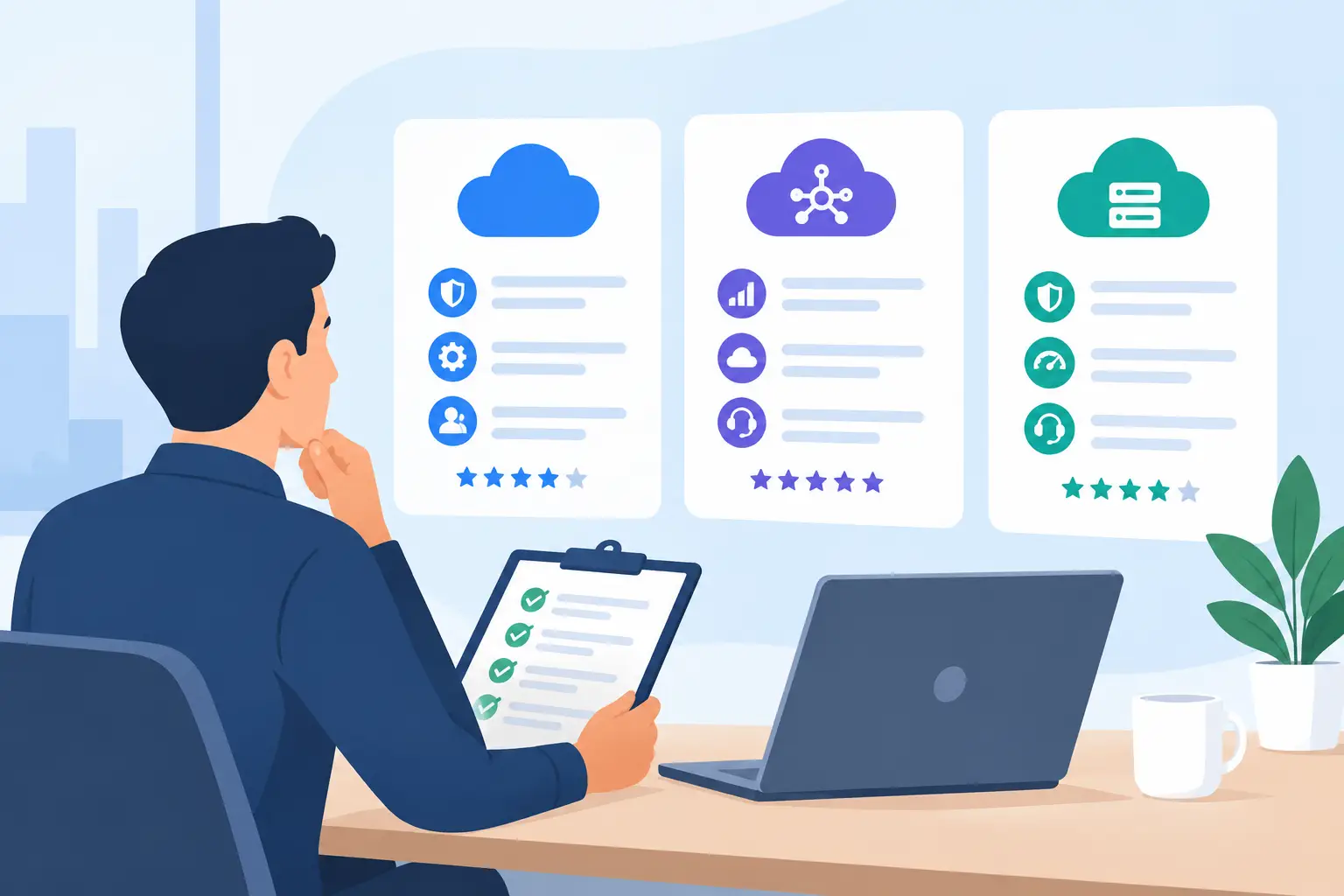
A software subscription can look affordable on a pricing page and become expensive the moment your team has to work around it. For a Texas small business owner already managing customers, payroll, sales, and daily operations, knowing how to evaluate SaaS vendors is less about comparing feature lists and more about choosing a tool your business will actually use.
The right vendor should solve a specific business problem without adding unnecessary complexity, hidden costs, or a long learning curve. A popular platform is not automatically the best platform for your company. The practical question is whether it fits the way your team works today and can continue to fit as your needs change.
Start With the Business Problem, Not the Software
Before comparing vendors, write down the job the software needs to do. Be specific. “We need better marketing” is too broad. “We need a simple way to follow up with leads who request estimates” gives you a useful evaluation standard.
This step prevents a common purchasing mistake: selecting software because it has an impressive number of features, then discovering that the features you needed are difficult to find, cost extra, or require a process your team will not follow.
A local service business might need faster lead response and appointment follow-up. An online retailer may need customer messaging and repeat-purchase campaigns. A restaurant may care more about loyalty programs and guest retention. These needs point toward different categories of tools, even though all of them could be described as “marketing software.”
Decide what success would look like in practical terms. It could mean fewer missed inquiries, more qualified sales conversations, a shorter follow-up process, or less time spent moving information between spreadsheets. Those outcomes should guide the evaluation.
How to Evaluate SaaS Vendors Against Your Real Workflow
Once you know the problem, map the workflow around it. Consider who will use the platform, what information they need, and what happens before and after they log in.
For example, a sales outreach platform may look strong on email automation, but it is a poor fit if your team does not have clean prospect data, a clear follow-up process, or someone responsible for monitoring replies. Smartlead can be worth considering for businesses that need structured cold-email outreach and campaign management, but it makes more sense for a team with a defined prospecting strategy than for a business that primarily needs a general customer relationship system.
Likewise, EngageBay may appeal to small businesses that want CRM, email marketing, and customer engagement tools in one place. Its broader feature set can reduce the need to stitch together several subscriptions. The trade-off is that a larger all-in-one platform may require more setup decisions than a business that only needs one focused function.
Ask each vendor to show, through a demo or trial, how your exact workflow would work. Do not settle for a polished overview. Use a real example: a new website lead, a customer support request, a loyalty signup, or a sales follow-up sequence. If the workflow is confusing during evaluation, it rarely becomes simpler after you pay.
Compare Total Cost, Not Just the Starting Price
Monthly pricing is only one part of the cost. SaaS plans often change based on users, contacts, inboxes, automation volume, locations, add-ons, or advanced reporting. A low entry price can be sensible for a small team, but you should understand what triggers a higher bill.
Review the vendor’s pricing structure with these questions in mind:
- Does the plan include the number of employees, contacts, campaigns, or locations you expect to need?
- Which features are reserved for higher tiers?
- Are there annual commitments, cancellation rules, or renewal increases?
- Will you need another paid tool to fill a gap in the platform?
- Is there a reasonable path to upgrade if your business grows?
The cheapest option is not always the lowest-cost choice. A platform that saves an owner five hours each month may justify a higher subscription than a lower-priced tool that requires manual exports, duplicate data entry, and constant troubleshooting.
At the same time, do not pay for scale you do not need. A five-person business should be cautious about buying enterprise-level software because it promises capabilities that might matter years from now. Start with the plan that supports your current priority and confirm that growth options are available when they become necessary.
Look Closely at Ease of Use and Adoption
Software only creates value when people use it consistently. This is where many vendor evaluations fail. Owners often focus on features while overlooking whether employees can learn the platform without turning every routine task into a support question.
During a free trial, have the actual users complete a few common tasks. Can a salesperson add a lead and schedule a follow-up? Can a front-desk employee find a customer conversation? Can a manager pull a report without building a complicated dashboard?
LiveChat, for instance, may be a good fit for businesses that receive frequent website questions and want a more direct way to help prospects or customers. It is not necessarily the right purchase for a company with very little website traffic or no one available to respond promptly. A chat tool with slow response times can create a worse customer experience than no chat tool at all.
Training requirements matter too. Some platforms are intentionally simple, while others offer more control at the cost of a steeper learning curve. Neither approach is automatically better. Choose based on the time, internal ownership, and consistency your team can realistically provide.
Check Integrations, Data Access, and Security
Your new software will rarely operate alone. It may need to connect with your website, payment system, email provider, calendar, point-of-sale system, or existing CRM. Confirm that the integration you need is available on the plan you are considering, not just mentioned somewhere in the vendor’s marketing materials.
Also ask how data moves in and out of the platform. You should be able to export essential customer records, reports, and content if you decide to switch later. Data portability gives your business options and reduces the risk of being trapped in a system that no longer fits.
Security deserves the same practical approach. You do not need to become a cybersecurity specialist, but you should understand where customer data is stored, whether the vendor supports multi-factor authentication, how user permissions work, and who can access sensitive information. This is particularly important for businesses handling payment details, personal information, health-related data, or confidential client records.
For a multi-location restaurant or retail business, a platform such as Restomas may be relevant when restaurant-specific operations and guest engagement are the priority. Before committing, verify compatibility with the systems already running the business. Industry-focused software can be valuable, but only if it works with your existing operational setup.
Evaluate Support Before You Need It
Every vendor claims to provide support. The useful question is what kind of help is available when something affects your business.
Read the support options for your plan. Check whether assistance is limited to email, whether live chat is available, what hours the team covers, and whether the knowledge base answers practical setup questions. If your business operates evenings or weekends, support availability can matter more than a minor feature difference.
Also consider the vendor’s product maturity. Review release notes, help documentation, customer feedback, and the clarity of its pricing and policies. No SaaS company is perfect, but vague documentation and unclear billing terms are warning signs. You want a vendor that communicates clearly when products, prices, or policies change.
Use a Trial Like a Decision Period
A free trial is not just a chance to click around. Treat it as a short decision period with a defined test plan. Import a small set of sample data, create one workflow, invite the people who will use the tool, and test the reporting or customer experience that matters most.
For a loyalty-focused business, BoomerangMe may be worth evaluating if digital loyalty cards and repeat visits are central to your customer retention plan. Its value depends on whether your customers will actually use the program and whether your team can promote it consistently at the counter, through email, or after a purchase. The software is only one part of the program.
Systems.io may suit entrepreneurs and small businesses looking for a simplified way to manage funnels, email marketing, and digital sales activity. It can be a practical choice when consolidation is more valuable than highly specialized functionality. Businesses with complex CRM needs or advanced reporting requirements should confirm those requirements during the trial rather than assuming an all-in-one platform will cover every edge case.
Keep notes during the trial. Record what was easy, what required workarounds, what was missing, and what questions remained unanswered. Compare those notes against your original business problem, not against the vendor’s most impressive feature.
Make the Decision With a Simple Scorecard
When two or three vendors remain, score each one against the same criteria: business fit, ease of use, total cost, integrations, data and security controls, support, and room to grow. Give more weight to the factors that affect your business most directly.
A landscaping company that loses leads after business hours may prioritize lead capture and fast follow-up. A growing professional services firm may place more weight on CRM visibility and permissions. A neighborhood restaurant may prioritize loyalty and customer retention over broad marketing automation.
If MBH Web Services includes affiliate recommendations in related software reviews or comparisons, those relationships should be disclosed clearly. A commission does not change the core decision standard: the tool should match your business need, budget, and ability to use it well.
The best SaaS vendor is rarely the one with the longest feature list. It is the one that makes an important part of your business easier to run, gives your team a process they can maintain, and still makes financial sense after the trial ends.