A point-of-sale system freezes during a Saturday rush. Your CRM stops sending follow-up emails. An employee cannot access the scheduling platform they need to serve customers. For a small business, these are not minor IT inconveniences. They can mean missed sales, frustrated staff, and customers who decide to try a competitor instead.
Outsourced application support services give businesses a defined source of help when the software they depend on needs attention. The right arrangement can reduce pressure on an owner or internal employee who has become the unofficial technology fixer. But it is not automatically the best answer for every company, and it does not replace choosing software that fits your operations in the first place.
What outsourced application support services actually cover
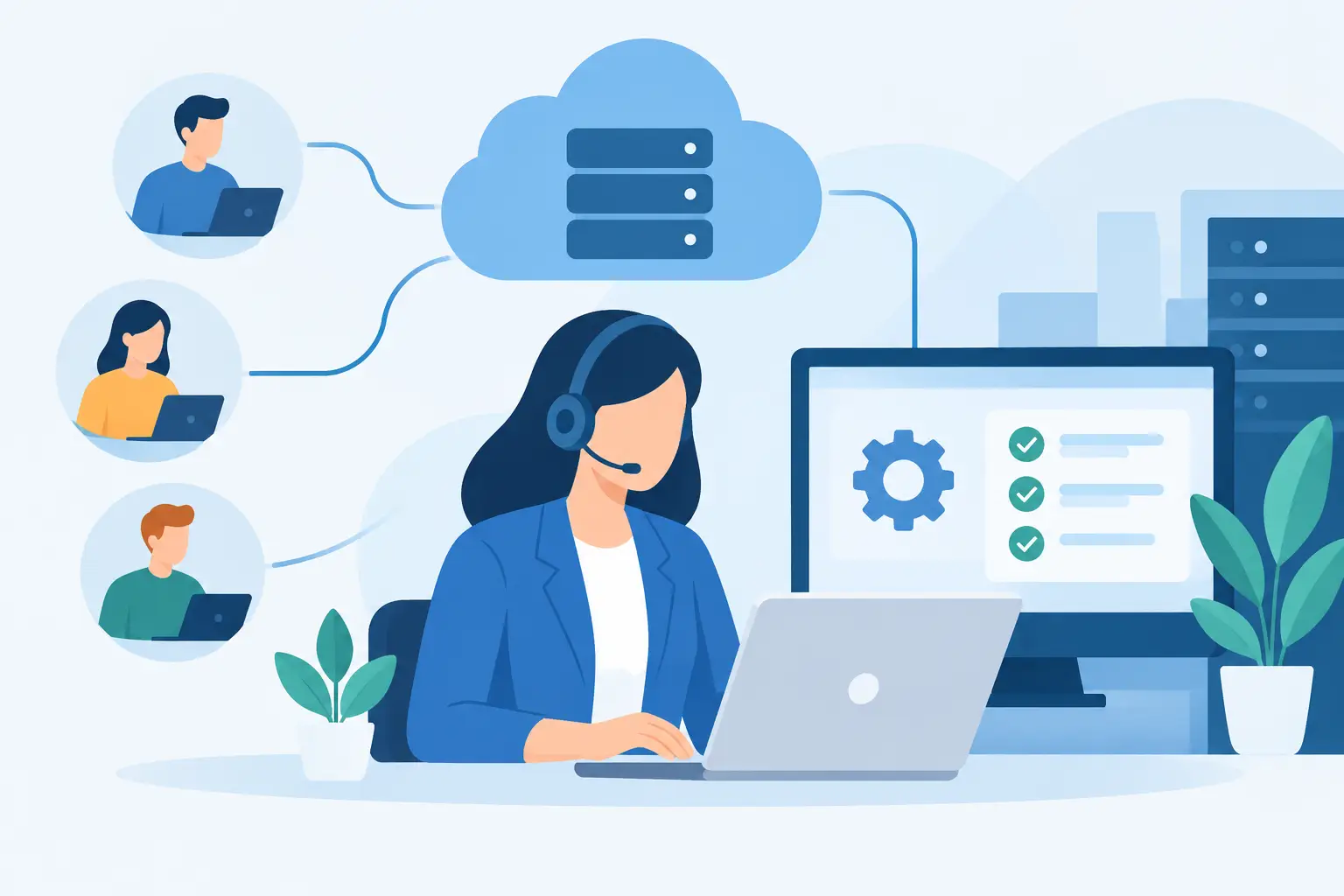
Application support focuses on the business software your team uses every day, rather than the entire technology environment. Depending on the provider and agreement, support may include user access issues, configuration questions, error triage, routine maintenance, monitoring, vendor coordination, and help managing software updates.
For example, a growing Texas service business might use a CRM for leads, an email platform for follow-up, accounting software, and a scheduling tool. When a staff member cannot see a customer record or a workflow stops working, an application support provider may investigate the issue, document the cause, and either resolve it or escalate it to the software vendor.
That last point matters. A support provider is not always the maker of the software. If an issue is caused by a platform-wide outage or a product defect, the provider may manage the ticket and communication, but the software vendor still controls the underlying fix. Clear expectations prevent a common disappointment: assuming outsourced support can solve problems it does not own.
When outside support makes business sense
Outsourcing tends to fit businesses that rely on several important applications but do not need, or cannot justify, a full-time internal application administrator. This often applies to firms with 10 to 100 employees, multiple locations, or a growing stack of sales, marketing, customer service, and operations tools.
It can be especially useful when one capable employee has been handling every software question alongside their actual job. That arrangement may work for a while, but it creates a single point of failure. If that employee leaves, takes vacation, or simply cannot keep up, routine system issues turn into management problems.
A support arrangement can also help when your business needs more consistent handling of recurring tasks, such as onboarding new users, reviewing permissions, managing integrations, or keeping internal documentation current. Those jobs are easy to postpone when everyone is busy. They are also the jobs that make day-to-day software easier to manage six months after a new tool is adopted.
The value is less obvious if your business uses only one or two straightforward cloud tools with strong vendor support and very few users. In that case, paying for a separate support provider can add cost without solving a meaningful problem. Many small teams are better served by selecting simpler software, establishing clear internal ownership, and using vendor support when needed.
The service scope matters more than the label
“Application support” can mean very different things from one provider to another. One company may offer a help desk for basic user issues. Another may provide deeper administration, reporting, integration monitoring, release planning, and vendor management. A low monthly price may cover only a limited number of requests or business-hours assistance.
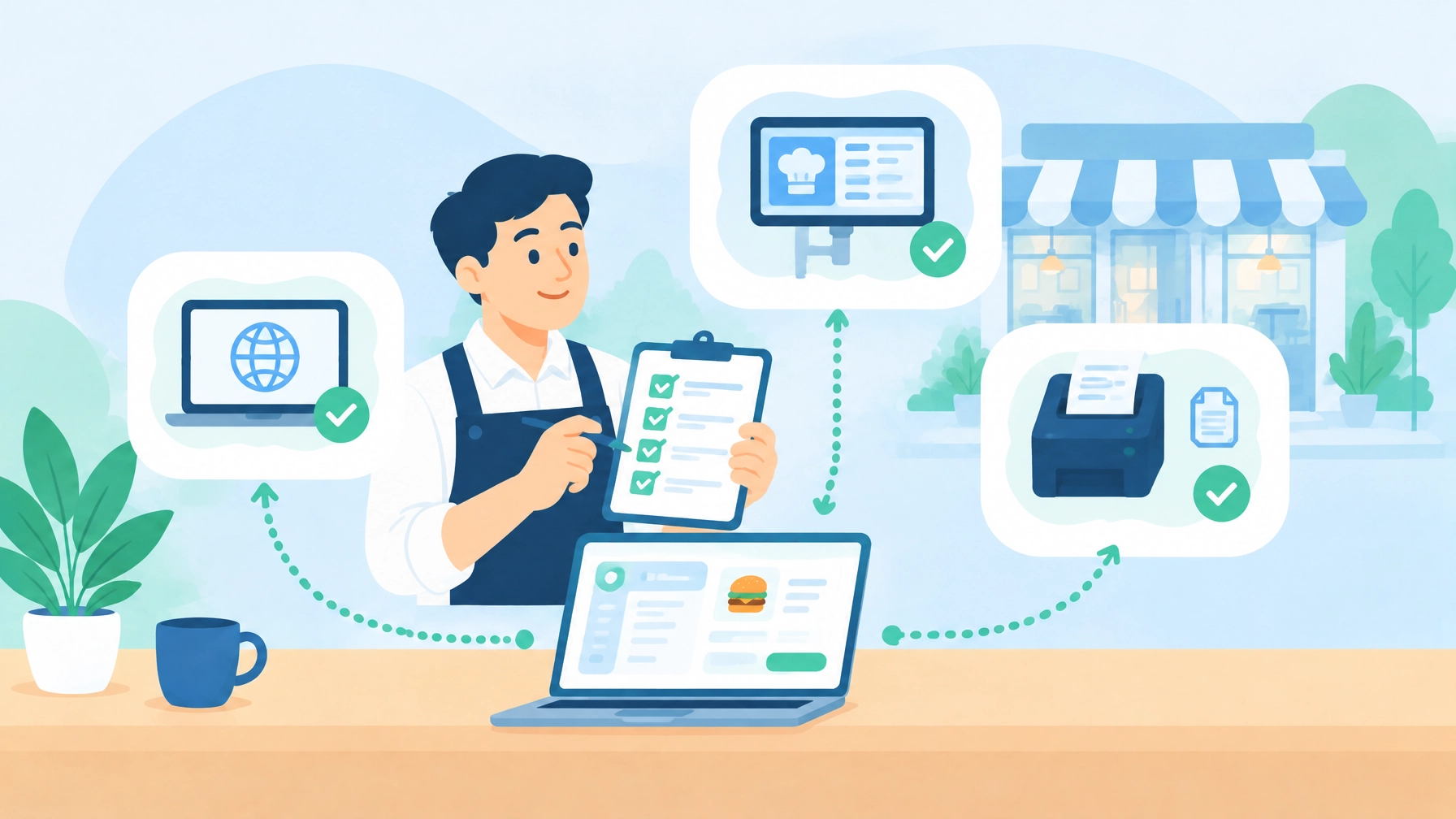
Before comparing providers, write down which applications are business-critical and what happens when each one is unavailable. Then ask how the provider handles common scenarios: a locked-out employee, a failed integration, a broken automation, a data export request, or a vendor outage.
You should also understand response targets. A promise to respond within four hours is not the same as a promise to resolve an issue within four hours. For a restaurant, medical office, contractor, or retailer, after-hours coverage may matter more than a broad list of supported applications. For a professional services firm, reliable support during standard business hours may be enough.
What to ask before signing an agreement
The best conversations are specific. Instead of asking whether a provider supports your CRM, ask whether it supports the exact work your team needs done in that CRM. If you use automations, integrations, custom fields, or multiple pipelines, those details can affect both price and service quality.
Ask who owns the relationship with each software vendor and who opens support tickets when an issue cannot be solved directly. Confirm how access is handled, including administrator credentials, multi-factor authentication, employee departures, and permission changes. Application support often involves sensitive customer, financial, or employee data, so vague answers on access controls should be a concern.
It is also reasonable to ask what is excluded. Many agreements do not include major system redesigns, data cleanup projects, new integrations, software implementation, custom development, or staff training beyond basic guidance. Those exclusions are not necessarily a problem. They simply need to be visible before an urgent request falls outside the contract.
Finally, look for a practical reporting rhythm. A brief monthly view of tickets, recurring issues, application health, and recommended improvements can help an owner see whether the service is reducing friction or just processing requests.
Support cannot fix a poor software choice
A capable support team can make a useful application easier to run. It cannot turn a confusing, overbuilt, or poorly matched platform into a good fit for your business.
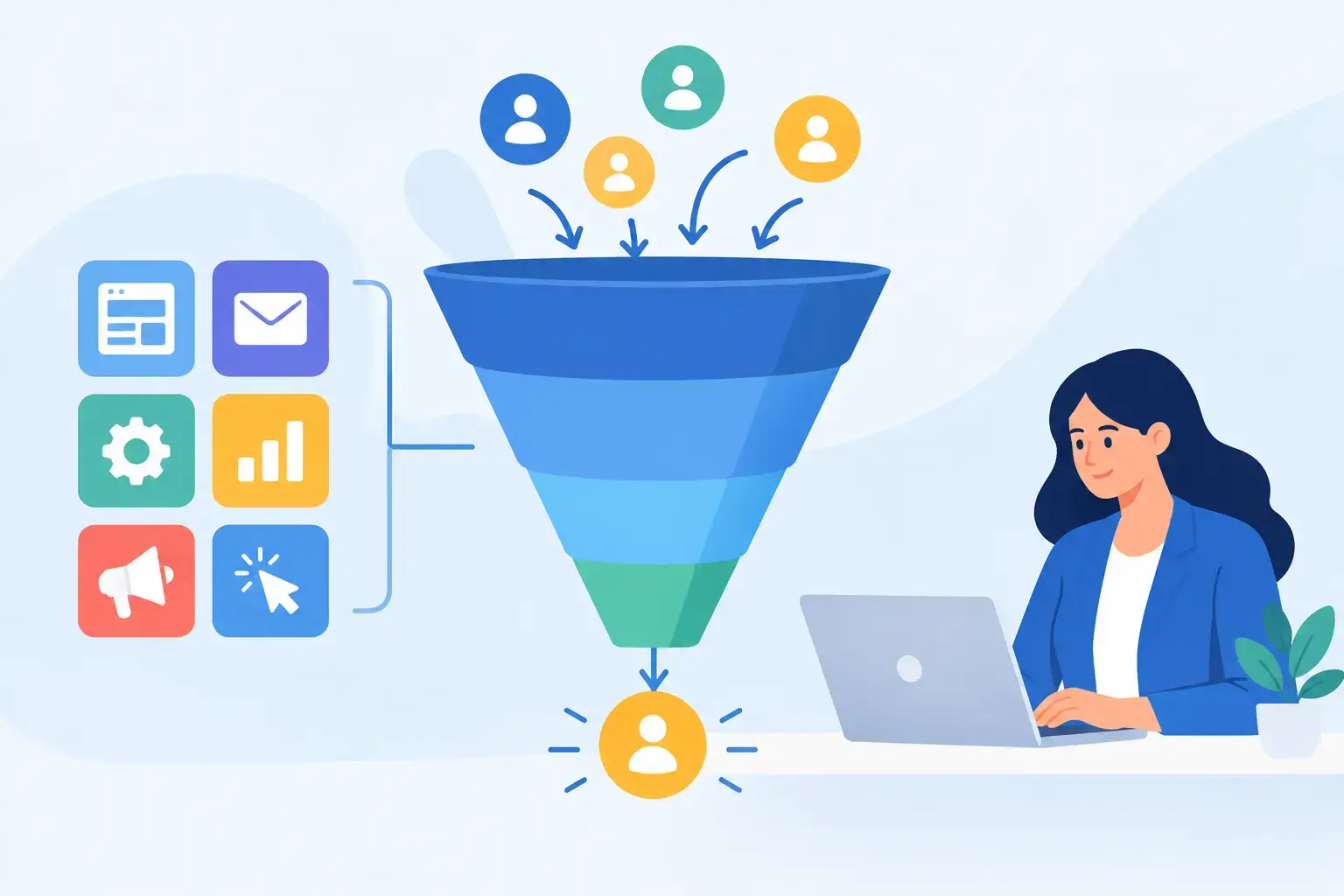
Before paying for ongoing support, revisit the core purpose of each major tool. Your marketing platform should help you attract and follow up with customers. Your CRM should make sales activity easier to manage, not create duplicate work. Your customer communication tool should help your team respond without losing context.
For example, a small business that needs a combined CRM, email marketing, and customer-management platform may find a tool such as EngageBay worth evaluating before building a patchwork of separate subscriptions. A business focused on sales outreach may need a more specialized platform such as Smartlead. The right choice depends on your sales process, list size, staff skills, and how much setup complexity you are willing to manage.
When evaluating software, ask the same question you would ask about outside support: who will own it after the initial setup? A free trial can show whether the features exist. It does not automatically show whether your team can maintain the workflows, data quality, permissions, and processes that make those features useful.
A practical way to decide
Start with a 30-day record of software issues. Include the application involved, the business impact, the person who handled it, the time spent, and whether the issue was recurring. This gives you better information than making a decision based on one frustrating outage.
If the record shows frequent disruptions, unclear ownership, or too much executive time spent on routine fixes, outsourced application support may be a sensible operating expense. If it mostly shows occasional user questions, you may need better internal documentation, vendor training, or a simpler software stack instead.
For many small and medium-sized businesses, the most useful goal is not to outsource every technology task. It is to make sure essential applications have clear ownership, predictable support, and a setup your team can realistically sustain as the business grows.