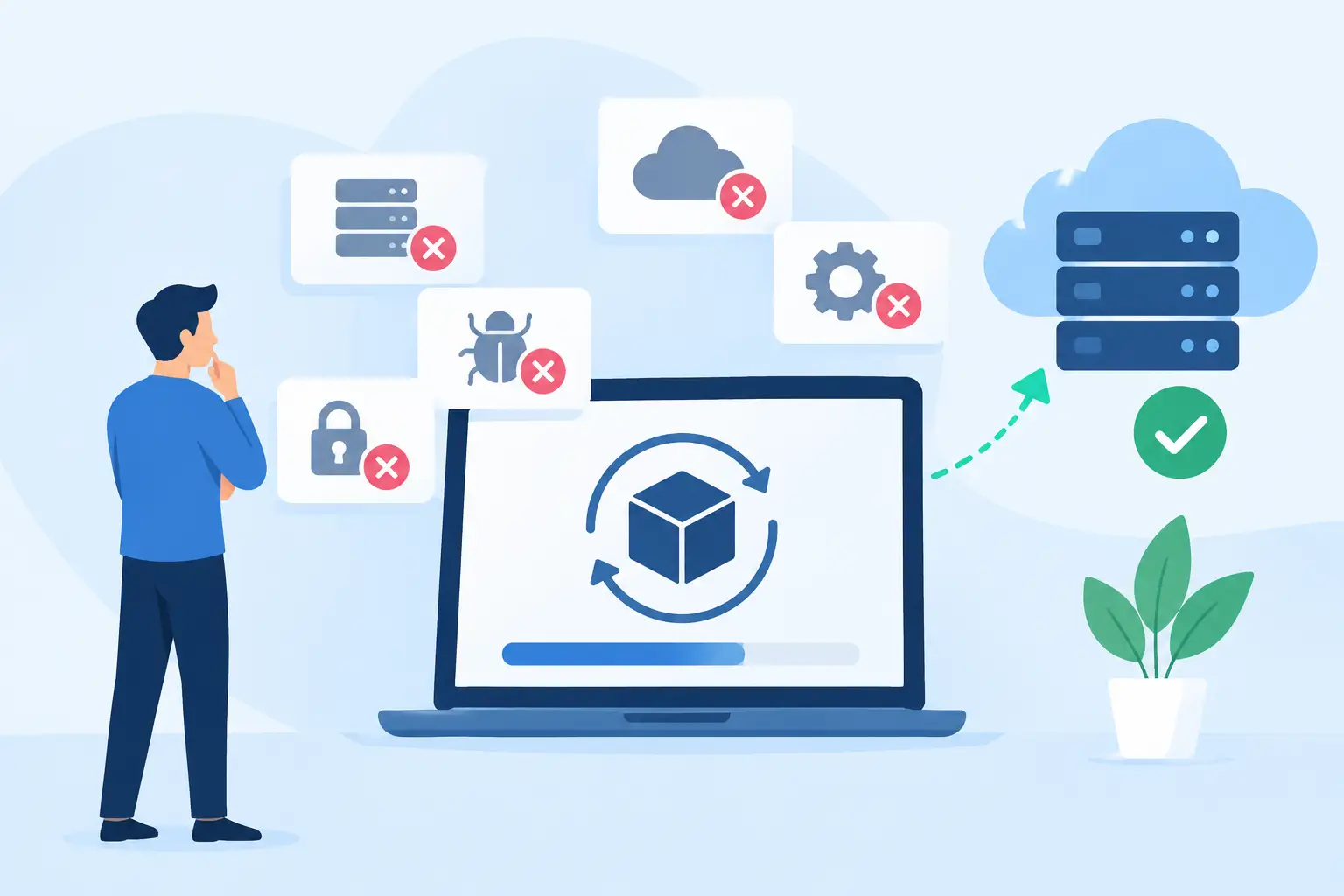
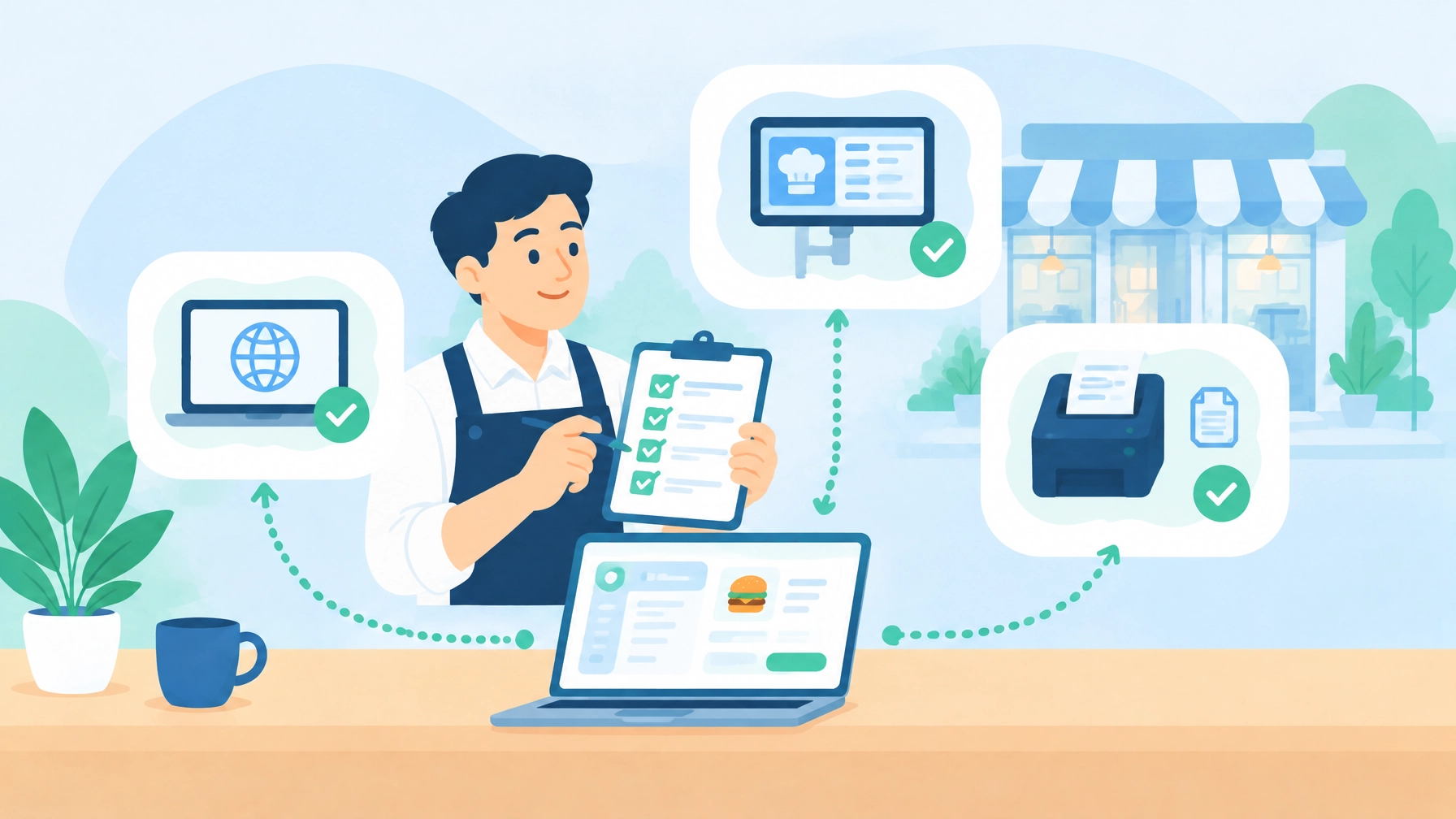
A new software subscription can look like a quick fix: choose a plan, add users, and expect better follow-up, cleaner operations, or faster customer service by next week. In practice, the top software deployment mistakes happen after the purchase decision, when a busy owner assumes the team will naturally adopt a tool without a clear plan. That assumption can turn a useful platform into another monthly charge nobody uses.
For a small business, deployment does not need to mean a long enterprise project. It does mean making deliberate choices about goals, people, data, workflows, and accountability before the new system becomes part of daily work. The right amount of planning depends on the tool's role. A live chat widget may take a few hours to configure, while a CRM or sales outreach platform deserves a more structured rollout.
1. Buying software before defining the business problem
The first mistake happens before deployment begins. Owners sometimes buy a popular platform because it has a long feature list, a persuasive demo, or a limited-time discount. Then they try to find a use for it.
Start with the operational problem instead. A Texas home services company may need a better way to capture leads after business hours. A restaurant may want to bring customers back with loyalty offers. A small B2B firm may need a repeatable sales follow-up process. Those are different problems, and they call for different software and setup decisions.
Write down one primary outcome and one or two measures that show whether the rollout is working. For example, the goal might be to respond to website inquiries within 10 minutes during business hours, or to send a loyalty offer to repeat customers twice each month. This keeps the deployment focused when feature choices become distracting.
A tool can be affordable, well reviewed, and still be wrong for the way your company operates. This is one of the most expensive top software deployment mistakes because teams may spend weeks adapting their process around features they do not need.
Consider who will use the system and what they must do in it every day. If staff members need simple customer messaging, a platform with extensive automation controls may create unnecessary complexity. If your sales team needs structured outreach to business prospects, a basic newsletter tool may not provide the sequencing, personalization, and deliverability controls they need.
Product fit matters here. EngageBay may suit a small business looking to combine CRM, marketing, and customer support functions in one platform. Smartlead is more relevant for teams focused on outbound email outreach and campaign management. LiveChat can make sense when quick website conversations are a priority. For customer loyalty programs, BoomerangMe may be worth comparing, while restaurant operators evaluating specialized loyalty or guest engagement needs may want to consider Restomas.
No platform is automatically the best option. Compare pricing, user limits, required integrations, and the work your team will need to do each week to keep it useful. MBH Web Services may earn a commission when readers purchase qualifying software through its affiliate links, but a recommendation should still match the job the software needs to perform.
3. Moving data without cleaning it first
Customer lists often contain duplicate records, old email addresses, incomplete fields, and contacts who should not receive marketing messages. Importing all of that into a new CRM, email platform, or loyalty system creates confusion from day one.
Before migration, decide what data belongs in the new system. Remove obvious duplicates, standardize fields such as phone numbers and company names, and identify the source of truth for customer information. If two tools will continue to hold customer data, determine which one owns each field and how updates will be handled.
Do not import sensitive information just because it exists in an old spreadsheet. Limit access by role and confirm that your permissions, retention practices, and communication consent records match the new workflow. This is especially relevant when customer data will be used for automated emails, texts, or loyalty promotions.
Test with a small group first
A pilot import is safer than a full migration. Move a small set of representative records, check that fields map correctly, and ask the employees who use the information to review it. Test searches, filters, reporting, automations, and customer-facing messages before uploading thousands of contacts.
The same rule applies to integrations. Connect one system, test a few real-world scenarios, and confirm that data arrives where expected. A broken integration can quietly create missed leads or duplicate communications if no one is watching.
4. Launching every feature at once
Many platforms offer automations, dashboards, templates, permissions, reporting, AI tools, and dozens of settings. Turning everything on at launch rarely makes a team more productive. It usually makes training harder and errors more likely.
Deploy the smallest useful version first. For a CRM, that may mean contacts, deal stages, and follow-up tasks. For a chat platform, begin with business hours, routing rules, and a handful of approved responses. For a loyalty program, start with one clear customer offer rather than several confusing reward paths.
Once the core workflow is used consistently, add more advanced capabilities. This phased approach may feel slower initially, but it reduces disruption and gives you a clear view of which features create value. It also prevents a common problem: employees reverting to spreadsheets, personal inboxes, or informal text messages because the new system feels overwhelming.
5. Treating training as a one-time event
A 30-minute kickoff call is not adoption. Employees need to understand not only where to click, but why the new process matters and what is expected of them.
Training should use the situations people actually encounter. A salesperson should practice logging a new lead and scheduling follow-up. A front-desk employee should practice responding to a customer chat and escalating an issue. A manager should practice reviewing the few reports needed to make a decision. Generic tours of every menu option are less useful than this role-based approach.
Create a simple written process for the most common tasks, and name one internal owner who can collect questions and keep the process current. The owner does not need to be technical. They do need enough time and authority to make decisions when the team identifies a gap.
6. Forgetting customer experience during the change
Deployment can affect customers even when the software is used internally. A new booking form may stop sending confirmations. An automated email sequence may send the wrong message to an existing customer. A chat tool may appear on your website when nobody is available to respond.
Map the customer-facing moments before launch: forms, email replies, appointment reminders, order notifications, loyalty messages, and support requests. Test them on desktop and mobile. Send test messages to internal accounts and review the experience as if you were a customer who has never heard of your business.
Also plan for exceptions. If a customer replies to an automated offer with a question, who answers? If a lead enters an incorrect phone number, how will your team correct it? Automation can save time, but only when the handoff to a real person is clear.
7. Measuring activity instead of business results
It is easy to celebrate logins, contacts imported, or emails sent. Those numbers can be useful, but they do not prove the deployment is helping the business.
Return to the outcome you set before purchase. If you deployed LiveChat, monitor qualified conversations, response times, and whether chats lead to booked work or sales. If you introduced an outreach tool such as Smartlead, look beyond send volume to replies, meetings, and lead quality. If a loyalty platform is the focus, track repeat visits or redemptions alongside the cost of the offers.
Review results after the first few weeks, then at a regular interval. Low usage may mean the tool is a poor fit, but it can also mean the workflow is unclear, training was too light, or the team is being asked to do duplicate work. Fix the cause before buying another platform.
A practical deployment plan for a small business
A sensible rollout has a clear owner, a defined business goal, cleaned data, a pilot group, and a date for reviewing results. It also includes a fallback plan for the first week, especially for customer communication tools. Tell employees where to report issues, and avoid shutting down the old process until the critical new workflow has been tested.
Good deployment is less about technical perfection than operational discipline. Choose a system that fits the work, launch only what the team can support, and give people a reason to use it every day. When the software starts making a recurring business task easier instead of adding another task to manage, it has earned its place in your budget.