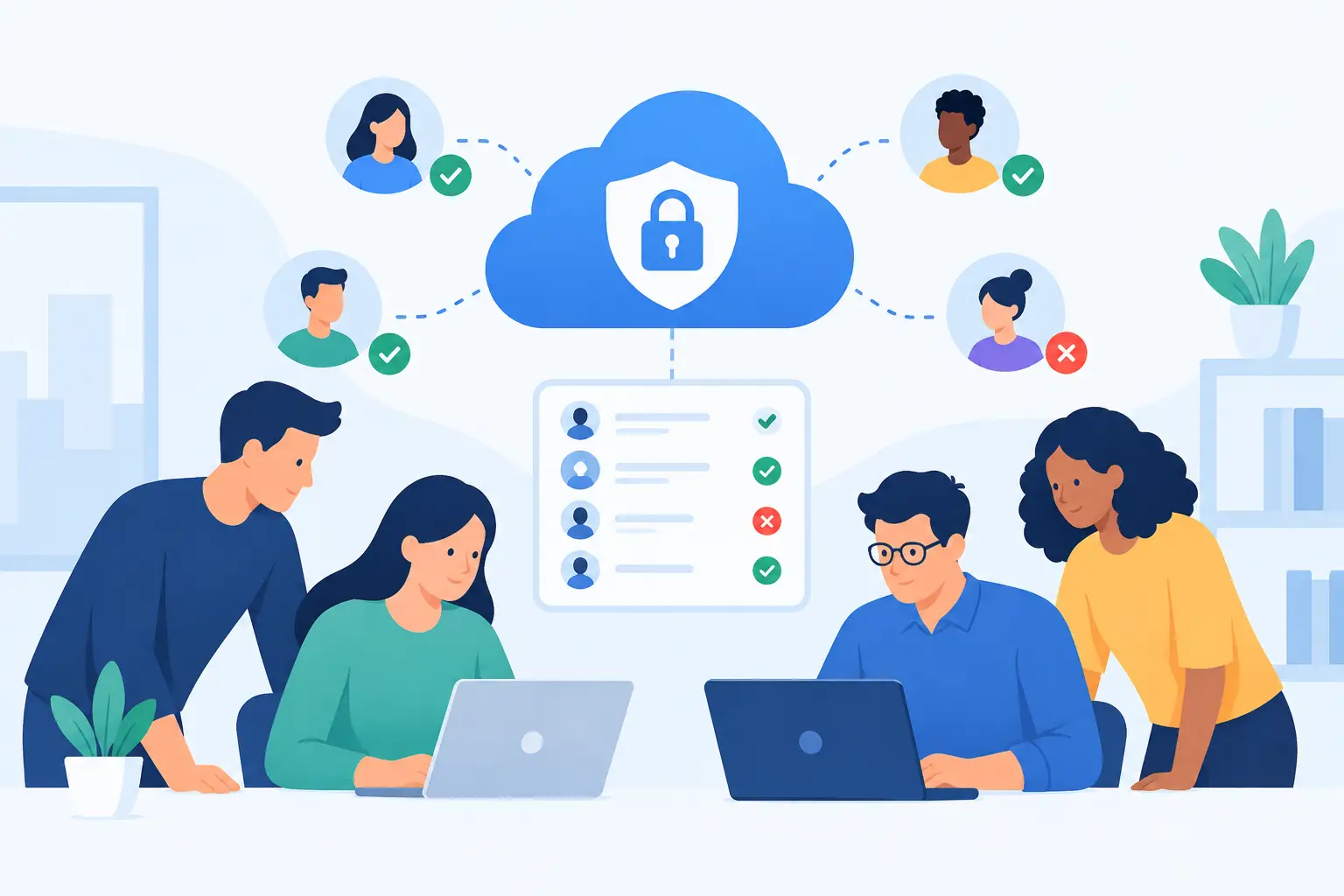
A former employee who can still open your CRM, an agency with a saved admin login, or a shared password passed around the sales team can create a bigger problem than most small businesses expect. SaaS access controls are the practical rules and settings that determine who can enter your software, what they can see, and what they can change.
For a Texas business owner managing sales, marketing, customer service, and daily operations, this is not just an IT issue. Good access controls protect customer information, prevent expensive mistakes, and make it easier to keep operating when staff roles change. They also reduce the scramble that happens when you cannot remember who owns a subscription, a domain connection, or a company social account.
What SaaS Access Controls Actually Cover
SaaS access controls include more than a username and password. They cover how a person signs in, the level of permission they receive, whether they can export data, and how quickly their access is removed when they leave.
A useful setup gives each person only the access needed to do their job. A front-desk employee may need to view customer appointments but not download the full customer database. A marketing contractor may need campaign access but should not be able to change billing details or invite new administrators.
This principle is often called least-privilege access. The name sounds technical, but the idea is simple: do not hand out master keys when a room key will do.
Start With a Clear Software Inventory
Many access problems begin because the business does not have a complete list of its software. The owner may know about the accounting platform and CRM, while individual teams have signed up for separate email tools, scheduling apps, AI subscriptions, file-sharing accounts, and social media services.
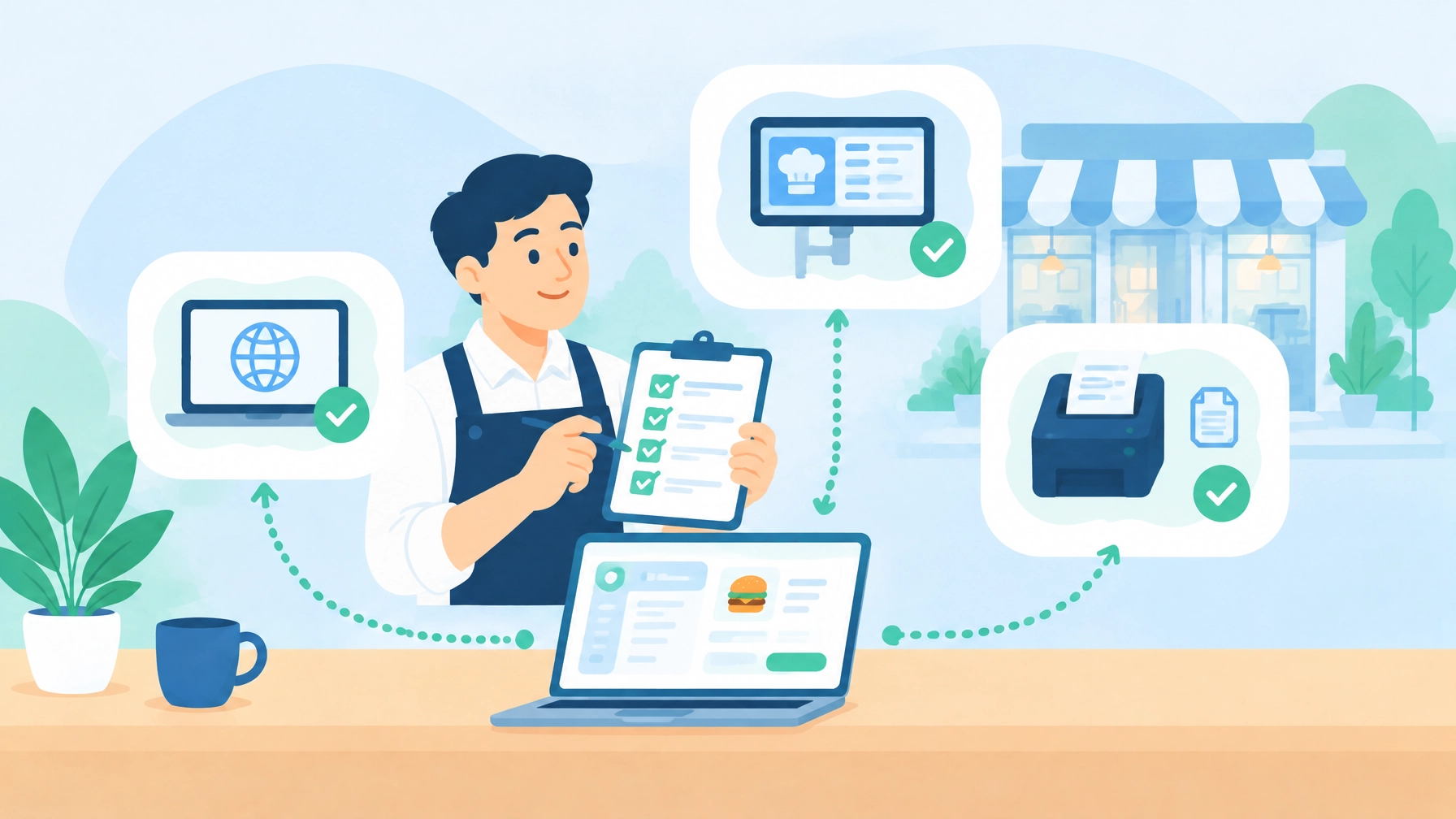
Build a simple inventory before changing permissions. For each tool, record the business purpose, account owner, billing contact, renewal date, number of users, and current administrators. Include software paid for on a company card as well as tools purchased by a department manager.
This exercise often uncovers duplicate subscriptions and unused seats. It also identifies risky situations, such as a business-critical account registered under a former employee's personal email address. If that person leaves or loses access to their inbox, recovering the account can be slow and frustrating.
Create Roles Before Adding Users
Small teams commonly add users one at a time and give everyone broad access because it is faster. That works until the business has ten tools, several employees, outside contractors, and customer data spread across multiple systems.
Instead, define a few practical access levels that match real responsibilities. You do not need an enterprise-grade permission matrix to get started. Most small businesses can work with four or five levels:
- Owners and a very small number of trusted administrators can manage billing, integrations, users, and security settings.
- Department managers can manage team work and reporting without controlling the entire account.
- Standard users can complete their daily tasks, such as responding to leads or updating records.
- Limited users can view only the information required for their role.
- Contractors and agencies receive time-bound access to specific areas whenever the platform allows it.
The exact roles depend on the software. In a CRM, sales representatives may need to create and update contacts but not export every lead. In an email marketing platform, a contractor may build campaigns while an internal manager retains approval and account-level control.
Treat Admin Access as a Business Asset
Administrator privileges deserve special attention because admins can usually add users, reset passwords, change integrations, view sensitive data, and alter payment settings. Too many admins increase the chance of accidental changes as well as deliberate misuse.
Keep at least two trusted internal administrators on each essential account. This protects the business if one owner is unavailable, but it is not a reason to make every manager an admin. Review admin access quarterly and after any major staffing change.
Use company-owned email addresses for administrator accounts whenever possible. Personal email accounts make ownership unclear and can complicate recovery. For tools tied to revenue, customer records, or payment information, document who has authority to make major account changes.
Use Strong Sign-In Controls Without Creating Friction
A long password alone is no longer enough for important business software. Enable multi-factor authentication for administrators first, then expand it to all users where the platform supports it. Multi-factor authentication adds a second check, such as an authenticator app code, when someone signs in.
Single sign-on can be helpful once a company uses many applications or has frequent employee turnover. It lets users sign in through one central identity provider, making it easier to remove access across multiple tools. However, it may be unavailable on lower-priced plans or unnecessary for a five-person business with a limited software stack.
The right choice depends on the cost of a mistake. A scheduling app with no sensitive information may need basic password controls. Your accounting, payroll, CRM, payment, and customer support systems deserve tighter settings.
Make Offboarding a Same-Day Process
The strongest SaaS access controls fail if a departing employee keeps access for weeks. Offboarding should be a repeatable business process, not a task handled when someone remembers.
When an employee, contractor, or agency relationship ends, remove their access from every relevant tool on the same day. Transfer ownership of files, campaign assets, automations, phone numbers, integrations, and shared inboxes before closing the account. Change shared credentials that person knew, although replacing shared logins with individual user accounts is the better long-term approach.
A short offboarding checklist is especially valuable for businesses with seasonal staff, part-time employees, or outside marketing help. Texas retailers, restaurants, home-service companies, and professional firms often have higher turnover in specific roles, which makes consistency more valuable than a complicated policy.
Check What Users Can Export and Connect
Viewing data is one risk. Exporting or sending it elsewhere is another. Review whether users can download customer lists, export reports, connect third-party apps, or create automations that move information between systems.
This matters when using sales and marketing platforms. For example, a team using EngageBay for customer relationship management or Smartlead for outreach should decide who can access contact lists, campaign settings, and sending configurations. A customer service manager using LiveChat should separate agent access from account administration where the platform and plan permit it.
Restaurant operators using Restomas, loyalty-focused businesses using BoomerangMe, and companies using Systems.io for marketing workflows should apply the same question: does every user need access to all customer data, account settings, and integrations? Features and permission options can vary by subscription tier, so confirm the current plan details before assuming a role is available.
Review Access When the Business Changes
Access reviews do not need to become a monthly paperwork exercise. For many small businesses, a quarterly review is enough, plus an immediate review when someone changes jobs, a vendor relationship ends, or the company adopts a new tool.
During the review, look for inactive users, duplicate admins, shared credentials, unused paid seats, and integrations nobody can explain. Ask each department lead whether current permissions still match how the team works. This is also a good time to check whether a low-cost software plan is creating a security tradeoff that no longer makes sense.
Sometimes upgrading a plan to gain user roles, audit logs, or multi-factor authentication is justified. Other times, the better decision is to simplify the software stack and remove a tool that creates more complexity than value.
Build a Policy People Will Follow
A one-page access policy is more useful than a lengthy document nobody reads. State who approves new software, who can be an administrator, how multi-factor authentication is handled, how access is removed, and where account ownership is recorded.
Keep the language plain. Employees should know that they cannot share logins, connect unapproved apps, or store company credentials in personal notes. Managers should know they are responsible for notifying the right person when a team member changes roles or leaves.
The goal is not to slow people down. It is to make the safe way of working the normal way of working. When access is organized before a problem occurs, your team can move faster with fewer surprises and your business keeps control of the software it depends on.