A missed customer message, a spreadsheet only one employee can access, and a sales lead that never receives a follow-up are not just technology problems. They are operating problems. Cloud adoption gives a small business a practical way to keep information, workflows, and customer conversations available wherever authorized employees need them - whether they are at a Texas job site, a storefront, or working from home.
The goal is not to move every file and process to the cloud as fast as possible. The goal is to make the work that affects revenue, service, and decision-making easier to manage. For most small and medium-sized businesses, that means choosing a few cloud tools with clear jobs, setting them up thoughtfully, and making sure the team actually uses them.
Why Cloud Adoption Matters for Growing Businesses
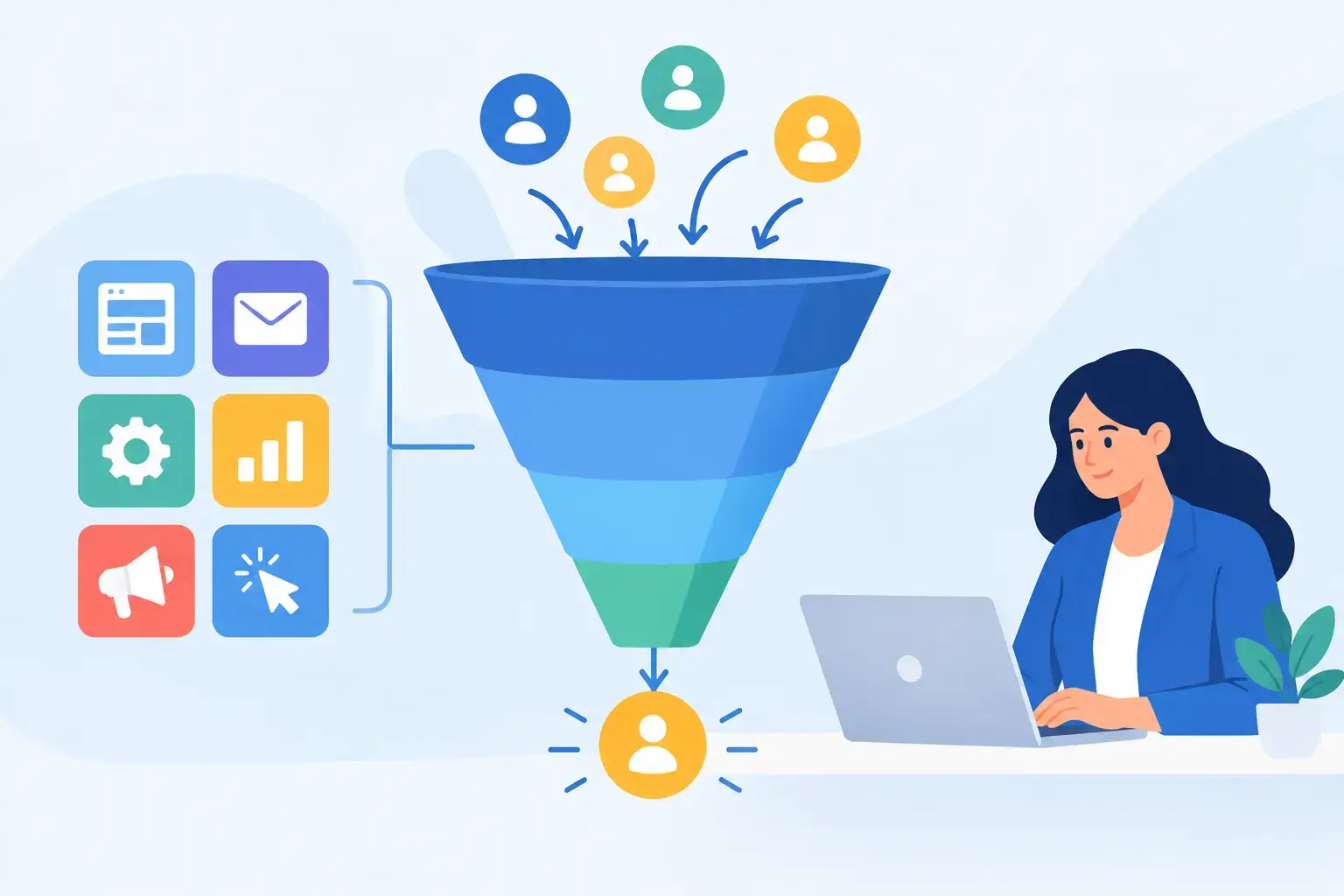
Cloud software changes how a business handles everyday work. Customer records can live in a shared CRM instead of several personal inboxes. Marketing activity can be tracked in one place. Managers can view current information without waiting for someone to send the latest version of a file.
That visibility matters when an owner is wearing several hats. A home services company may need its office staff and field team to see the same customer details. A restaurant may need a clearer view of loyalty activity and customer engagement. A B2B company may need a repeatable process for following up with prospects instead of relying on memory.
There are tradeoffs. Subscription expenses can grow quietly, and a poorly chosen platform can create more work rather than less. Cloud adoption also does not remove the need for clear processes. It exposes weak ones. If no one owns lead follow-up or customer data quality, putting those tasks in a cloud platform will not fix the underlying issue.
Start Cloud Adoption With One Business Problem
The best first project is usually tied to a measurable frustration, not a broad technology goal. Ask where work is getting delayed, duplicated, or lost. Then choose a cloud tool that addresses that specific gap.
A business struggling to keep track of inquiries may start with a CRM and marketing platform. One that needs better website conversations may start with chat. A company with a sales team doing outbound prospecting may need an email outreach platform. These are different use cases, so they should not be forced into the same software decision.
Map the Current Workflow Before Buying
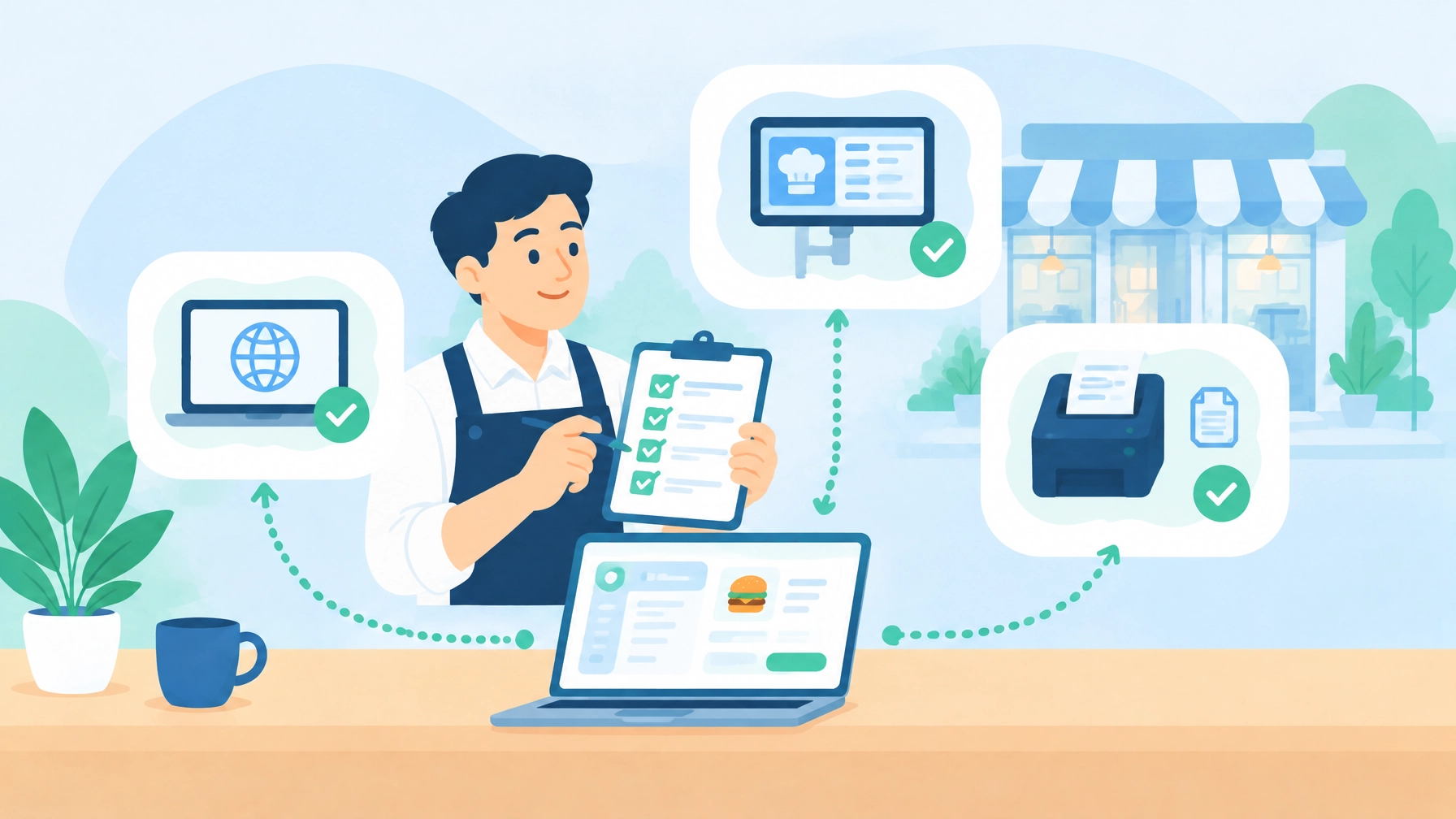
Write down what happens from the moment a customer contacts your business to the moment that customer buys, returns, or requests support. Keep it simple: where does the inquiry arrive, who responds, where is the customer information stored, and what happens next?
This exercise often reveals the right starting point. If leads arrive through forms, calls, and social media but are handled in separate places, centralizing contacts should come before adding more marketing automation. If the team already has leads but response times are slow, communication tools may be the priority.
Choose one person to own the process, even if that person is the owner. They do not need to be a technical expert. They do need authority to decide what information belongs in the system, who has access, and what the team is expected to do each day.
Pick a First Project With a Clear Outcome
A strong first cloud project has a narrow scope and a visible result. Examples include recording every new lead in one shared system, responding to website chats within business hours, or sending a consistent follow-up sequence to qualified prospects.
Avoid starting with a company-wide migration of every document, app, and historical record. That approach can consume attention without improving a customer-facing process. A focused rollout gives your team time to learn, identify gaps, and decide whether the tool fits before making it central to operations.
Choosing Cloud Software That Fits the Job
Cloud software should be judged by fit, not by the length of its feature list. Consider how the tool supports your current process, what it will cost after any introductory period, how easily employees can learn it, and whether its limits will matter as the business grows.
For businesses that need a combined CRM, email marketing, automation, and customer service foundation, EngageBay can be worth evaluating. It is most relevant for teams that want fewer disconnected platforms and need a practical way to organize contacts and follow-ups. The tradeoff is that an all-in-one platform requires decisions about fields, pipelines, and workflows before it becomes useful. It is not a set-it-and-forget-it purchase.
For B2B companies building an outbound sales motion, Smartlead is more focused. It can help teams manage outreach campaigns and follow-up sequences at scale. It is best suited to businesses with a defined prospect profile and a legitimate, well-managed outreach process. It is not a substitute for good targeting, relevant messaging, or responsible email practices.
LiveChat fits businesses where quick conversations can help move customers toward a purchase or resolve questions before they leave the site. It may be especially useful for service businesses, ecommerce operations, and companies with higher-value inquiries. Before adopting it, decide who will monitor chats and what should happen when no one is available. A chat box without a response plan can hurt more than it helps.
BoomerangMe is a more specialized option for businesses that want to encourage repeat visits through digital loyalty programs. It may make sense for local retail, hospitality, and restaurant-focused businesses that depend on returning customers. Its value depends on a clear offer and regular promotion, not simply on launching a digital card.
Restaurant operators evaluating cloud tools may also consider Restomas when they need software designed around restaurant marketing and customer engagement. As with any industry-specific platform, confirm that its workflow matches your ordering, loyalty, and customer communication needs before committing.
Systeme.io may fit solopreneurs and smaller businesses that want a lower-cost way to build funnels, send emails, and sell digital products or services. It can be appealing when simplicity and budget matter most. Businesses with complex CRM requirements, detailed reporting needs, or several sales teams may eventually need a more specialized system.
MBH Web Services may earn a commission when readers purchase qualifying software through affiliate links. That relationship does not make every platform right for every business. Compare plans and features against the process you are trying to improve before starting a trial or subscription.
Cloud subscriptions are easier to start than they are to manage. A $20 monthly tool can become expensive when added to multiple user accounts, premium features, connected apps, and overlapping platforms. Review software spending at least quarterly and ask whether each tool has an active owner, regular users, and a clear business purpose.
Security deserves the same attention. A small business does not need an enterprise security department to make better decisions, but it does need basic controls. Use unique passwords and multi-factor authentication, limit access based on job responsibilities, remove former employees promptly, and keep ownership of key accounts under a business-controlled email address.
Also ask vendors where data can be exported and what happens if you cancel. The right cloud platform should make your business more portable and organized, not trap essential customer records inside a system you cannot reasonably leave.
Make Adoption Part of Daily Operations
Software only becomes valuable when it becomes part of the routine. Build adoption into the workday: log leads before follow-up, update customer notes after calls, review pipeline stages weekly, and assign someone to check that automations and notifications are working as intended.
Training does not need to be complicated. A short written process, a few examples of what good data looks like, and a clear point person can go a long way. New employees should learn the workflow early, rather than developing their own workaround outside the system.
Expect adjustment after launch. You may find that a form asks for too much information, a sales stage is confusing, or a notification reaches the wrong person. Review those issues after the first few weeks and refine the setup. That ongoing stewardship is what turns a subscription into an operating capability.
Start with the customer or revenue process that causes the most friction, choose software that fits that job, and give the team a simple standard to follow. The best next step is rarely a larger technology stack. It is a better-run process that your business can maintain.