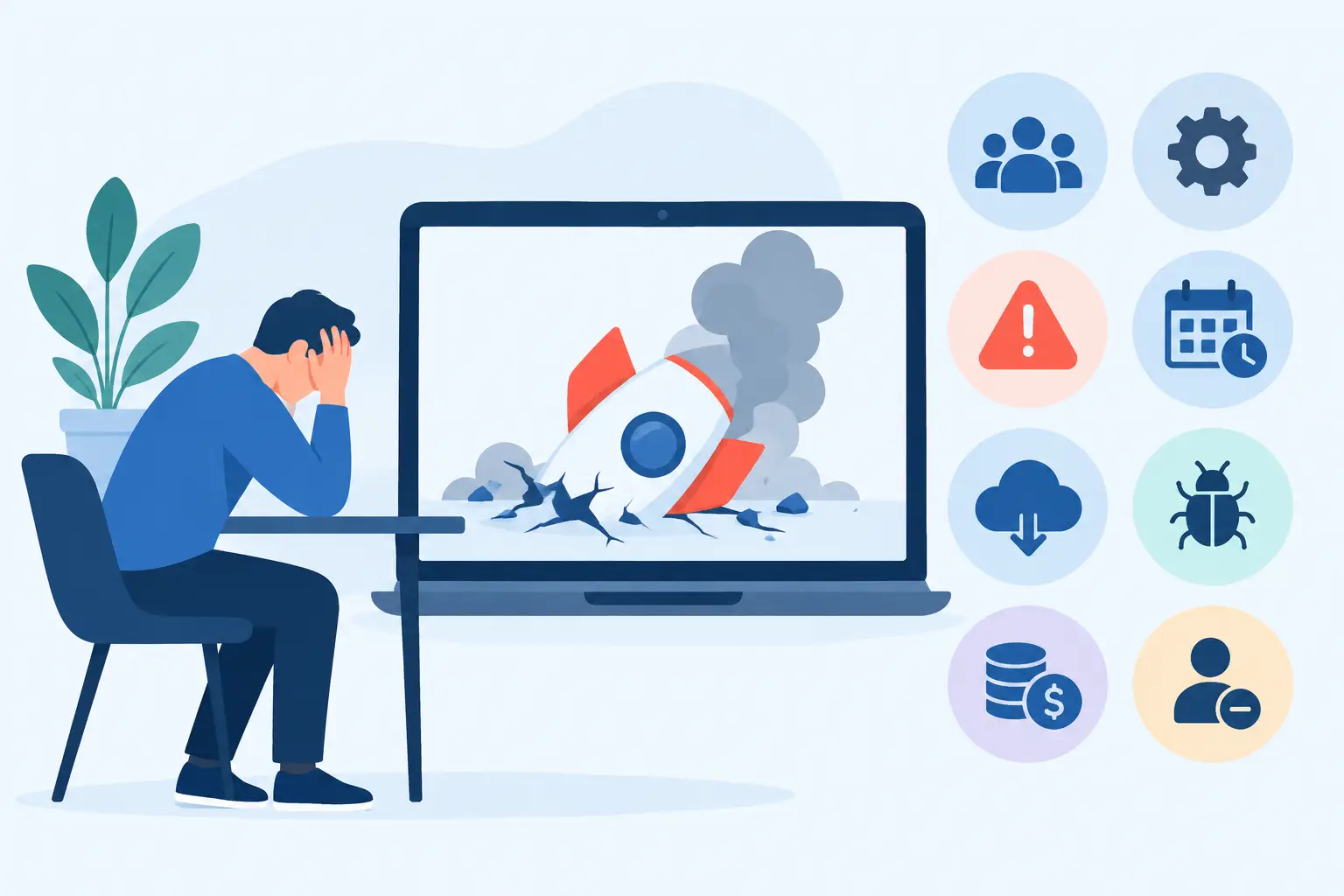
A software launch can look successful on paper and still fail where it matters: in the daily work of your team. The subscription is active, the dashboard is configured, and everyone attended the kickoff meeting. Then customer notes remain in spreadsheets, leads go unanswered, and the new platform becomes another monthly charge nobody wants to discuss. Understanding what causes failed software launches helps small businesses avoid buying tools that never become useful business capabilities.
For a Texas business owner juggling sales, staffing, customer service, and cash flow, the cost is more than the subscription price. A failed rollout burns time, disrupts routines, and makes employees less willing to adopt the next tool. The good news is that most failures are predictable well before the launch date.
1. The business problem was never clearly defined
The most common mistake happens before a product is selected. A business decides it needs a CRM, email automation platform, live chat tool, or loyalty program because competitors use one or a vendor demo looked impressive. But “we need better software” is not a problem statement.
A useful starting point is specific: “Our sales team loses track of web inquiries after the first call,” or “Repeat customers have no reason to return between visits.” Those statements make it easier to evaluate whether a tool has the right features and whether the business can actually use them.
For example, EngageBay may make sense for a small business that needs contact management and marketing tools in one place. Smartlead is a more focused fit for teams running structured outbound email campaigns. BoomerangMe can be relevant for businesses trying to encourage repeat visits through a digital loyalty program. None is automatically the right choice simply because it is popular or priced attractively.
When the problem is vague, success is vague too. Set one or two measurable goals before purchasing, such as reducing lead response time, increasing repeat visits, or giving staff a single place to track customer conversations.
2. No one owns the launch
Software does not manage itself after the purchase confirmation arrives. Someone needs the authority and time to make decisions, answer questions, organize access, and check whether the system is being used correctly.
In a small company, this owner may be the business owner, office manager, sales lead, or marketing coordinator. The title matters less than clarity. If several people assume someone else is handling setup, critical details get missed: contact fields are inconsistent, permissions are too broad, and automated messages go live without review.
Ownership should include a simple decision path. Who approves workflows? Who imports data? Who makes changes after launch? Who is responsible for reviewing results after 30 and 60 days? A single accountable person does not have to do every task, but they do need to keep the work moving.
Many platforms are capable of far more than a small business needs. That can be an advantage, but it can also create friction. A feature-rich system with complicated setup requirements may be a poor fit for a five-person team that needs fast, repeatable follow-up.
This is where software comparisons should go beyond feature checklists. Ask how work happens now. Does your team work mainly from phones? Do employees have time to log every customer interaction? Are sales, marketing, and support handled by the same two people? A system that requires perfect data entry will struggle if the people using it are constantly on job sites, serving customers, or managing a busy front counter.
LiveChat, for instance, may be useful when website visitors need quick answers before they leave. It is less useful if no one is available to monitor and respond during the hours customers are online. Systeme.io may appeal to a business that wants to build funnels, email campaigns, and digital offers in one platform, but the fit depends on whether those capabilities match the company’s sales process.
The best software is often not the one with the longest feature list. It is the one your team can use consistently without creating extra work they will bypass.
What causes failed software launches after a good purchase decision?
Even a well-chosen product can fail in execution. The gap usually appears between configuration and adoption. Buying the right system is only the first decision; designing a practical way to use it is the work that follows.
Too much setup, too soon
Businesses often try to build every automation, report, template, and integration before anyone has used the core workflow. The result is a delayed launch and a system that is difficult to troubleshoot.
Start with the smallest useful version. A CRM rollout might begin with lead capture, assigned follow-up, and a basic sales pipeline. A restaurant loyalty program might begin with one clear customer reward rather than a complicated set of tiers and exclusions. Once the team uses those basics reliably, add more.
There is a tradeoff here. A minimal launch will not deliver every efficiency immediately. But it creates faster feedback and reduces the risk of investing weeks into processes that do not fit how the business operates.
Dirty or incomplete data
Software can only organize the information it receives. Duplicate contacts, missing email addresses, inconsistent customer names, and outdated deal stages create confusion from day one. If the team cannot trust the data, they will return to their old notes and spreadsheets.
Before importing data, decide what information is essential and clean only that first. For many small businesses, that means customer name, email or phone number, source, last contact date, and current status. Avoid treating a new platform as a storage unit for every record collected over the last decade.
A short product tour is not the same as training. Employees need to understand what changes in their work, why the change matters, and what to do when something does not fit the usual process.
Good training uses real scenarios. Show a salesperson how to handle a new inquiry, a missed call, a referral, and a stalled opportunity. Show a customer service employee how to see previous conversations before replying. Give the team a written reference for the few actions they perform most often.
Keep the first training focused. People do not need to learn every reporting option or advanced setting before they know how to complete their daily tasks.
4. Old habits are allowed to run in parallel indefinitely
A short overlap period can be smart. It gives the team a safety net while they learn the new system. The problem starts when the old process remains the unofficial source of truth for months.
If sales activity is recorded partly in a CRM, partly in text messages, and partly in a spreadsheet, no report will be reliable. Employees will naturally choose the fastest option, especially when deadlines are tight. The launch owner needs to set a reasonable transition date and make the new process the default.
That does not mean forcing a bad workflow. If the team keeps avoiding a step, investigate why. It may be resistance, but it may also reveal that the process has too many clicks, unclear rules, or no obvious benefit to the person doing the work.
5. Integrations are treated as an afterthought
A platform may work well on its own but create problems when it has to exchange data with accounting software, calendars, forms, point-of-sale systems, or email inboxes. Businesses sometimes assume an integration means information will flow exactly as they expect. It may not.
Before launch, test the most important handoffs. Submit a web form, create a test customer, assign a lead, send a message, and confirm that the correct people can see the result. Also decide what happens when an integration fails. A simple manual backup process can prevent missed leads while the issue is fixed.
Not every connection is worth building. Each added integration increases convenience but also adds maintenance and potential points of failure. Prioritize the handoffs that affect revenue, customer communication, or required operations.
6. Leaders do not use the system or review the results
Teams pay attention to what owners and managers inspect. If leadership asks for updates from the old spreadsheet, employees will keep the spreadsheet current. If managers review pipeline activity, response times, or campaign results inside the new platform, the software becomes part of how the business runs.
Schedule a brief review after launch. Look at adoption first: are people logging in and completing the core workflow? Then look at outcomes: are leads receiving faster responses, are customers returning, or are support questions being handled more effectively? A low result may point to a product limitation, but it can also signal incomplete training or an unclear process.
7. The budget ignores the real cost of change
The subscription price matters, particularly for smaller businesses. But low monthly pricing does not make a tool affordable if it consumes hours of staff time without producing a useful result. Conversely, a higher-priced tool can be worthwhile if it replaces several disconnected subscriptions and gives the team a process they will follow.
Budget for the full first few months: subscriptions, data cleanup, staff training time, and any necessary add-ons. Be skeptical of paying for advanced features before the business has proven it will use the basics. A monthly plan or trial can be a sensible way to reduce commitment while validating fit.
8. There is no plan for improvement after launch
A launch date is a starting point, not a finish line. Customer needs change, employees find workarounds, and campaigns reveal which messages perform poorly. Without periodic review, a once-useful system slowly becomes cluttered and ignored.
Set a recurring, short check-in to remove unused fields, review automations, update permissions, and ask staff what is slowing them down. This is also the right time to decide whether the platform is still the right fit. Switching tools too quickly can be expensive, but staying with a system that no longer supports the business is expensive too.
Choose software with a clear job to do, introduce it in manageable stages, and make one person responsible for keeping it connected to real work. That approach gives a new platform its best chance to earn a place in the business rather than becoming another forgotten login.