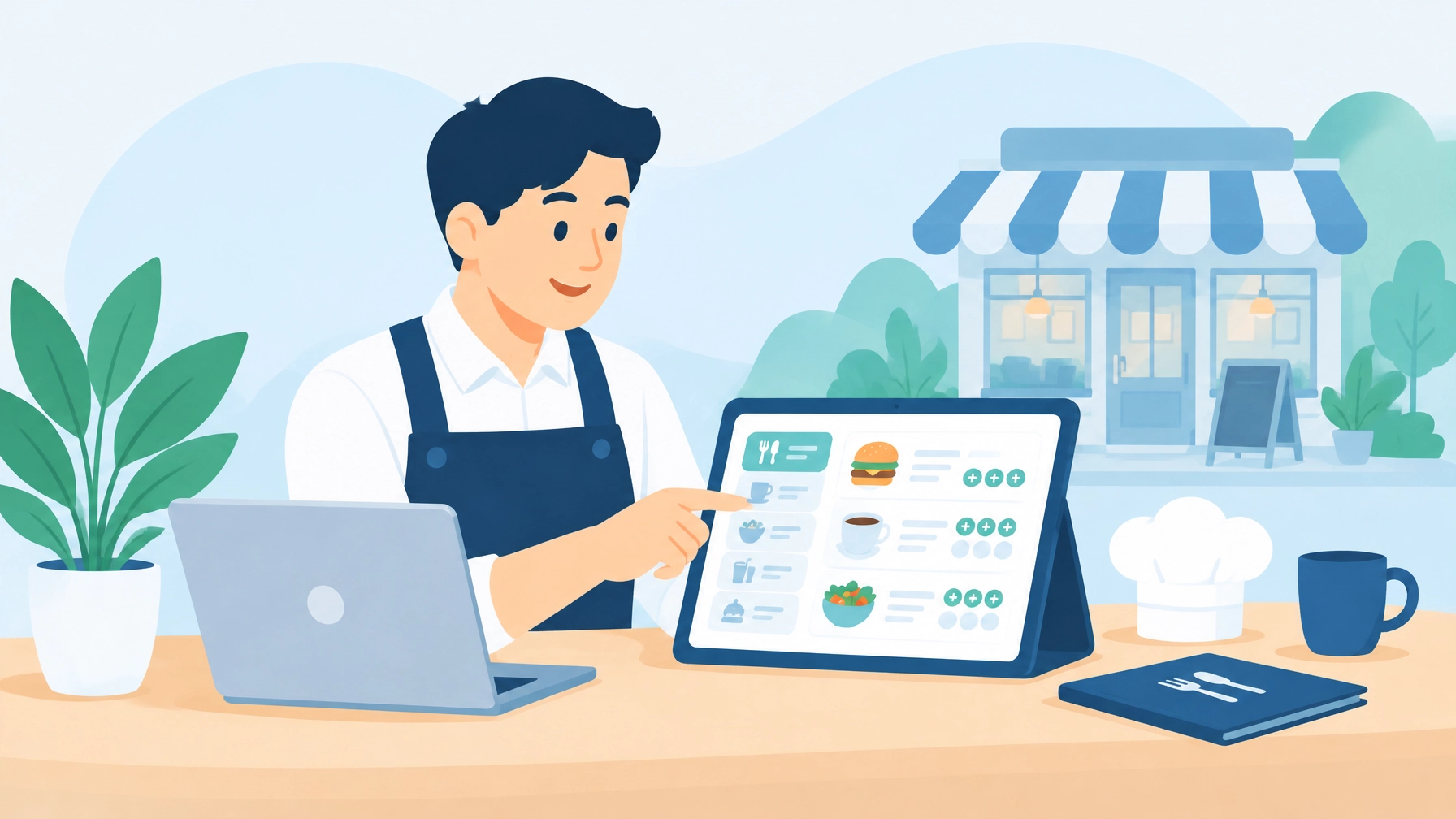
The digital menu is where a direct-ordering channel succeeds or fails, and it fails in ways that are invisible from the admin dashboard. A menu that is technically complete but structured unlike the physical menu produces confused customers; items without modifiers produce half-orders and phone calls, which is the exact behavior the channel exists to eliminate. The menu build deserves the same care as the kitchen's prep list.
This article walks the menu build for Restomas, the platform we use as the example for direct ordering. It complements our customer ordering journey, which covers the experience from the customer's side; this article is the owner-side build that makes that experience coherent.
The first build decision is the category structure, and the rule is simple: the digital menu's categories should match the physical menu's sections, because customers arrive holding a mental model of your menu that was built at your tables.
If the printed menu says Appetizers, Mains, Sandwiches, Sides, and Desserts, the digital menu says the same. The temptation to reorganize for the platform, grouping by ingredient or prep method, produces a menu that feels unfamiliar, and unfamiliar menus get abandoned mid-order. The category test: could a regular customer predict where an item lives? If not, the structure is wrong.
One addition earns its place: a small featured or popular section at the top, because first-time digital customers benefit from a starting suggestion, and the customer journey research is unambiguous that decision fatigue is the channel's silent killer.
Step two: write items for people who cannot ask questions
The physical menu is read in a room where a server can answer questions. The digital menu is read on a phone, alone. Every item description has to answer the questions that would otherwise become a phone call or an abandoned cart.
The item description rule: name the item, state what comes with it, and name anything a reasonable customer would want to know. "Chicken Caesar Wrap" is a name. "Chicken Caesar Wrap - grilled chicken, romaine, parmesan, caesar dressing, on a flour tortilla. Served with chips" is an order-ready description. The second version answers three questions the first one provokes, and each unanswered question in a digital menu is a small chance the customer calls, hesitates, or leaves.
The description is also the place to mark what cannot be modified, which is kinder than a modifier system that accepts requests the kitchen will not honor.
Modifiers are where digital menus prove their worth, because a well-configured modifier answers a question the customer was going to ask. The rule for choosing modifiers: configure exactly the choices the kitchen actually offers, and no others.
- Single choice — Example: Size: small, medium, large; When to use: When the customer must pick one
- Single choice, required — Example: Doneness: rare, medium, well; When to use: When the kitchen needs the answer
- Multi choice — Example: Toppings: any combination; When to use: When add-ons are allowed
- Options with prices — Example: Add avocado (+$1.50); When to use: When the add-on costs more
The most common modifier failures run in both directions. Too few modifiers, and the customer's "no onions" becomes an order note, which the kitchen may miss, or a phone call, which defeats the channel. Too many, and the item's page becomes a form, and the ordering journey slows to the point of abandonment. The test for each modifier: is this a question the kitchen gets asked weekly? If not, it belongs in the description, not the modifier set.
Step four: pricing, photos, and the honesty rules
Three build details deserve deliberate care.
Pricing must match the counter. A digital price that differs from the in-store price destroys trust in the channel faster than any other error, because the customer discovers the discrepancy at the register or the receipt. The menu build should include a price-check pass against the current counter menu, and the menu maintenance responsibility needs a named owner, the same ownership discipline as any customer-facing tool.
Photos are optional; wrong photos are not. A category with no photos is workable; a photo that does not match the delivered item is a complaint generator. Use real photos of the actual items, or skip photos entirely, but never use stock images of food that is not yours.
Availability toggles are part of the build. The digital menu needs the ability to mark items out of stock quickly, because the alternative, taking orders for items the kitchen cannot make, converts a convenience channel into an apology generator. Confirm how availability is managed before launch, and put it in the pre-launch verification habit of testing the customer path.
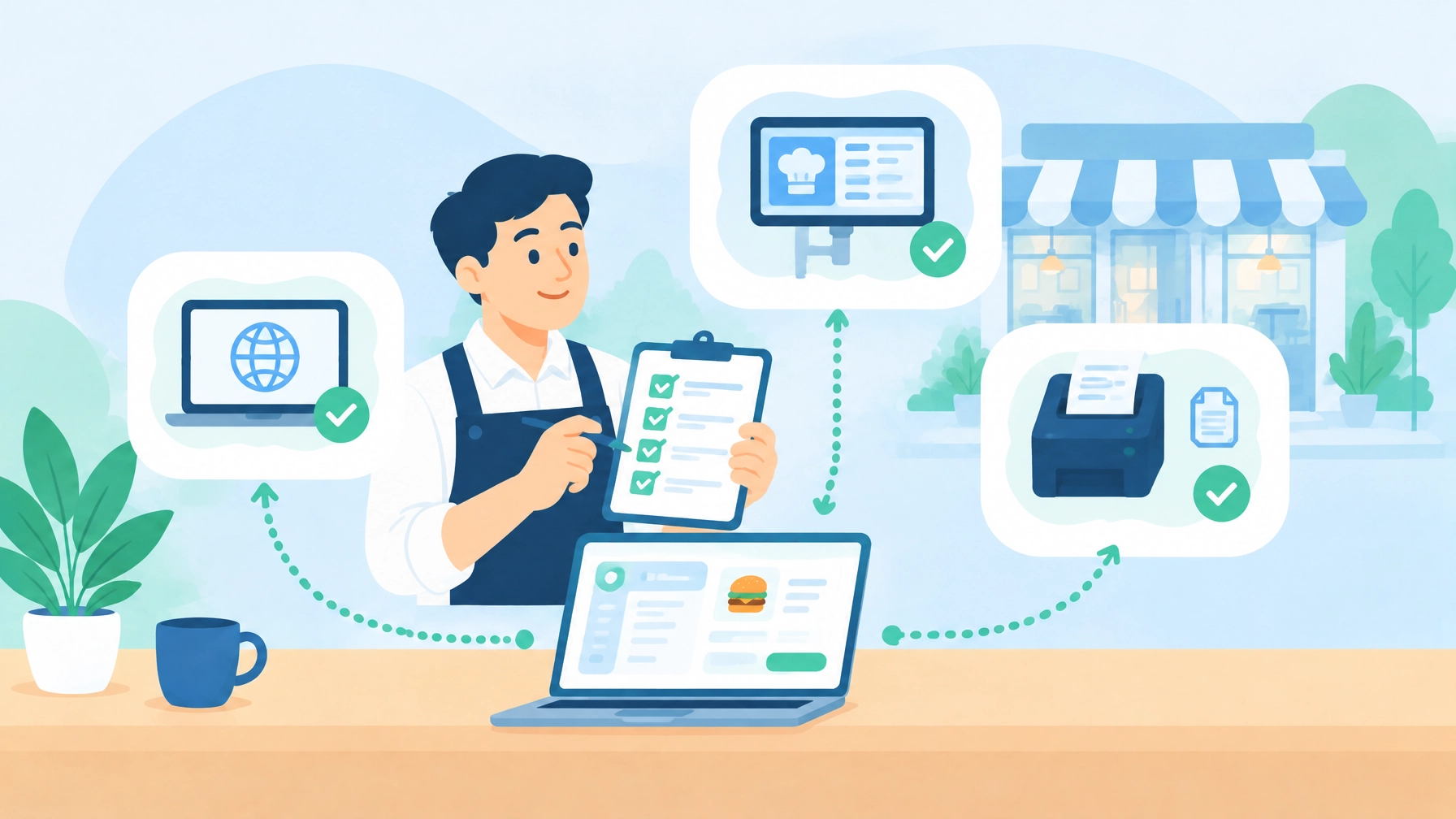
The build checklist, condensed
- Categories match the physical menu's sections
- A featured section highlights proven sellers
- Every item description answers what comes with it
- Modifiers configured for exactly the choices the kitchen offers
- Prices verified against the counter menu
- Photos are real or absent, never generic
- Out-of-stock toggles tested before launch
Seven checks, and the menu is built for the customer rather than the platform. The test that covers all seven: place a real order from a phone, as a customer would, and note every moment of hesitation. The hesitation points are the build's remaining work.
Before the menu goes live, write down: Could a regular customer predict where each item lives? Does each item's description answer what comes with it? Does every modifier correspond to a choice the kitchen actually offers? Have prices been checked against the counter this week? Who owns out-of-stock changes during service?
Five answers, and the menu is an ordering system rather than a PDF with buttons. MBH Web Services builds direct-ordering menus with exactly this sequence, but the walkthrough above is fully buildable by a restaurant team over a weekend: structure, describe, configure, verify, test. Build it in Restomas, order from your own phone, and fix what the test reveals before customers find it first.