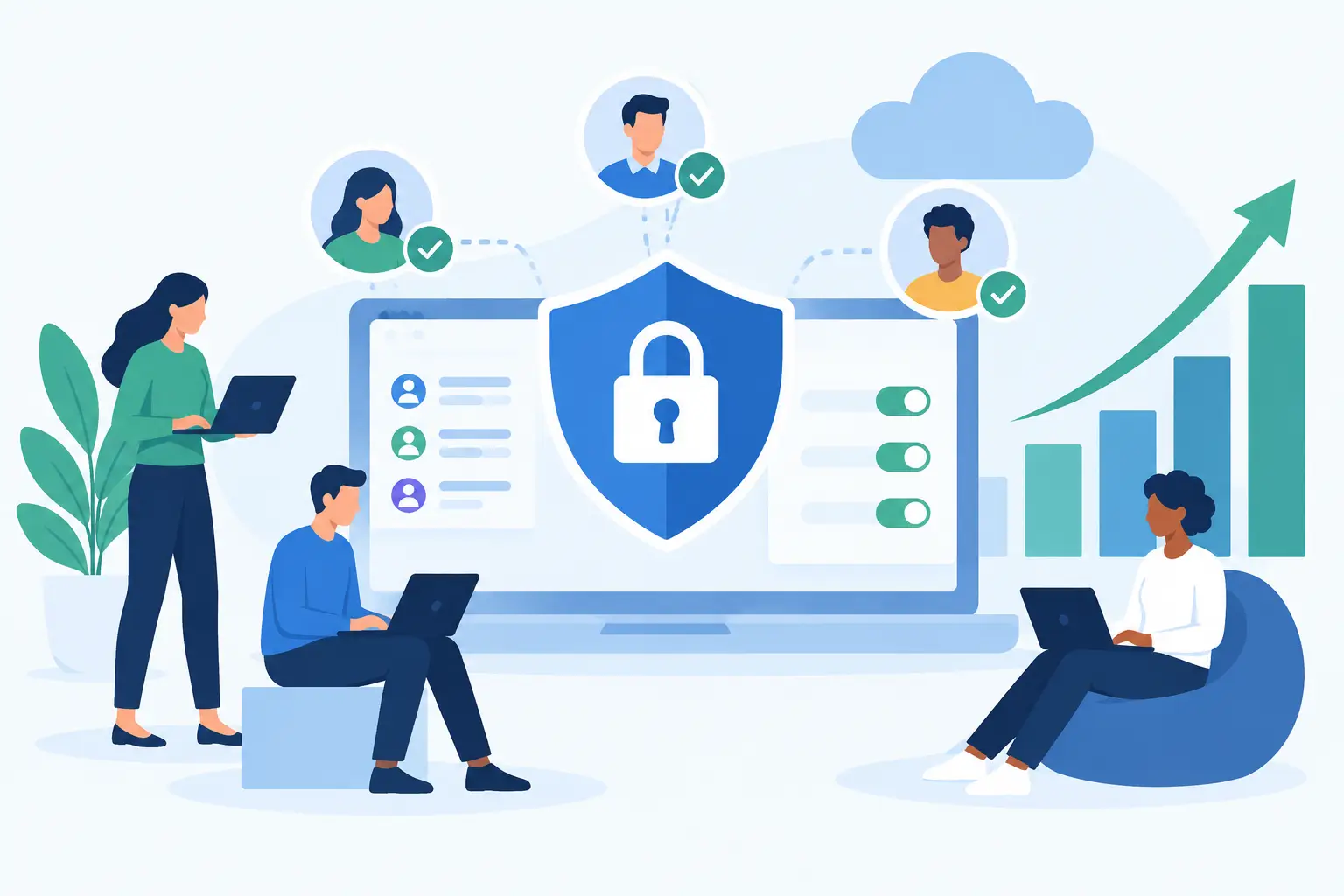
A new employee starts Monday morning, needs access to email, payroll, customer records, project files, and a department-specific application. A former employee left two weeks ago, but no one is certain whether their access was removed from every tool. These are everyday operational situations, and they show why SaaS access controls need to be treated as part of software management, not a one-time setup task.
For small and mid-sized businesses, access decisions affect more than security. They determine whether employees can do their work without delays, whether sensitive information stays appropriately restricted, and whether leaders can account for who has authority within each system. The goal is not to make every application difficult to use. It is to give the right people the right level of access for the work they are responsible for.
What SaaS Access Controls Should Accomplish
SaaS access controls are the policies, settings, and processes used to determine who can enter a cloud application, what they can view or change, and when that access should end. They can include user accounts, password and sign-in requirements, role permissions, administrator rights, approval workflows, and account reviews.
A useful access model balances three business needs: protection, productivity, and accountability. If controls are too loose, confidential information and critical settings can be exposed unnecessarily. If they are too restrictive or poorly organized, employees wait for permissions, work around approved tools, or rely on a single administrator for simple changes.
The right approach depends on the application. A scheduling platform may require only a small number of permission levels. A financial, HR, customer relationship management, or document management system may require more detailed roles because the information and actions within it carry greater consequences. Controls should reflect the real use of the software, not a generic checklist applied without context.
Start With Roles, Not Individual Requests
Many access problems begin when permissions are assigned person by person without a clear structure. An employee asks for access, an administrator grants it quickly, and the decision is never revisited. Over time, the platform becomes difficult to manage because permissions are based on past requests rather than current responsibilities.
A better starting point is to define practical roles for each system. In a customer platform, for example, sales representatives may need to create and update assigned records, sales managers may need reporting and team visibility, and a small number of administrators may need authority to change workflows, integrations, and account settings. Finance or support teams may need different access altogether.
Roles do not need to be overly complex. For many businesses, a clear distinction among standard users, managers, and administrators is enough. The value comes from documenting what each role can do and using those definitions consistently as people join, change positions, or take on temporary responsibilities.
Administrative access deserves special attention. Admins can often create users, reset passwords, export data, modify security settings, or connect other applications. Limit these rights to the people who genuinely need them to support the platform. It is also wise to avoid dependence on one person. At least two authorized individuals should be able to manage essential business systems, with responsibilities clearly assigned.
Build Access Into Onboarding
Employee onboarding is one of the best opportunities to establish clean access controls. Instead of asking a manager or new hire to identify every application they may need, use the person’s role, department, and location to guide the setup.
A structured onboarding process confirms which accounts are required, assigns the correct permissions, and verifies that the employee can sign in before their first day of productive work. It also reduces the risk of automatically giving broad access simply because it is faster in the moment.
This process should include the business owner or department manager, not only IT. Managers understand the work the employee will perform and can identify which records, reports, or features are necessary. The person managing implementation can then translate those needs into the appropriate application settings.
For organizations adding a new SaaS product, access planning should happen before the rollout. During implementation, identify user groups, administrative owners, approval steps, and any external users such as contractors or accounting partners. Waiting until launch day often creates unnecessary confusion and inconsistent permissions.
Make Role Changes and Departures Routine
Access controls are only reliable when they keep pace with staffing changes. A promotion, transfer, leave of absence, or contractor engagement can all change what a person should be able to access. The most common weakness is not a poorly configured platform. It is an otherwise good setup that was never updated after the business changed.
Create a simple handoff process between HR, department leaders, and the person responsible for SaaS administration. When an employee changes roles, their former permissions should be reviewed as carefully as their new ones. Access tends to accumulate when organizations focus only on adding new privileges.
Departures require more urgency. On or before the employee’s final working day, disable access to business applications, shared files, communication tools, and systems containing customer or financial data. This should be coordinated with the transfer of account ownership, shared mailbox access, stored documents, and ongoing workflows. Removing an account without preserving necessary business information can create a different operational problem.
For critical systems, establish a clear owner and a documented offboarding checklist. The checklist should be reviewed periodically because the software portfolio changes as new tools are adopted and older ones are retired.
Use Strong Sign-In Practices Without Burdening Employees
Password policies remain relevant, but passwords alone are not enough for applications containing sensitive or operationally important information. Multi-factor authentication adds a second verification step and significantly reduces the risk that a compromised password becomes a compromised account.
For many organizations, multi-factor authentication should be required for administrators and users of systems that hold financial data, employee information, customer records, or company-wide documents. Some platforms may support single sign-on, allowing employees to sign in through a central identity provider. This can simplify user administration and make access removal more dependable because one central change affects multiple connected applications.
There are trade-offs. Single sign-on may not be necessary for every small software environment, and it requires careful configuration. Multi-factor authentication can also create support needs when an employee changes phones or loses access to an authentication method. The answer is not to avoid stronger sign-in controls. It is to plan for recovery procedures, support ownership, and backup methods before they are needed.
Avoid shared accounts whenever possible. Shared credentials make it difficult to determine who performed an action, complicate offboarding, and create avoidable password reset issues. If a platform has a legitimate shared function, such as a service inbox or team calendar, use the application’s delegation or shared-access features rather than sharing one person’s login.
Review Access Before It Becomes a Problem
Access reviews are where good intentions become sustained operational discipline. At regular intervals, compare current users and permissions with the people who actually need them. For a smaller business, a quarterly review of critical applications may be sufficient. High-risk systems or businesses with frequent staffing changes may need monthly reviews.
Focus first on applications that manage money, people, customers, contracts, business data, or sensitive documents. Look for former employees, inactive contractors, unused administrator accounts, duplicate users, and permissions that no longer match an employee’s role. Confirm that the designated administrators are still appropriate and that recovery contacts remain current.
Reviews also reveal cost and adoption issues. An account that should be removed may represent an unused license. A department with repeated access requests may need a better-defined role or clearer training. In this way, access management supports both security and better use of the software you pay for.
Document decisions in a practical format. You do not need a lengthy policy manual for every platform, but you should be able to answer straightforward questions: Who owns this system? Who can approve access? Who has administrator rights? How are new users added and former users removed? Where are recovery procedures stored?
Treat Access as Part of Ongoing SaaS Maintenance
Businesses often put significant effort into selecting and launching a SaaS product, then assume the work is finished. In practice, the platform continues to change. Vendors introduce new features, employees take on new responsibilities, integrations are added, and the business may expand into new workflows. Access controls need maintenance alongside configuration, user support, and adoption.
This is especially relevant when multiple systems are connected. A change to a user in one application may affect shared files, reporting tools, communications, or connected customer data. Someone needs to understand those relationships and manage changes with care.
MBH Web Services approaches SaaS adoption as an ongoing operational responsibility. Implementation support can establish a sensible foundation, while ongoing maintenance helps organizations keep user access, platform settings, and everyday support aligned as their needs evolve.
A well-managed access process should not feel like a barrier to getting work done. It should give employees the access they need with fewer last-minute requests, give managers confidence in who can act within each system, and give the business a dependable way to adapt as people and software change. Start with the applications that matter most, define ownership clearly, and build the review process into normal operations.