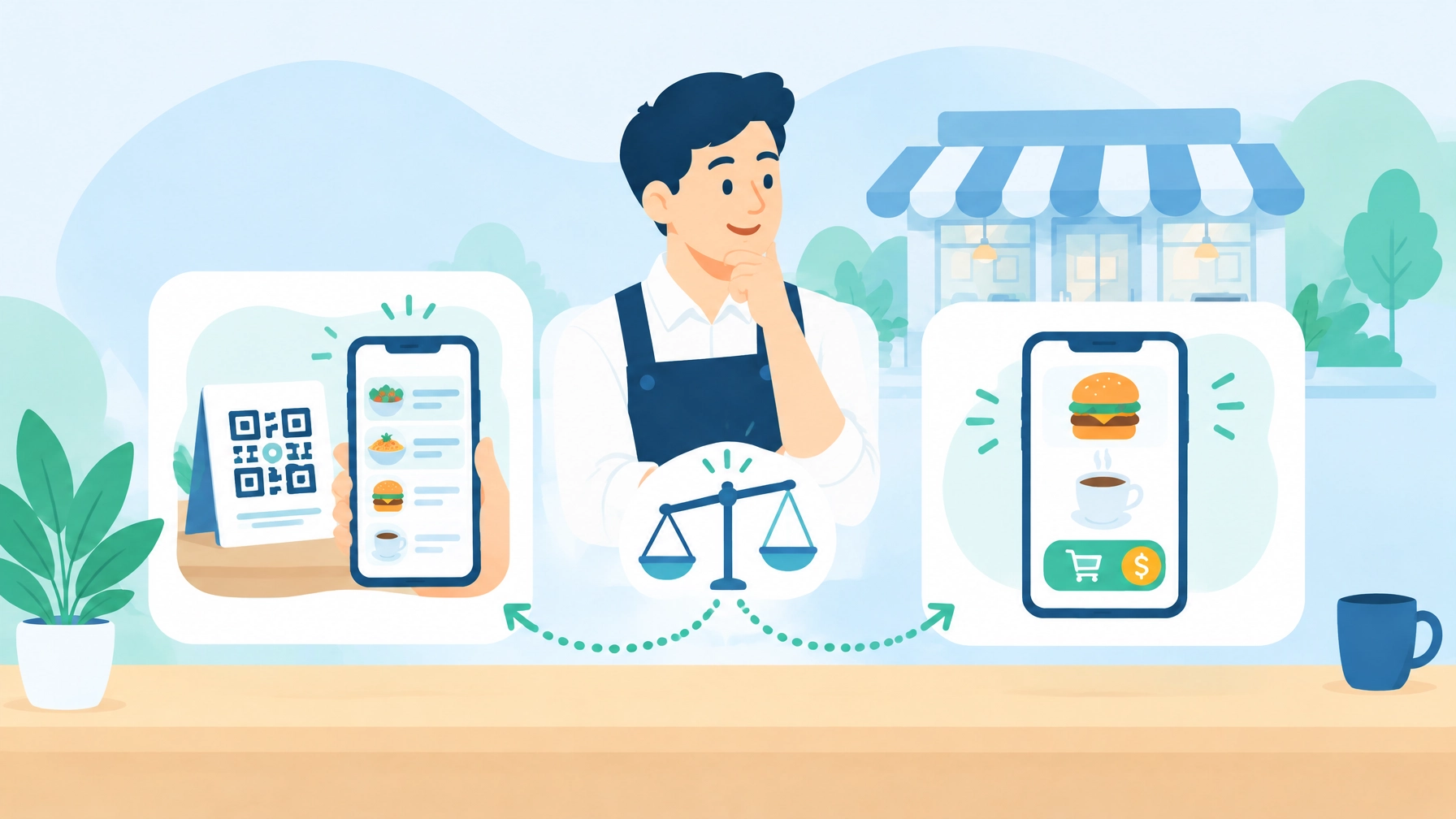
A digital menu and a digital ordering workflow are related, but they are not the same project. One helps a guest see what you sell. The other changes how a request reaches the team and becomes an order.
When choosing a Restomas QR menu or online ordering rollout, start with the part of service you are ready to change. Restomas describes digital menus, QR ordering, and a kitchen display workflow among its tools. That gives you choices, not an obligation to launch every module together. (Restomas product overview)
The better first launch is the one your staff can operate confidently during an ordinary shift.
Choose a Restomas rollout around the first useful result
Consider an illustrative neighborhood café run by Elena. The café wants guests to scan a menu, but its counter-ordering process already works. The immediate problem is keeping printed menus current.
Elena's first launch might focus on the digital menu while keeping ordering at the counter. A different restaurant with slow table-order handoffs may have a reason to evaluate ordering sooner.
Choose the first outcome:
- Menu access: Guests can read accurate items, prices, and descriptions.
- Order capture: Requests arrive with the information staff need.
- Kitchen handoff: The kitchen receives and understands the order.
- Payment: The business has confirmed the supported payment arrangement.
Those are proposed rollout goals, not interchangeable feature labels. For Elena, the smallest useful project is one that fixes the menu problem without creating a new service problem.
Restomas describes importing a menu from a photo, file, or link. Imported content still needs a business review before guests rely on it. (Restomas menu import overview)
Elena should compare the digital result against the menu the café actually intends to sell. Do not treat a successful upload as approval of every item.
Review:
- Item names and descriptions.
- Current prices and portion choices.
- Availability and category placement.
- Applicable ingredient or allergen information.
- Any option that could change what the kitchen prepares.
The review should belong to someone who knows the food and the business's requirements. Software import is not a substitute for checking dietary information or local obligations.
Then scan the proposed QR code with a guest's phone. Check readability, navigation, and whether the destination clearly matches the restaurant.
Add ordering only when the receiving workflow is ready
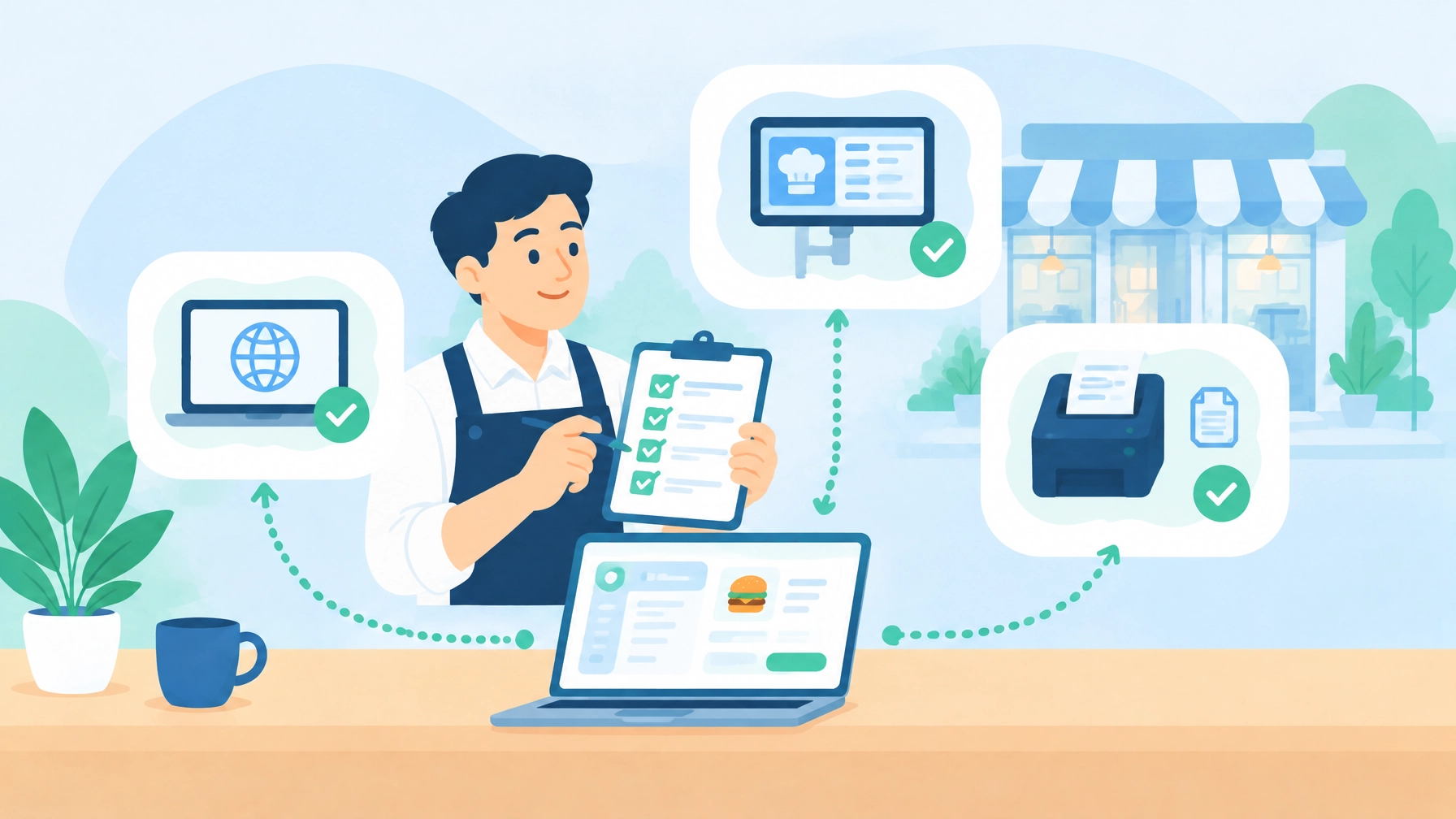
Restomas says orders from channels including QR codes and waiters can reach the kitchen display. Before depending on that workflow, run a representative order through the actual configuration. (Restomas ordering and kitchen workflow)
For Elena, the test is not simply whether a sandwich appears on a screen. The team should know which table or customer it belongs to, how a change is handled, and who confirms that the order was received.
Ask the receiving staff:
- Arrival: Where does the new order appear?
- Ownership: Who notices and accepts it?
- Exceptions: What happens when an item is unavailable?
- Changes: How are additions or corrections communicated?
- Completion: How does the team know the order has been handled?
If the test exposes an unclear handoff, fix that before adding more tables or channels. A smaller working rollout is better than a wider one that creates uncertainty.
Keep ordering and payment as separate checks
Elena may want customers to order digitally but keep a familiar payment process during the pilot. Whether that exact arrangement is supported should be confirmed in the intended configuration.
Restomas's catalog says online payments use the restaurant's own processor account and lists Stripe and several Turkey-focused providers. Do not assume that enabling ordering establishes payment eligibility, fees, or settlement for your business. (Restomas payment-provider overview)
Before advertising online payment, confirm country support, processor onboarding, currency, applicable fees, and the refund process. The decision should be based on the restaurant's real payment path, not the presence of a payment icon on a marketing page.
Keep the menu launch and payment launch as separate approval points. That lets Elena make progress without pretending that the financial setup is finished.
Pilot one service area before the whole restaurant
Elena can begin with one clear customer journey: scan, read the menu, and order at the counter. If ordering is added later, test it with a limited service area and staff who know the pilot is running.
During the pilot, record questions rather than relying on a general impression that it felt smoother. Did customers understand the next step? Did staff have to explain the same thing repeatedly? Did any order become ambiguous?
Decide in advance what would stop the rollout. An order going to the wrong destination is a reason to pause; a description needing clearer wording is a different kind of fix.
This is a recommended implementation approach, not a claim that a particular restaurant has already achieved results.
Make the first launch earn the next one
Elena's next decision becomes easier after a working menu pilot. The business can expand based on a tested workflow instead of buying complexity in anticipation of needs it has not confirmed.
Review Restomas against the first outcome your restaurant actually needs, then test that path from the guest's phone to the receiving team. MBH Web Services can help with the rollout if you want support, but the strongest starting point is a clearly defined first launch.