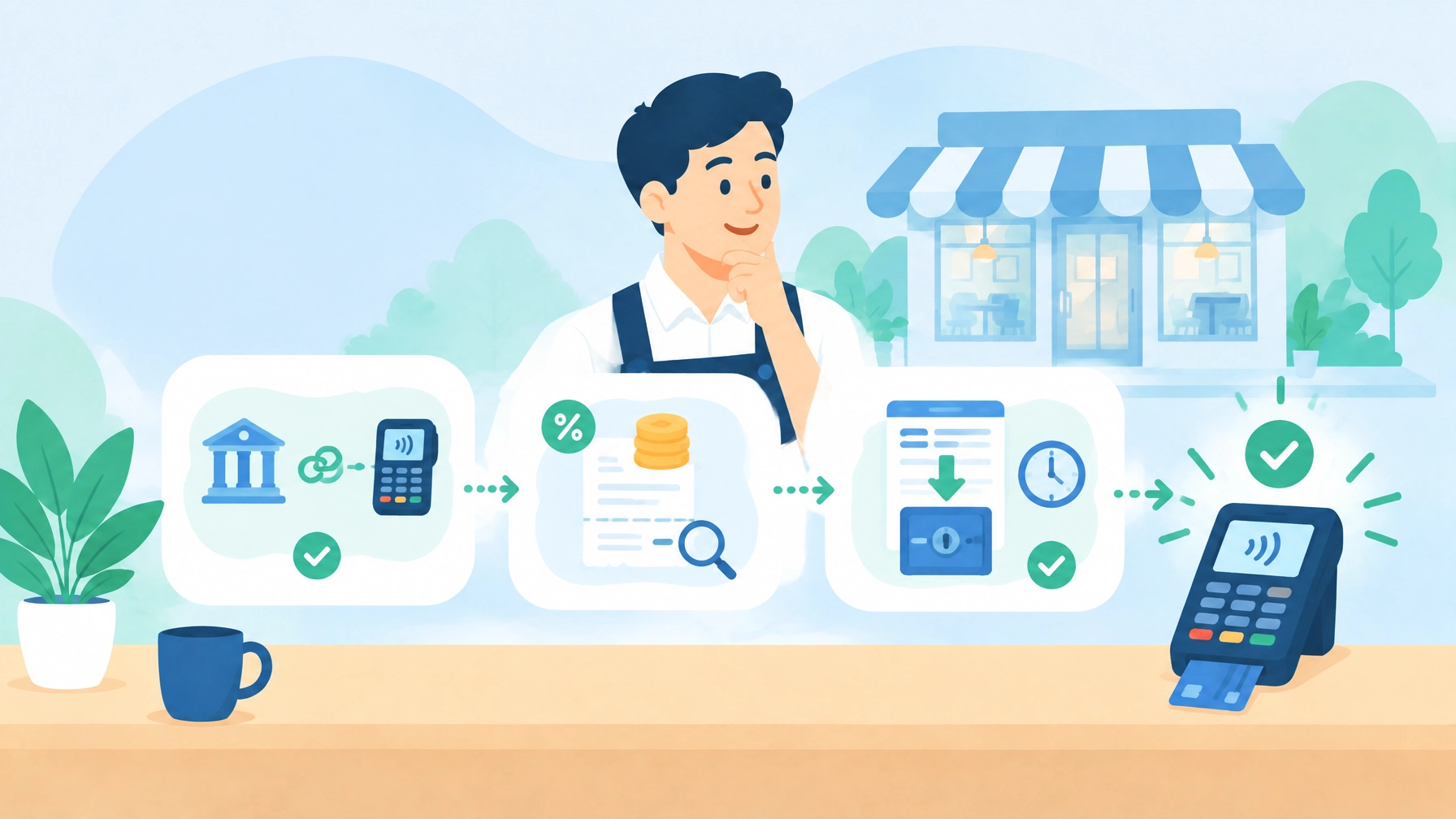
An online order is not money in the bank. Before you promise guests a new payment option, establish who processes the charge, which account receives the funds, and how the payment connects to the order.
Restomas payment setup starts with understanding that relationship. The vendor's catalog says payments use the restaurant's own processor account, listing Stripe and Turkey-focused options including iyzico, PayTR, Param, and Sipay. Do not read that list as confirmation that every provider or method is available to every business. (Restomas payment-provider information)
If you are evaluating Restomas, make payment readiness part of the purchase decision rather than a problem to solve after customers arrive.
Identify the account behind the Restomas payment setup
Consider an illustrative restaurant owner, Luis, who wants guests to pay after ordering through a QR code. Luis needs more than a connected button: the restaurant must control the merchant relationship.
Write down:
- Legal business: The entity applying for payment processing.
- Processor: The provider supported for the intended configuration.
- Account owner: The authorized business representative.
- Payout destination: The business-controlled bank account.
- Access: Who can review transactions and perform authorized refunds.
Do not let a temporary implementation helper become the permanent owner of the restaurant's financial account. The helper can assist with a supported setup process while the business retains authority.
For Luis, the test is whether the restaurant can operate the payment relationship when the setup project ends.
Confirm eligibility before comparing convenience
The Restomas catalog names providers, but it does not resolve the restaurant's individual underwriting, country, currency, or payment-method eligibility. Those questions require confirmation for the exact provider and account. (Restomas catalog)
Luis should ask a specific question: “Can this business, in this country, accept the intended payment method through this Restomas configuration?”
Then clarify:
- Required business verification.
- Supported settlement currency.
- Online versus in-person payment support.
- Any separate equipment or account requirement.
- Conditions that must be met before live transactions.
An existing card terminal is not proof that its account or hardware can be reused for a new software workflow. Ask for the supported connection rather than assuming that two systems mentioning cards must connect.
If the answer is uncertain, keep payment out of the public launch promise until it is resolved.
Separate the software bill from processing costs
Luis needs a complete cost picture, not just a monthly software figure. Ask the vendor and processor to identify which charges belong to which service.
The recommended budget review includes software subscription charges, transaction fees, currency conversion where applicable, refunds, disputes, equipment, and implementation. These are questions to investigate, not a claim that every listed cost applies.
Use the restaurant's expected order pattern to compare options. A low average ticket and frequent orders can produce a different cost picture from fewer high-value transactions.
Avoid quoting an old marketing price in the operating budget. Save the current terms that apply to the account and note any conditions.
For Luis, the useful comparison is the total cost of the intended payment workflow. A cheaper-looking subscription is not necessarily a cheaper way to collect the restaurant's actual payments.
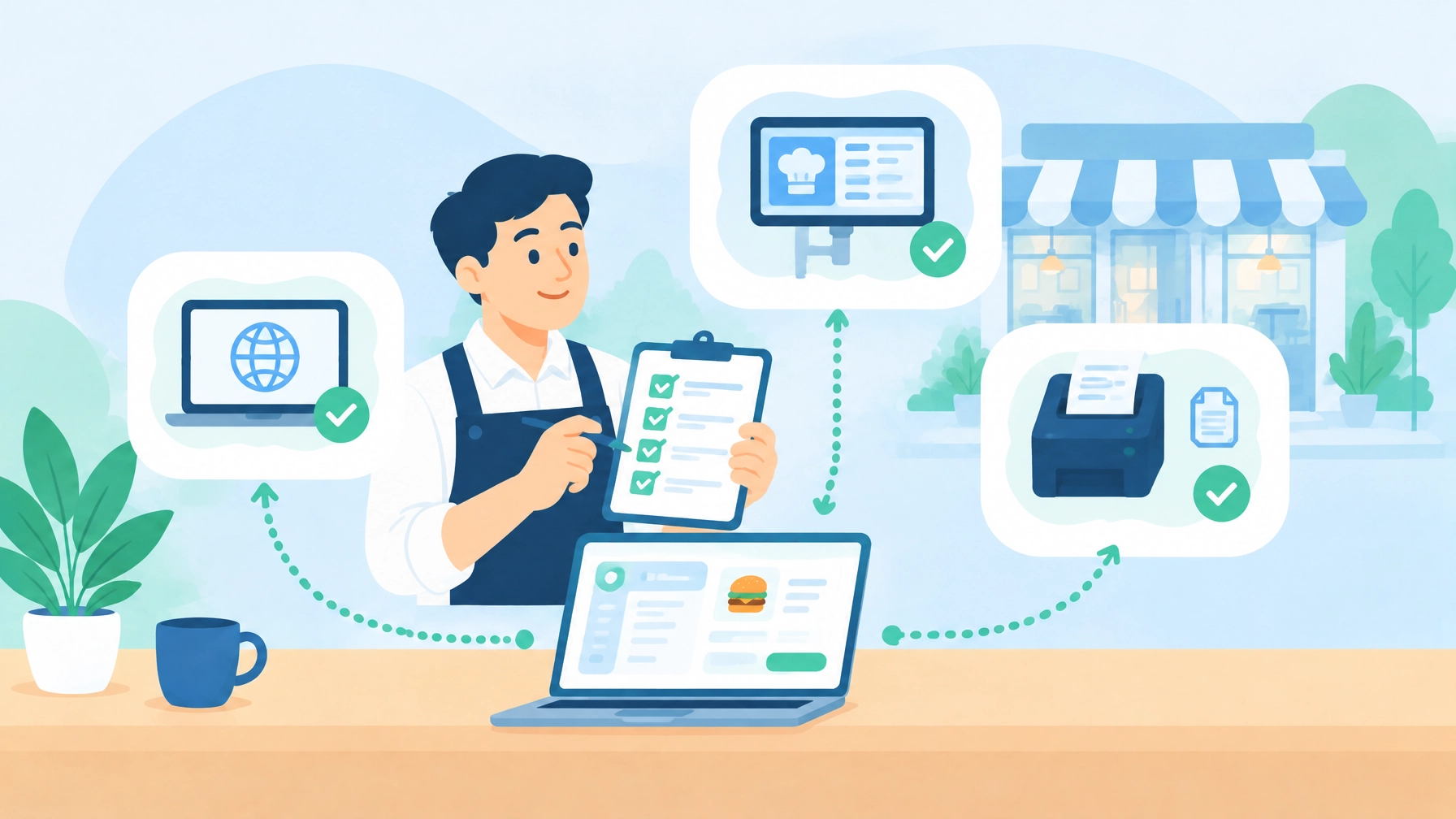
Test the order and payment records together
Restomas presents QR, card, cash, and split-payment workflows among its product capabilities. Confirm which are supported in the selected plan and configuration before promising them to guests. (Restomas product overview)
Luis should run an authorized test using the provider's supported approach. Then inspect both sides:
- Guest experience: The amount and payment result are clear.
- Order record: Staff can identify which order was paid.
- Processor record: The transaction is visible in the correct account.
- Receipt: The customer receives the intended documentation.
- Reconciliation: The restaurant can match the records.
If the guest sees uncertainty after submitting payment, staff need a verification process before asking for another attempt. Repeating a payment without checking can create a problem larger than the original delay.
Document who checks the processor and who updates the order when those records do not agree.
Understand settlement and refunds before service begins
A completed transaction and an available payout are different checkpoints. Ask the processor about the settlement schedule, holds or reserves that could apply, and how the business sees payout status.
Then test or confirm the refund workflow. Establish who can authorize it, where it is performed, what record remains in Restomas, and how the guest is informed.
Do not assume every action in one system automatically changes the other. Luis should verify the supported behavior for refunds, cancellations, and partial adjustments in the actual setup.
The same principle applies to tips and split bills if the restaurant needs them. A broad feature description is not evidence that a specific service scenario has passed a test.
Buy the payment workflow you can explain
Luis is ready to proceed when the restaurant controls the processor account, understands the costs and settlement terms, and can connect a customer payment to an order and an exception process.
Review Restomas with those questions in hand and confirm the current provider requirements before launch. MBH Web Services can help coordinate the setup if needed, but the purchase decision should leave the restaurant clear about where its money goes.