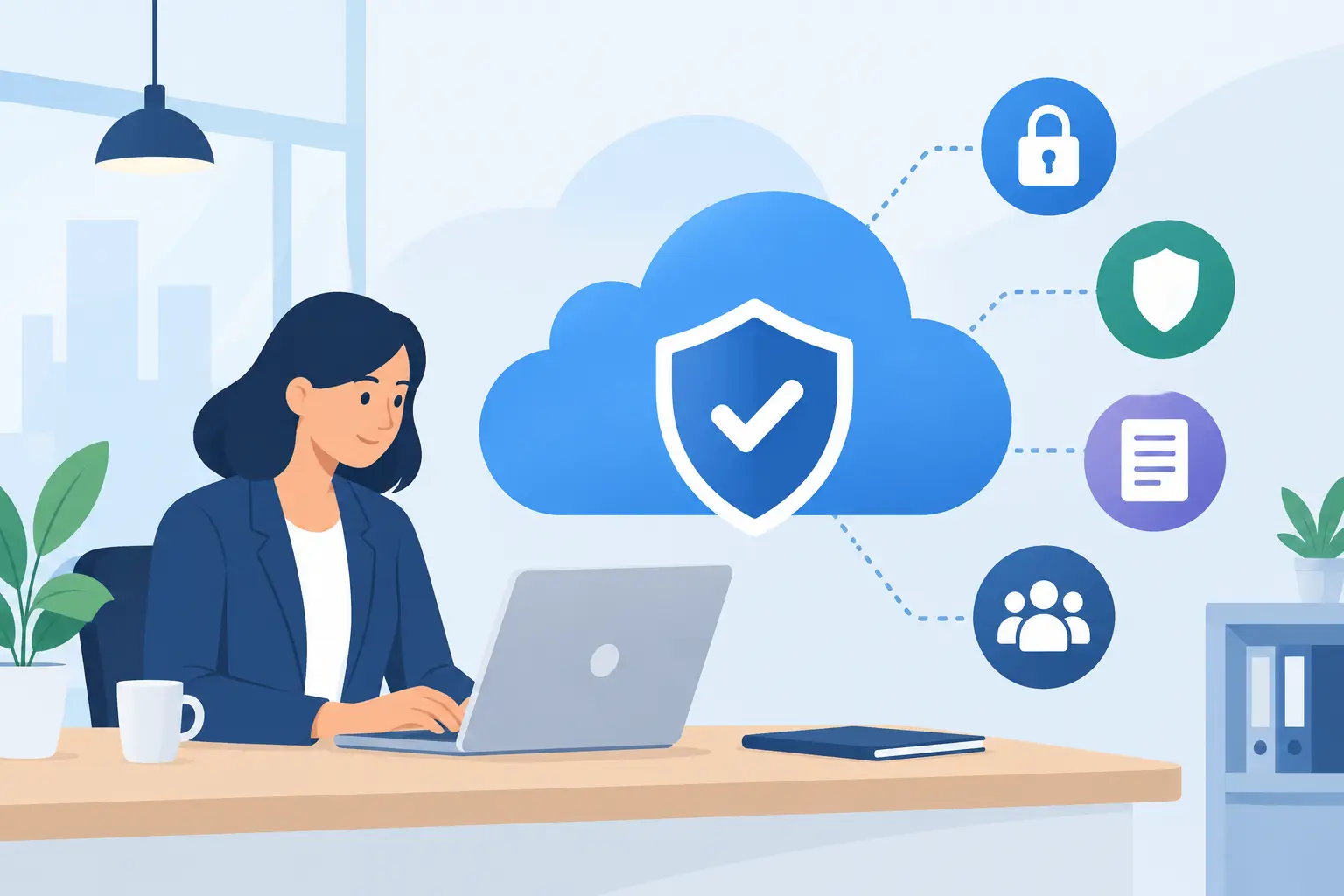
A customer submits a contact form, pays an invoice, opens a support chat, or joins your loyalty program. In each case, their information may move through several cloud platforms before anyone on your team sees it. That is why cloud compliance requirements are not just an IT concern. They affect the software you buy, the customer data you collect, and the contracts you sign.
For a small business, compliance does not mean building a corporate-sized security department. It means understanding which rules apply to your business, choosing vendors with appropriate safeguards, and maintaining sensible day-to-day controls. The details depend on your industry, customers, location, and the types of data you handle.
What cloud compliance actually means
Cloud compliance is the process of meeting legal, contractual, and industry obligations while using cloud-based software and storage. Those obligations may govern how you collect personal information, where it is stored, who can access it, how long you retain it, and what happens if it is exposed.
The word "compliance" can be misleading because there is no single universal certification that makes every business compliant. A marketing agency, a Texas dental practice, and an online retailer may all use cloud software, but their requirements are very different.
For example, a business that accepts credit cards needs to consider PCI DSS. A healthcare provider or vendor handling protected health information may need software and agreements that support HIPAA obligations. Businesses serving consumers may also have duties under state privacy laws, including the Texas Data Privacy and Security Act when it applies. Government contractors, financial firms, schools, and companies working with larger enterprise clients can face additional contractual requirements.
A vendor saying it is "secure" is useful, but it is not the same as proving the service fits your obligations. Security describes protections. Compliance asks whether those protections, your internal processes, and your customer commitments meet a specific standard.
The shared responsibility issue owners often miss
Most reputable cloud providers secure the underlying infrastructure: data centers, servers, core networking, and parts of the platform. Your business is still responsible for how your account is configured and used.
That can include setting strong user access rules, removing former employees promptly, limiting exports, choosing a lawful retention period, and training staff not to send customer lists to personal email accounts. If an employee uses the same weak password across tools or grants an outside contractor full administrative access, the cloud provider cannot fix that decision for you.
The split varies by product. A simple email marketing platform may handle much of the technical security, while your responsibility centers on consent, audience permissions, and account access. A more configurable platform may give you greater control but also require more careful setup. Small businesses should not assume that a familiar brand removes their operational responsibilities.
Start with the data, not the software
Before comparing features and monthly prices, make a plain-English inventory of the data your business keeps in the cloud. You do not need an expensive audit to start. Identify what you collect, where it goes, who uses it, and why you keep it.
Customer names, business emails, phone numbers, payment details, appointment records, chat transcripts, purchase history, employee files, and health information do not carry the same level of risk. Payment and health data deserve especially careful handling. So do Social Security numbers, bank details, government IDs, and information about children.
Then ask a harder question: do you need all of it? Collecting less sensitive information can reduce both compliance work and the damage from a mistake. A local service company may need a customer phone number to confirm an appointment, but it may not need to keep card details or identification documents in its CRM.
This inventory also reveals hidden connections. A lead captured in a form might automatically appear in a CRM, an email tool, a sales outreach platform, a live chat system, and a spreadsheet. Each connection can be useful, but every copy of the data creates another access and retention decision.
Core cloud compliance requirements to address
The exact rules vary, but the following controls are practical starting points for most small and medium-sized businesses:
- Access control: Give each person their own login, use multifactor authentication where available, and provide only the access they need. Review users at least quarterly and immediately after a role change or departure.
- Data protection: Confirm that vendors protect data in transit and at rest, and understand whether you can control encryption, backups, exports, and account recovery.
- Privacy and consent: Make sure forms, marketing messages, and tracking practices match your privacy notice and applicable consent rules. Do not treat a purchased contact list as permission to market.
- Retention and deletion: Establish a reasonable schedule for deleting data you no longer need. Know how to close an account, export essential records, and request deletion when appropriate.
- Incident response: Decide who investigates a suspected breach, how access will be shut off, where vendor support contacts are kept, and when legal or customer notification may be required.
Written policies matter, but they do not need to be long. A two-page access and data-handling policy that staff can follow is more valuable than a 40-page document no one reads.
Questions to ask a cloud software vendor
When evaluating a CRM, marketing platform, restaurant operations tool, or customer communication app, look beyond the feature list. Ask whether the vendor provides a data processing agreement when needed, explains its security practices, and identifies its subprocessors or third-party service providers.
You should also understand where data may be stored, whether the company supports multifactor authentication and role-based permissions, and what audit logs or account activity records are available. Ask how backups work, how long deleted data may remain in backups, and what happens to your data when you cancel.
For regulated information, the question becomes more specific. A HIPAA-covered business should not assume that any popular cloud app is appropriate for protected health information. Confirm whether the vendor will enter into a business associate agreement when required and whether the product configuration supports your intended use. For card data, use payment providers designed to reduce how much card information your business directly handles rather than storing it in general-purpose notes or spreadsheets.
Independent assurance reports and certifications can be useful evidence. SOC 2, ISO 27001, and PCI-related documentation may indicate mature controls, but none automatically makes your company compliant. They should support your review, not replace it.
Fit your software stack to the risk
The right tool is not always the one with the most controls. It is the one your team can operate consistently while meeting your actual obligations.
For general sales and marketing data, an all-in-one platform such as EngageBay can help a smaller team reduce scattered spreadsheets and disconnected customer records. Before adopting any CRM or marketing system, set permissions by role and decide which fields should never be added to contact records. Convenience is valuable, but it should not become a reason to collect sensitive details without a clear need.
Outbound platforms such as Smartlead require similar care. Sales teams should use legitimate business contact data, honor opt-outs, and avoid uploading sensitive customer information into campaign tools. The compliance risk is often less about the platform itself and more about list sourcing, message content, and poor access control.
For customer conversations, LiveChat may be useful when fast website support is a priority. Establish guidelines for agents so chat transcripts do not become a place to request payment card numbers, medical details, or other sensitive information unless the service and process are specifically designed for it.
Texas restaurants and retailers using specialized operational software should apply the same discipline. Order history and loyalty data can be commercially useful, but owners should know what customer information is collected, how staff access it, and whether integrations send it elsewhere.
Build a process that survives busy weeks
Compliance breaks down when it only exists at purchase time. Assign one person to own the software inventory, vendor review dates, user access review, and policy updates. In a small company, that may be the owner, office manager, or operations lead. The key is making responsibility explicit.
Review your highest-risk tools first: payment systems, payroll, HR, healthcare records, customer databases, and anything that sends data automatically to other platforms. Document the account owner, types of data, business purpose, key settings, and cancellation process for each one.
Then create a short onboarding and offboarding checklist. New staff should receive only the accounts they need. Departing staff should lose access immediately, including shared inboxes, cloud drives, social accounts, and password managers. This simple discipline prevents many avoidable problems.
If your contracts, industry rules, or data volume are complex, bring in a qualified privacy, legal, or security professional for targeted advice. This article can help you ask better questions, but it is not legal advice. The cost of focused guidance may be far lower than untangling a breach or losing a major customer because you cannot answer a security questionnaire.
Cloud software can make a Texas small business faster and more organized. Treat every new platform as a decision about customer trust as well as convenience, and your technology stack will be easier to manage as the business grows.