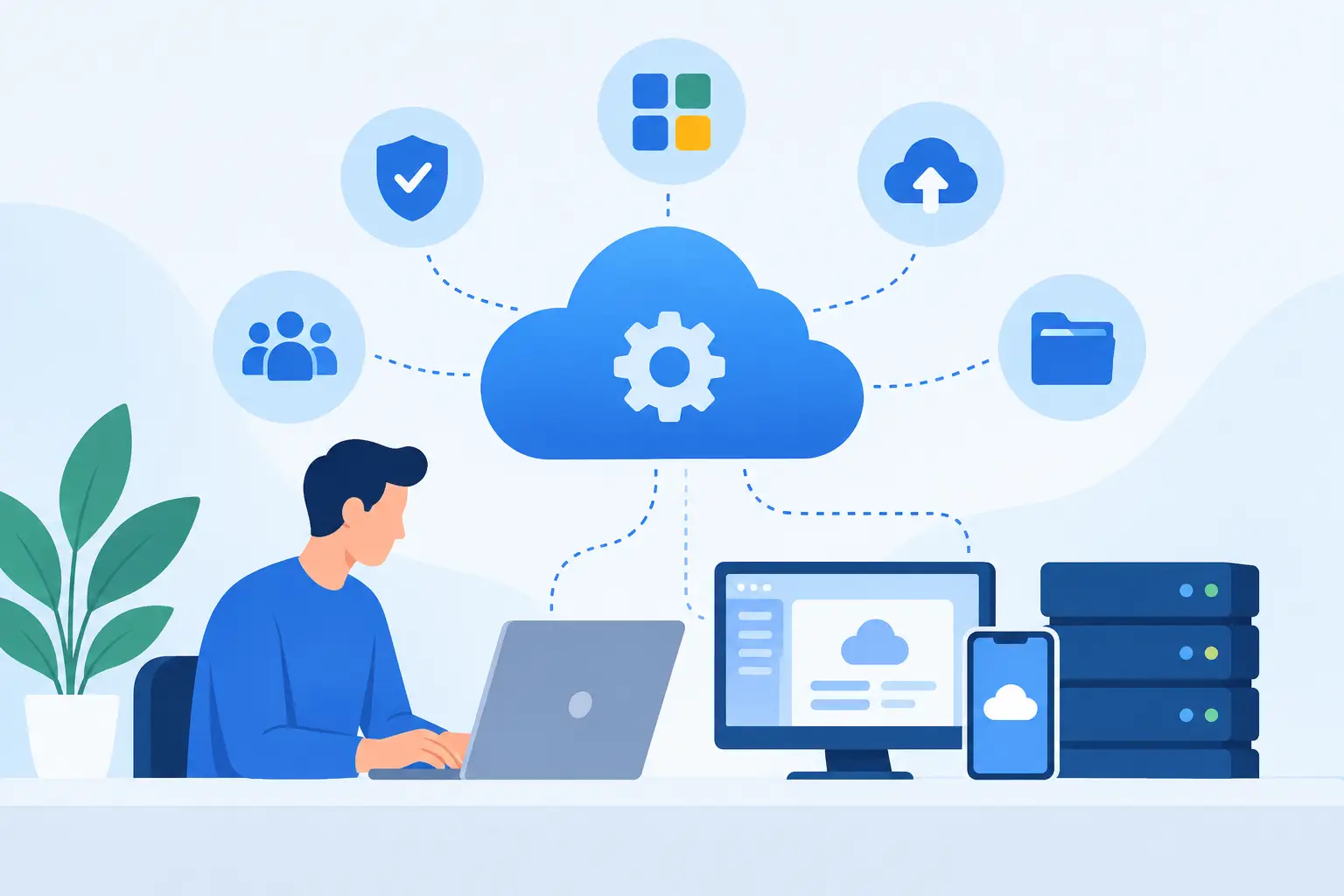
A cloud software setup service is not simply someone creating user accounts and sending login credentials. For a growing business, setup determines whether a new platform becomes part of the daily workflow or turns into another underused subscription. The work has to connect the software to real business processes, prepare employees to use it correctly, and establish clear ownership after launch.
That distinction matters because most SaaS products are easy to buy but require thoughtful decisions to operate well. A platform may offer dozens of settings, permissions, automations, integrations, and reporting options. Without a practical implementation plan, teams often make inconsistent choices, work around the system, or depend on one employee who understands how everything is configured.
Why software setup is an operational service
A cloud platform is usually introduced to solve a specific operational problem: improving customer communication, organizing projects, managing documents, tracking sales activity, strengthening security, or simplifying internal approvals. The subscription itself does not solve that problem. The value comes from how the platform is configured and how consistently the team uses it.
A capable setup service begins with the business need rather than the software menu. Before configuration starts, the provider should understand who will use the system, what information they need, which approvals or handoffs occur, and where existing processes are creating delays or errors. This creates a practical baseline for the implementation.
For example, a customer relationship management platform may need different access levels for sales representatives, managers, and operations staff. A project management tool may need templates that reflect how the company actually plans, assigns, and closes work. Copying a generic configuration can get a system running, but it rarely gives the business a dependable process.
The right level of setup depends on the product and the organization. A small team adopting a straightforward collaboration tool may only need account provisioning, basic configuration, and focused training. A growing company with multiple departments, existing data, and approval requirements may need a phased rollout. The goal is not to overengineer the project. It is to make the system usable, supportable, and appropriate for the work it needs to handle.
What a cloud software setup service should include
A useful service scope covers more than the initial technical tasks. It should address the decisions that affect adoption, continuity, and accountability after the platform goes live.
Product and account readiness
The process starts with confirming that the selected SaaS product, subscription level, and account structure match the organization’s needs. This includes establishing the right administrative ownership, billing contacts, user groups, and security settings. These details are easy to overlook when software is purchased directly, yet they can create problems later when an employee leaves, a department expands, or account access needs to be recovered.
Account readiness also means deciding who has authority to add users, adjust permissions, approve costs, and request support. Clear ownership prevents a common problem: everyone assumes someone else is managing the platform.
Configuration around real workflows
Configuration is where software becomes part of the business. A setup provider should translate operational requirements into settings that employees can follow without unnecessary workarounds. That may include user roles, shared folders, notifications, templates, fields, approval paths, dashboards, and retention practices.
The best configuration is usually not the one with the most features enabled. It is the one that gives teams the information and controls they need while keeping the daily experience manageable. Too many required fields, alerts, or custom steps can discourage adoption just as quickly as too little structure.
This is also the point to identify where standardization is valuable. If different teams need flexibility, the system should allow it intentionally. If a process must be consistent for compliance, reporting, customer service, or financial control, the configuration should reinforce that standard.
Data, integrations, and access controls
Data migration and integrations should be approached carefully. Moving information into a new platform can be necessary, but importing outdated, duplicate, or incomplete records can reduce trust in the system from the beginning. In many cases, a clean and limited initial migration is more useful than attempting to move every historical item.
Integrations require the same discipline. Connecting systems can reduce manual work, but each connection adds dependencies, permissions, and maintenance needs. A business should prioritize integrations that clearly improve a workflow, such as connecting a lead form to a CRM or syncing approved files with a document process. Not every available integration deserves to be activated.
Access control is equally important. Users should receive the level of access needed for their role, not broad access by default. Proper permissions protect sensitive information, reduce accidental changes, and make administration easier as the company grows.
User onboarding and launch support
Employees do not need a product tour of every available feature. They need to know how the system changes their work. Effective onboarding focuses on the tasks each group performs, the expectations for using the new platform, and where to get help when questions arise.
Training should be paired with a defined launch plan. The business needs to know when the new process begins, whether old tools will remain available temporarily, and who will handle early issues. A gradual rollout can be appropriate when teams have different needs or when the software affects customer-facing work. In other cases, a clear cutover date is better because parallel systems create confusion.
Early support is especially valuable after launch. This is when employees encounter exceptions, discover unclear steps, and test whether the configuration matches real-world work. Addressing those issues promptly helps build confidence before informal workarounds become permanent.
Ongoing maintenance keeps the system useful
Software setup is a starting point, not the finish line. SaaS platforms change, employee roles change, and business processes change. An account that was well organized at launch can become difficult to manage when user access is not reviewed, workflows are never updated, or vendor changes are not evaluated.
Ongoing maintenance provides continuity. It can include user administration, configuration updates, support coordination, monitoring of account needs, documentation, and guidance when the vendor releases significant features or changes. For many small and mid-sized businesses, this is more practical than assigning every platform to an internal employee who already has a full workload.
Maintenance also creates a clearer path for improvement. Once teams are using the platform consistently, the business can identify where an automation, report, permission adjustment, or revised template would save time. Those changes are more effective when they are based on actual use rather than assumptions made before launch.
Questions to ask before selecting a provider
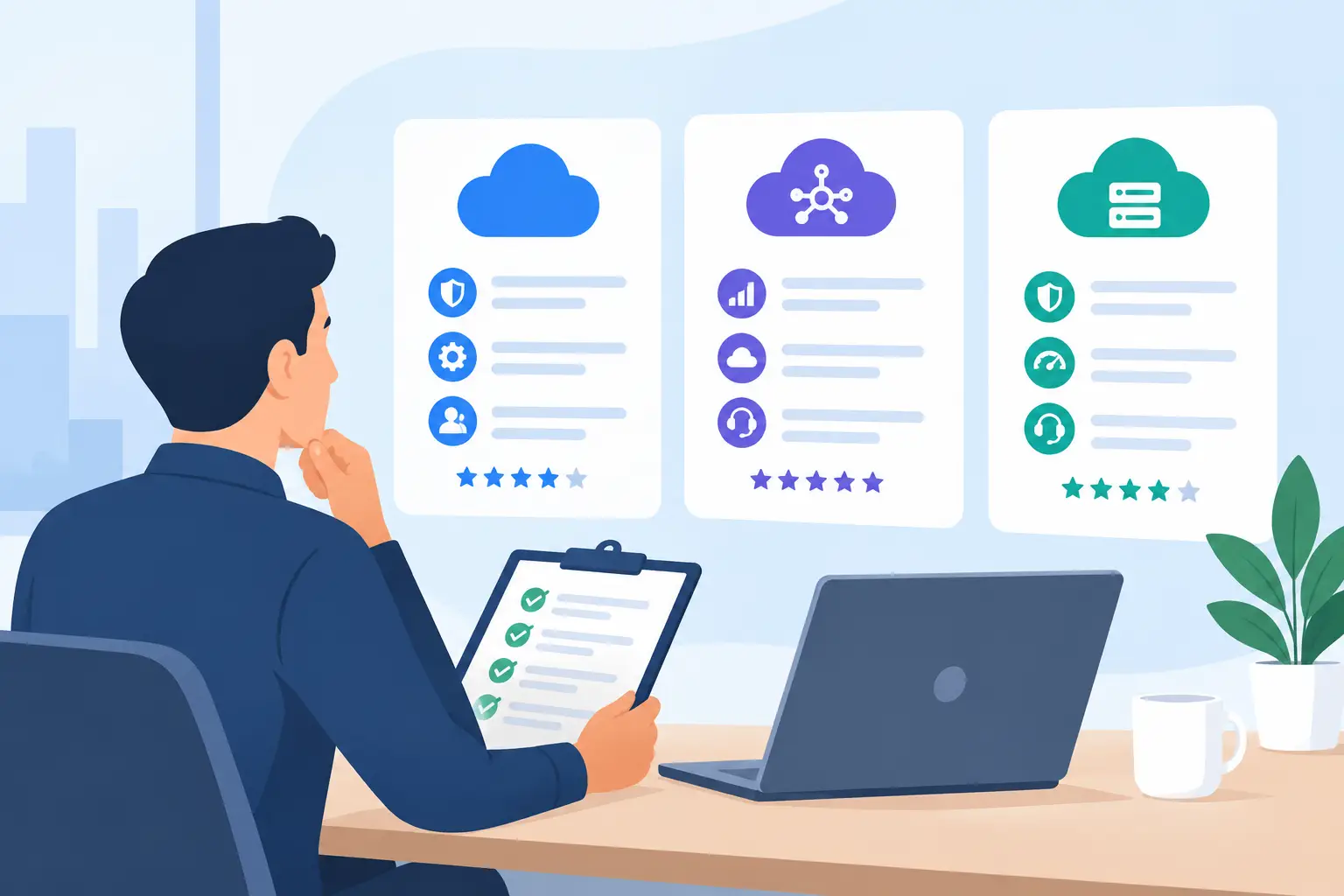
A provider should be able to explain how it moves from discovery to launch and what happens after the initial implementation. Ask whether the service includes workflow review, configuration, user onboarding, data guidance, and post-launch support. Clarify what is included in the project scope and what would require additional work.
It is also reasonable to ask how the provider handles vendor support. When an issue involves the software publisher, businesses benefit from having a partner who can help document the problem, communicate clearly, and keep the matter moving. The goal is not to replace the vendor. It is to avoid leaving the customer alone to interpret technical responses while trying to keep operations running.
Finally, look for a provider that can explain trade-offs in plain language. A dependable advisor should be willing to say when a feature adds unnecessary complexity, when a phased rollout is safer, or when a process should be clarified before it is automated.
Make the purchase accountable to the outcome
When cloud software is treated as a one-time purchase, the business absorbs the risk of setup, adoption, and long-term administration. A cloud software setup service shifts the focus back to the outcome: a platform that employees can use, leaders can rely on, and administrators can maintain without constant disruption.
MBH Web Services supports that full lifecycle by connecting SaaS access with practical onboarding, implementation, and ongoing maintenance. The right next step is to define the business process the software must improve, then build the setup and support plan around that requirement.