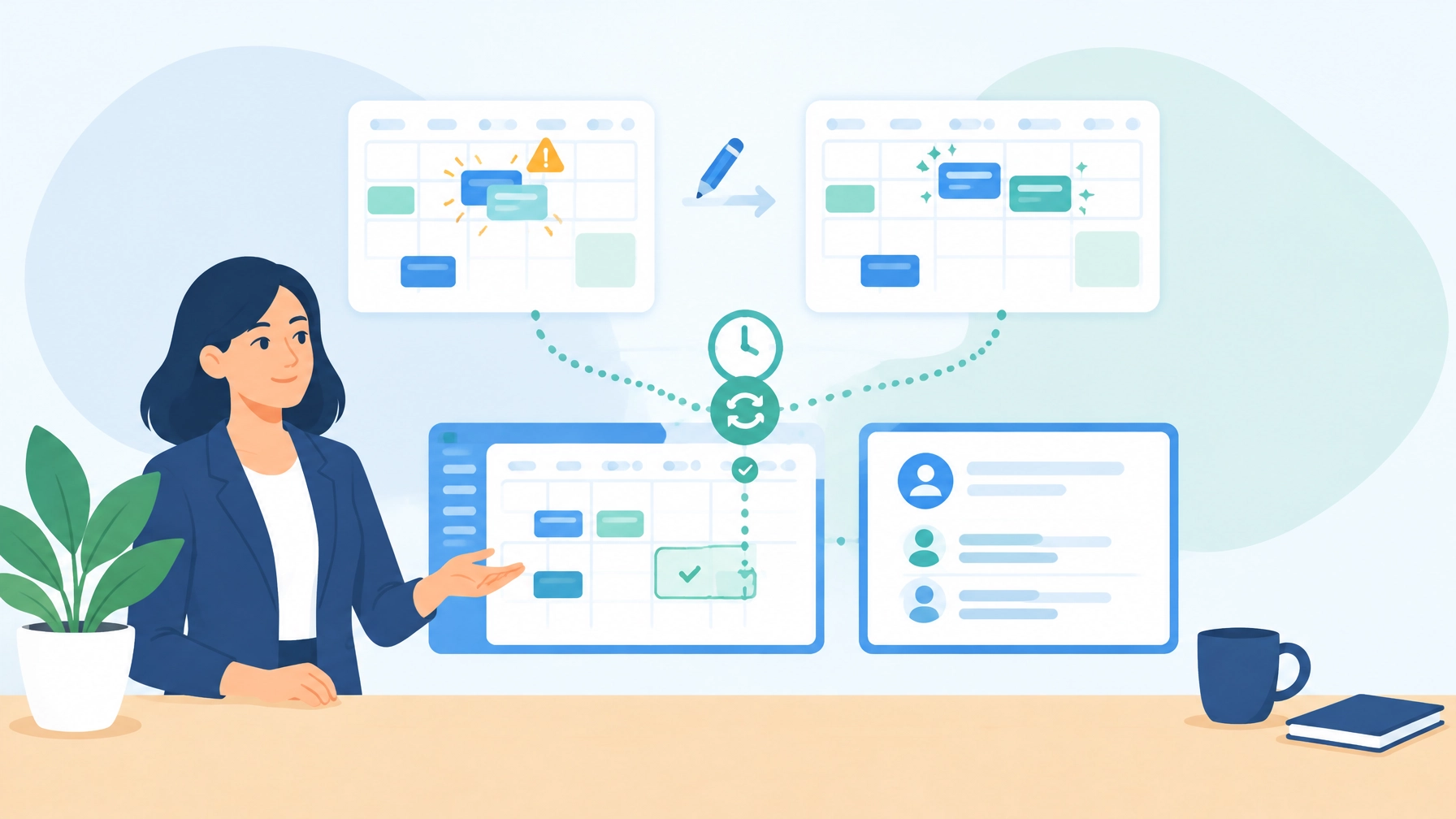
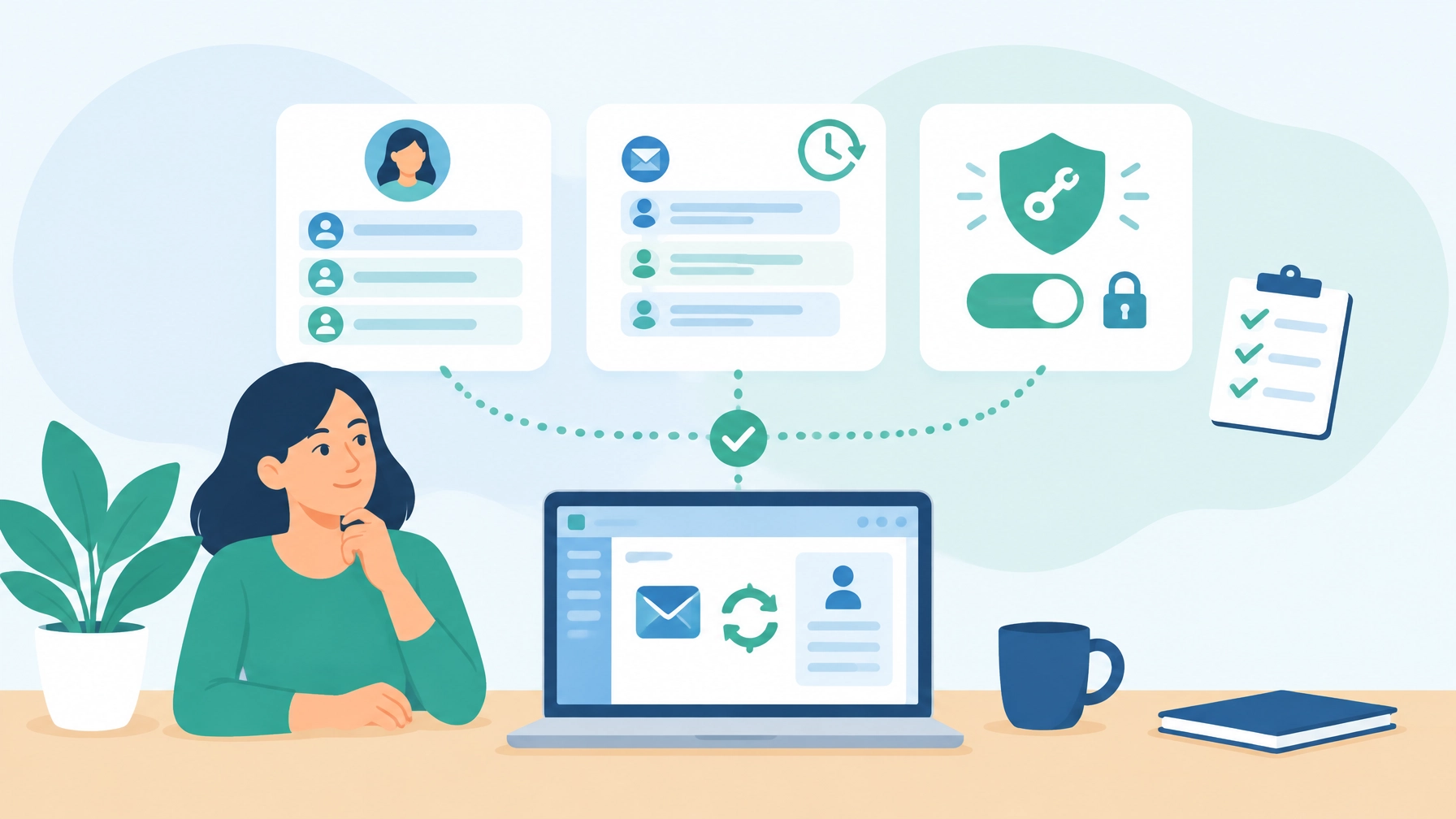
A sales platform can look like a bargain until a key integration stops working on a Friday afternoon, an employee loses access, or billing changes without a clear explanation. SaaS support is what determines whether that problem becomes a brief interruption or hours of lost work for a small business.
For Texas business owners and other hands-on operators, support is not a vague extra feature. It affects how confidently your team can adopt software, keep serving customers, and solve problems without calling an outside IT resource. Before choosing a subscription, look beyond the feature list and understand exactly how the provider helps customers after the sale.
What SaaS support actually covers
SaaS support is the assistance a software provider gives customers who need help using, accessing, configuring, or troubleshooting its product. It can include a searchable help center, onboarding guides, email tickets, live chat, phone support, training resources, and technical escalation for service issues.
The scope varies widely. A low-cost plan may provide documentation and email-only support, while a higher plan may add faster response targets, live chat, account guidance, or priority access to technical specialists. Neither model is automatically wrong. The right one depends on how central the software is to your daily operation and how comfortable your team is learning new systems.
It also helps to separate two different needs that are often bundled under the word “support.” Vendor support helps you operate the software you bought. Customer support software helps your business answer questions from your own customers. A business may need one, both, or neither at a particular stage of growth.
Why support quality matters before you subscribe
Small businesses rarely have the luxury of dedicating someone full-time to software administration. When the owner, office manager, sales lead, or marketing coordinator is handling technology alongside other responsibilities, unclear setup instructions can delay adoption. A feature that is technically available but difficult to configure may not deliver much value.
Support also matters when software touches revenue or customer communication. If your CRM cannot send follow-up emails, your lead outreach platform has a deliverability question, or your website chat is not routing inquiries correctly, delays can affect active opportunities. For a contractor responding to a new estimate request or a local retailer handling a customer complaint, the impact is more immediate than a minor inconvenience.
That said, paying extra for premium support is not always necessary. A stable, straightforward tool used by one or two people may work well with clear documentation and standard email help. Higher-touch support becomes more valuable when several employees rely on the system, workflows are customized, integrations are involved, or downtime could disrupt sales and service.
Support is not the same as implementation
This distinction prevents many avoidable misunderstandings. A SaaS company may provide articles, product guidance, and answers to technical questions without setting up your account, cleaning your contact list, building automations, or redesigning your processes for you.
Some providers offer paid onboarding or professional services, but those should be evaluated as separate offerings with a defined scope. Do not assume a subscription includes hands-on implementation or ongoing account management unless the plan clearly says so. Before purchase, ask what you are responsible for, what the vendor will handle, and what training materials are available for your team.
How to evaluate SaaS support before buying
A provider’s support page can tell you a lot, but it should not be your only checkpoint. Read the plan details closely and look for practical specifics rather than broad promises of “great service.” The most useful questions are about channels, availability, response expectations, and escalation.
Start with the support channels. Email is adequate for non-urgent questions and leaves a written record, but it may be frustrating during an access issue. Live chat can be useful for quick configuration questions, while phone support may matter more for teams that need real-time help and are less comfortable troubleshooting software on their own.
Next, check hours of coverage. A provider serving customers globally may offer extended availability, but that does not mean every plan gets the same level of access. If your business operates evenings, weekends, or across multiple time zones, standard weekday support may leave a gap. Texas-based businesses with normal business hours may be well served by a US-friendly schedule, but confirm it rather than assuming.
Response time needs context as well. “Priority support” sounds appealing, yet the meaningful question is how quickly the provider typically acknowledges and resolves issues. A fast first reply is useful, but it does not guarantee a same-day solution for a technical bug, third-party integration failure, or account review.
Finally, test the self-service experience before committing. Search the help center for a few tasks you expect to perform, such as importing contacts, adding users, changing billing, or connecting an integration. If the answers are outdated, shallow, or difficult to find before you are a customer, that may be a warning sign.
The support checklist for business-critical software
When comparing tools, use the same set of questions for each option:
- Which support channels are included with the specific plan you are considering?
- Are support hours aligned with the times your business is open?
- Is there a documented response-time commitment or service-level agreement?
- Can you find clear help articles for the tasks your team will do most often?
- How are outages, bugs, billing concerns, and security-related access issues escalated?
- Does the provider offer structured onboarding, and is it included or paid separately?
You do not need every channel or the fastest possible service for every application. A scheduling tool used occasionally has different support requirements than a CRM holding customer records or an email platform responsible for active campaigns. Rank your software by operational risk, then spend more attention on the tools that can slow down revenue, service, or compliance if something goes wrong.
Once vendor support is covered, consider whether your customers can easily reach your business. This is where customer communication software can make a noticeable difference, especially for small teams that cannot answer every inquiry instantly.
LiveChat is worth considering for businesses that receive website questions before a purchase, booking, or service request. It gives visitors a direct way to ask for help while they are already reviewing your services. That can be useful for service businesses, ecommerce stores, and companies with higher-value inquiries where a delayed response may send a prospect elsewhere. The tradeoff is staffing: chat works best when someone can monitor it during posted hours and when response expectations are clear.
EngageBay may fit businesses that want customer support activity connected to broader CRM, sales, and marketing processes. A team can use shared contact records and conversation history to avoid asking customers for the same information repeatedly. It may be a practical option for a growing business that wants fewer disconnected tools, although companies with complex support operations may eventually need more specialized help desk functionality.
The tool alone does not create good customer support. Set ownership for incoming messages, define reasonable response targets, and build short answers for repeat questions. If no one has time to manage chat or tickets consistently, start with a clear contact form and dependable email process instead of adding another channel your team cannot maintain.
MBH Web Services may earn a commission when readers purchase qualifying software through its partner recommendations. That relationship does not make a platform the right choice for every business. The best fit is the one whose support model, features, and price match the way your team actually works.
Set expectations with your team from day one
Even excellent SaaS support cannot replace basic internal ownership. Assign an account owner for each important tool, keep admin credentials secure, document renewal dates, and make sure at least one backup person knows where key settings and help resources are located.
For tools that handle customer data or payments, review user permissions periodically. Remove access when employees leave and avoid sharing a single login across the team. These small habits reduce the number of urgent support requests and make the ones that do occur easier to resolve.
A software subscription should make work easier, not create a dependency on guessing where to get help. Choose providers that are clear about their support boundaries, then give your team enough structure to use the platform with confidence when the next unexpected issue arrives.