A loyalty program only creates value when customers remember it exists at the right moment. Knowing how to set up push notifications in BoomerangMe gives your business a direct way to remind members about available rewards, encourage return visits, and support timely promotions without relying entirely on email or social media.
For small and mid-sized businesses, the goal is not to send more messages. It is to run a dependable notification process that fits customer expectations, protects your brand, and can be maintained by the team responsible for day-to-day operations.
Start with the customer experience, not the message
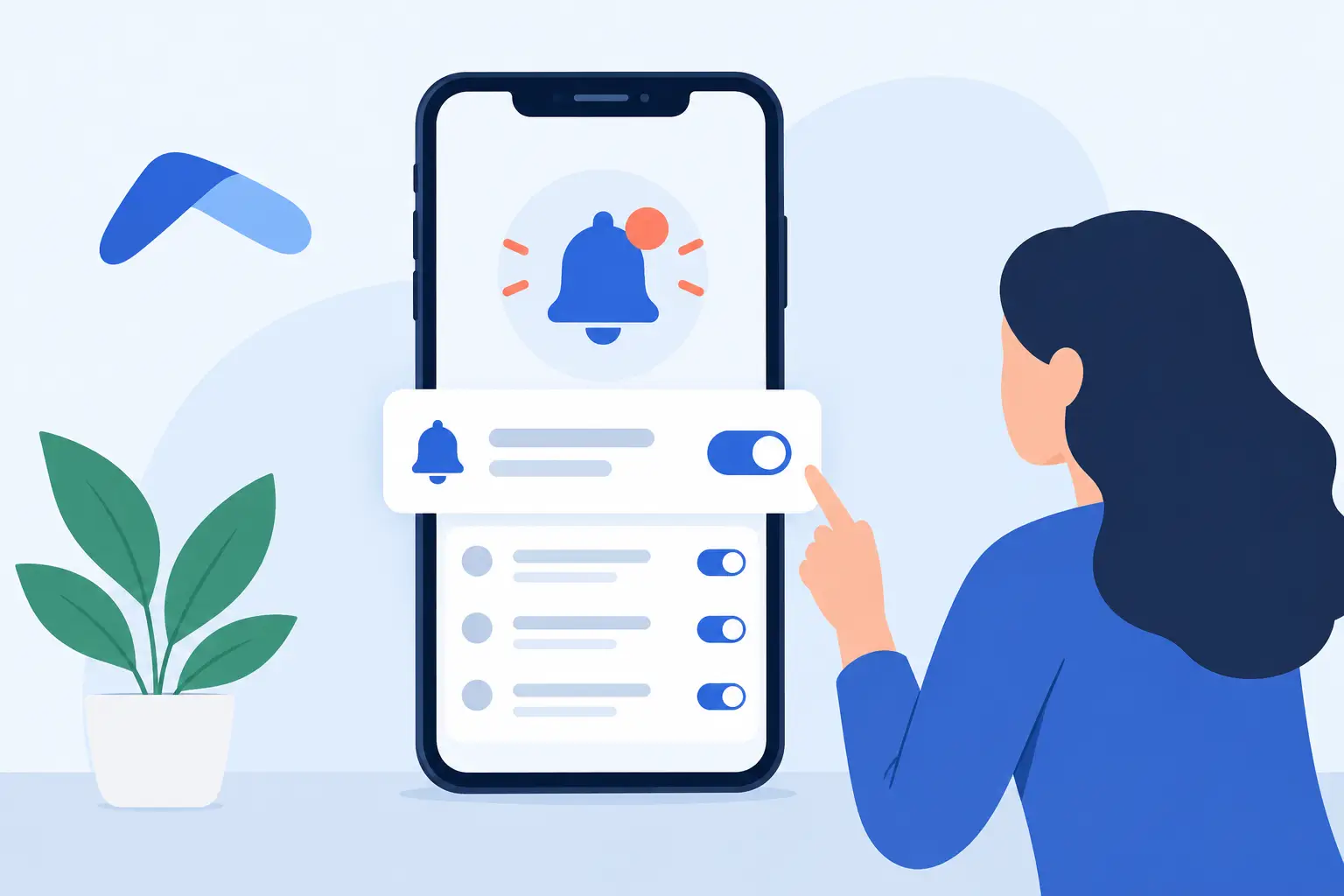
Push notifications are short alerts delivered to a customer's mobile device after they have installed or engaged with your digital loyalty program and granted notification permission. They work best when they provide a clear reason to act now: a reward is available, points are about to expire, a limited promotion has started, or a nearby location has a relevant offer.
Before opening the BoomerangMe notification settings, decide what a useful notification means for your customers. A restaurant may use a weekday lunch offer to encourage repeat visits. A retailer may notify members of a points multiplier during a seasonal sale. A service business may remind customers that a reward is ready to redeem before their next appointment.
This planning step prevents a common implementation problem: notifications being treated as a generic marketing channel. Customers who receive vague or overly frequent alerts can disable notifications quickly. A smaller number of relevant messages usually delivers better long-term participation than a high-volume campaign.
How to set up push notifications in BoomerangMe
The exact labels and menu placement in BoomerangMe can change as the platform is updated, so use this workflow as an implementation checklist and confirm current options in your account. An administrator should complete the initial configuration, then document the process for the staff members who will create campaigns later.
1. Confirm that your loyalty program is ready
Push notifications should support a functioning loyalty experience, not compensate for an unfinished one. Review your program name, branding, reward rules, point balances, locations, and redemption instructions. If a customer taps a notification and sees outdated terms or a reward they cannot use, the message can damage confidence rather than build it.
Also verify that your customers can access the program through the intended mobile experience. Notifications depend on customer consent, so participation will vary. You cannot and should not force permission. Your enrollment process should explain the benefit of enabling notifications in plain language, such as receiving reward updates and member-only offers.
2. Open the notification or campaign area
From the BoomerangMe dashboard, locate the area used for push notifications, campaigns, or customer communications. Depending on your account configuration, this may be grouped with loyalty program marketing tools rather than general account settings.
Create a new push notification campaign and identify whether it is a one-time message, a scheduled campaign, or an automated notification tied to a customer action. One-time messages are useful for short promotions or operational announcements. Scheduled campaigns fit recurring events, such as a monthly member offer. Automated messages can be more effective for milestones, including a newly earned reward or an approaching expiration date, if those triggers are available in your plan and configuration.
3. Select the right audience
Audience selection is where operational discipline matters most. Avoid sending every notification to every customer unless the message truly applies to all members, such as a temporary location closure or a program-wide change.
Use available segments to target customers based on factors such as location, membership status, purchase activity, point balance, or reward eligibility. For example, customers with enough points for a reward may receive a redemption reminder, while inactive members may receive a limited re-engagement offer.
Segmentation introduces a trade-off. More specific audiences can make a message more relevant, but they also require accurate customer data and extra review. Begin with a few practical groups your team can maintain consistently. As your program matures, refine your segments based on campaign results and customer behavior.
4. Write a message with one clear action
A push notification has limited space and limited attention. Write the message as a useful prompt, not a miniature advertisement. Lead with the customer benefit, then state the next step.
A strong example might read: “You have a reward ready. Stop in by Friday to redeem it.” For a time-sensitive offer: “Double points today from 2-5 PM. Show your loyalty pass at checkout.” Both messages tell the customer why the alert matters and what to do next.
Keep the wording accurate. Do not imply that every customer has a reward if only a segment does. Include dates, restrictions, or location limits when they affect redemption. If your campaign includes a destination or action button, confirm it takes customers to the relevant pass, offer, or program screen rather than a generic landing page.
5. Set timing and frequency controls
Timing can determine whether a notification feels helpful or intrusive. Schedule messages during reasonable local hours and consider the habits of your specific customer base. A coffee shop may benefit from a morning prompt. A restaurant may see stronger response before lunch or dinner. A business with multiple locations should consider local time zones if the platform supports them.
Set a frequency standard for your team before campaigns begin. There is no universal number, but most businesses should be cautious about sending several promotional alerts in the same week without a strong customer reason. Transactional or reward-status updates can be more frequent because they are directly connected to a member's activity.
Create a simple approval rule as well. One person should be accountable for checking the audience, offer details, timing, and final copy before a notification is scheduled. This is especially valuable when marketing, operations, and location managers all contribute to campaigns.
6. Test before sending at scale
Do not make your first campaign a full customer send. Use an internal test group or a small employee segment to verify the notification on real devices. Confirm that the title and message display correctly, the timing is accurate, and any associated offer or destination opens as expected.
Testing should also cover the business process behind the message. If the notification promotes a reward, make sure frontline staff know how to recognize and redeem it. If it announces a limited offer, confirm point-of-sale rules, inventory, and customer service guidance are ready. The technical notification may work perfectly while the customer experience fails at the counter.
Measure response and maintain the program
After a notification is sent, review the available campaign reporting in BoomerangMe. Useful measures may include delivery results, opens or interactions, offer views, redemptions, repeat visits, and changes in loyalty activity. The most meaningful metric depends on the campaign objective. A re-engagement message may be judged by return visits, while a reward reminder should be judged by redemptions.
Compare results over time rather than drawing major conclusions from one send. A promotion can perform differently because of weather, seasonality, staffing, competing offers, or changes in customer demand. Keep a basic campaign record with the audience, message, offer, send time, outcome, and lessons learned. This makes future decisions easier when team members change or responsibilities are shared.
Ongoing maintenance matters as much as initial setup. Review automated messages regularly to ensure dates, reward terms, locations, and branding remain current. Remove outdated promotions promptly. Revisit notification permissions and enrollment language when you update the loyalty program, because customer expectations should remain clear at every stage.
Common setup issues to prevent
The most frequent problem is not a technical error. It is a mismatch between the notification and the actual customer experience. Sending an alert about an expired offer, using a broad audience for a narrow promotion, or failing to prepare staff can make a program seem unreliable.
Another issue is assigning notification management to a team member without clear ownership or training. Establish who creates messages, who approves them, who handles customer questions, and who reviews results. If your business relies on outside support for SaaS implementation and maintenance, this responsibility map should be part of the operating process, not an informal arrangement.
Finally, respect customer choice. Some members will opt out of notifications, and that is expected. Continue to make the loyalty program valuable through the pass, in-store experience, email, and other approved channels. Push notifications are most effective when they complement a well-run program rather than carry the entire engagement strategy.
A well-timed notification should feel like a useful service: a reminder that a customer has earned something, a reason to visit, or a benefit they would not want to miss. Build the process around that standard, and your BoomerangMe campaigns will be easier to manage and more likely to earn repeat business.