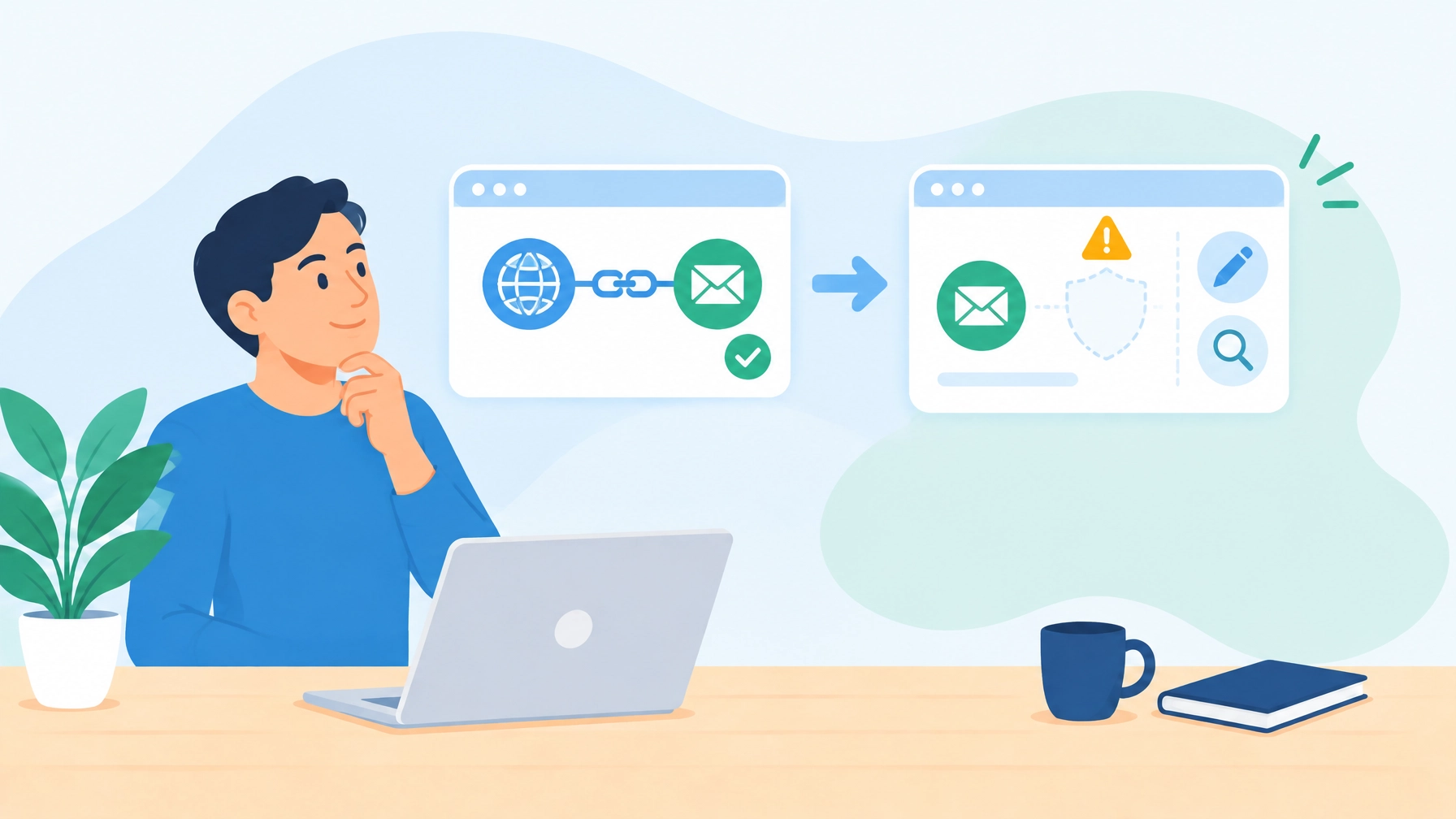
You want to try a funnel builder, not rebuild the website your business already depends on. Those do not have to be the same project. A useful first decision is where the new funnel should live before you connect anything.
A Systeme.io subdomain can give a new funnel its own address while leaving the existing website on its current address. Systeme.io documents a separate setup path for subdomains and warns that an address already assigned to another site will stop serving that site when reassigned. Choose the address first, then configure it deliberately. (Systeme.io subdomain guide)
That distinction can keep a small product experiment from turning into an unnecessary website migration.
Choose a Systeme.io subdomain that has one job
Consider an illustrative consultant, Avery, who has a functioning company website and wants to sell a downloadable workshop kit. Avery's main site should remain where it is, with a clearly labeled link to the new offer.
An address beginning with “learn” or “offers” might suit the funnel. Those are proposed naming examples, not required platform values.
The useful questions are straightforward:
- Purpose: What belongs at this address?
- Availability: Is the subdomain already used by another service?
- Ownership: Who controls DNS for the parent domain?
- Continuity: Which existing pages and email services must remain unchanged?
Do not choose the address merely because it looks good in a mockup. Verify that it is unused before making it the foundation of the new funnel.
Do not move the main site by accident
Avery's business does not need its homepage, portfolio, or existing search traffic moved to evaluate a workshop funnel. The scope should therefore say “add a new subdomain,” not “connect the company domain” without qualification.
Systeme.io's root-domain guide and subdomain guide describe different setup paths. Its root-domain documentation also warns against assigning an address that is already serving an external website. (Systeme.io root-domain guidance, Systeme.io subdomain guidance)
If someone else manages the website, give them the exact intended hostname and ask them to identify conflicts before changing DNS. Avoid broad instructions to replace nameservers or delete unfamiliar records.
For Avery, the desired result is specific: the existing website still loads normally, and the new offer loads at its separate address.
Collect the account-specific DNS values
Systeme.io's subdomain instructions start in Settings and Custom Domain, where you add the chosen subdomain. The platform then provides two CNAME records to enter at the DNS host. The examples in the documentation are explicitly examples; use the values generated for your account. (Systeme.io subdomain connection steps)
The recommended working sequence is:
- Confirm the address is available.
- Add that exact subdomain inside your account.
- Copy the generated records into a private implementation note.
- Have the authorized DNS administrator enter them.
- Verify the resulting connection before sharing the funnel.
Keep the business owner in control of registrar access and recovery. The person building the funnel needs a supported way to make the change, not permanent control of the business's domain.
Record who changed what and when. A small change log is more useful during troubleshooting than trying to remember which of several accounts held the DNS settings.
Allow for verification before announcing the address
A new address is not ready because the DNS entries were saved. Systeme.io says DNS changes can take 24 to 48 hours to propagate and recommends checking the generated records. Build verification time into the launch plan rather than treating connection as a task for the hour before an announcement. (Systeme.io DNS timing and checks)
Avery should test the final address directly and through the link on the main site. Use a phone as well as a desktop browser.
Check what appears when a visitor reaches the address without a remembered administrator session. Does the intended funnel load, is the branding consistent, and is there a useful destination rather than an unfinished page?
Then revisit the main website and ordinary business email. The project is not complete if the new funnel works but another essential service was disrupted.
Keep domain setup separate from email setup
Avery also wants the workshop emails to come from a branded address. That is a separate part of launch readiness.
Systeme.io documents domain authentication for sending email under its email settings, using a different process from connecting a website address. Completing the subdomain connection should not be treated as confirmation that the sender is ready. (Systeme.io email authentication guide)
Make the project checklist explicit: page address, sender authentication, payment setup, product delivery, and test purchase. Each item should be checked on its own merits.
The existing Systeme.io website guide addresses broader site-building choices. This approach is intentionally smaller: preserve the site you have while evaluating one offer.
Launch the small project you intended
Before sharing the funnel, confirm:
- Main website: Still serves its existing pages.
- New address: Loads the intended offer without an administrator session.
- Navigation: The link from the main website reaches the right place.
- Sender: Reviewed separately from the page connection.
- Checkout and delivery: Tested before customers arrive.
- Ownership: Domain and account recovery remain with the business.
Avery can now evaluate the workshop itself rather than wondering whether the company needs a new website. That is the value of choosing the boundary before the build.
Open Systeme.io and review the subdomain setup against your current site before committing to a larger migration. MBH Web Services can help if the DNS handoff needs attention, but a new funnel does not have to begin with replacing everything.