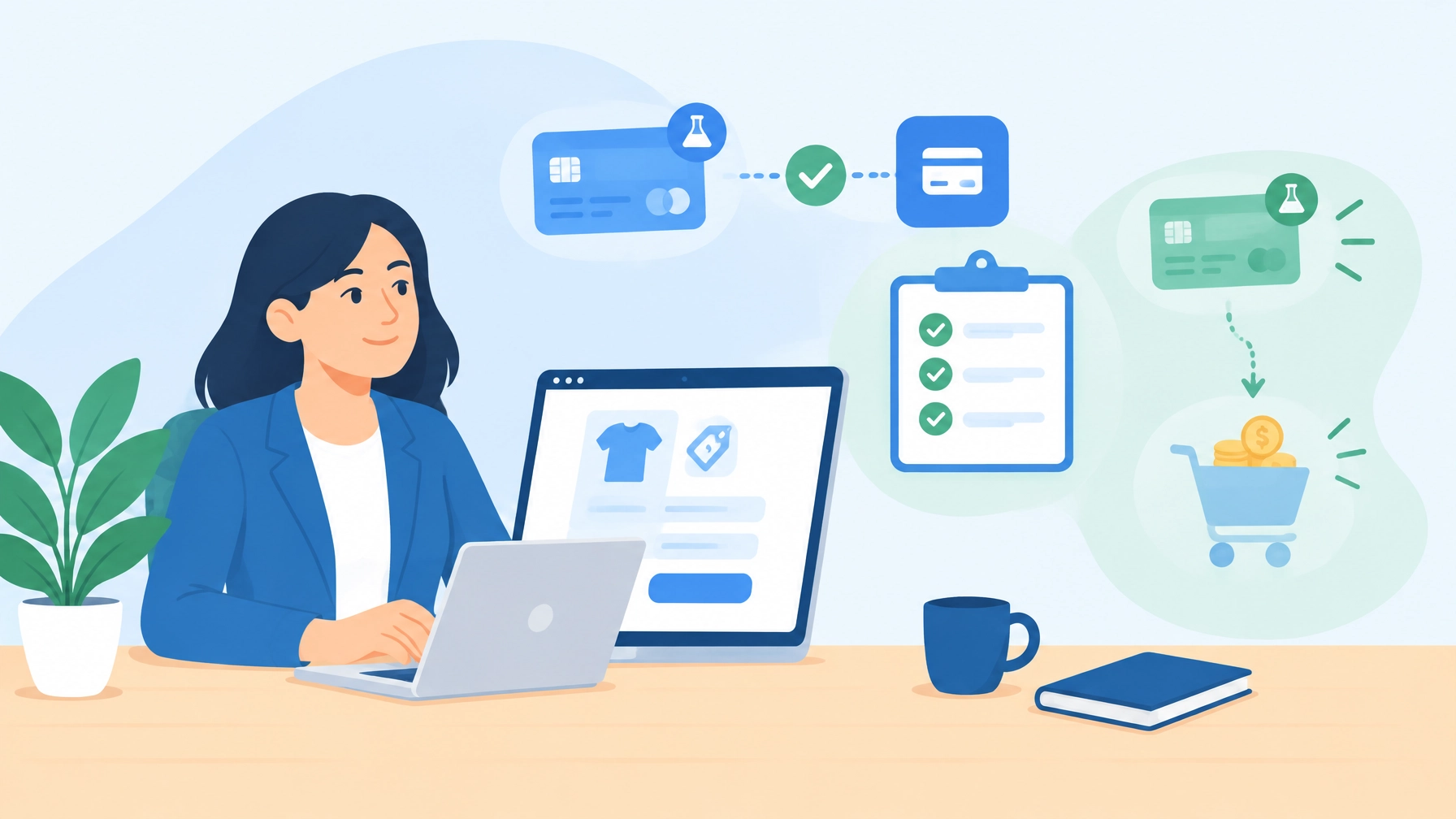
A checkout button can look ready before the business behind it is ready to accept payment. The missing piece may be account verification, the payment-page fields, or what happens after the card is charged.
Your first Systeme.io Stripe payment should be the result of a tested chain, not the first test of it. Systeme.io documents a Stripe connection process that includes account authorization and personal-information verification. It also specifies required fields on the payment page. (Systeme.io Stripe setup guide)
Before announcing the offer, work through the prerequisites from the buyer's side as well as the administrator's.
Prepare the business account before designing the payment page
Consider an illustrative creator, Sam, selling a downloadable event-planning workbook. Sam has finished the sales page, but the Stripe account was opened months ago and has not been reviewed since.
The first task is not adjusting the button color. It is confirming the correct business account, the authorized account holder, the verification status, and the payout information in the processor.
Systeme.io's connection guide requires both accounts, then sends the user to Stripe to log in or create an account, identify the business country and type, verify information, and authorize access. (Systeme.io Stripe prerequisites)
Sam should perform that step personally or with an appropriately authorized business administrator. A web designer should not become the financial account owner merely because the designer built the checkout.
Connect Stripe and inspect the payment-page requirements
The documented route is Settings, Payment Gateways, and Connect beside Stripe. After authorization, the user returns to Systeme.io. Its guide says Email and First Name are required on payment pages for Stripe to work correctly. (Systeme.io Stripe connection and required fields)
That gives Sam a concrete review:
- Connect the intended Stripe business account.
- Confirm the connection in the platform.
- Review the checkout's required fields.
- Verify the offer, price, currency, and access arrangement.
- Test the post-purchase path.
A payment connection is not the same as checking every offer attached to it. If Sam has a workbook and a workshop, each checkout needs its own review.
The existing Systeme.io payment setup article covers the broader topic. This checklist focuses on the acceptance test before the first public sale.
Choose payment methods based on the actual buyer
More payment choices are not automatically a better launch. Sam needs methods that work for the business's country, buyer location, currency, and offer type.
Systeme.io's Stripe guide lists cards, Apple Pay, and selected local payment methods, with restrictions varying by method and market. Confirm the applicable combination rather than assuming every option visible in marketing material will work for this checkout. (Systeme.io supported payment methods)
For the workbook, Sam can begin with the method needed for the expected audience and expand when there is a reason. This is a scope decision, not a recommendation to hide a method customers need.
If the offer uses installments, review its actual representation in the processor. Systeme.io says a fixed payment plan is processed as a subscription with a set limit and ends after the final installment. The word “subscription” in Stripe may therefore need interpretation against the offer terms. (Systeme.io installment-plan behavior)
Test the complete purchase, not just the charge
Use the supported testing approach available for your configuration. If validation requires a genuine small purchase, authorize it deliberately, understand the fees, and keep the record for reconciliation.
Sam's buyer-side review should cover:
- Sales page: The promised product and price are clear.
- Checkout: Required fields work on a phone.
- Payment result: Success or failure is communicated clearly.
- Delivery: The buyer receives the promised file or access.
- Email: Confirmation arrives from the expected sender.
- Support: The buyer knows where to ask for help.
Do not claim success because a charge exists in the processor. A charged customer without the product is not a successful launch.
Use a test address distinct from your administrator login where practical. The customer path should not depend on permissions you happen to have as the owner.
Plan a failed payment and a refund before you need them
Sam also needs to know what happens when the chain does not complete. Test a supported failure scenario and review the response a customer sees.
Then document the refund process: who is authorized, where the action is taken, what communication follows, and how access is handled. Do not assume issuing a refund automatically reverses every downstream action in the funnel; verify the behavior for the configured product.
This is an operating recommendation rather than a claim about an untested account. Ask the provider to clarify anything the available test cannot establish.
The refund review is particularly important for a small business because the customer will expect one business to answer, not a debate between the page builder and payment processor.
Use the first test to make a buying decision
Before launch, Sam should be able to show a working connection, reviewed checkout, completed delivery test, and understood exception process. That is more useful than a promise that payment setup is “easy.”
Review your offer in Systeme.io, confirm the current payment requirements, and test the buyer's experience before announcing the link. MBH Web Services can assist with the setup if you want help, while the purchase decision remains grounded in a workflow you have actually checked.