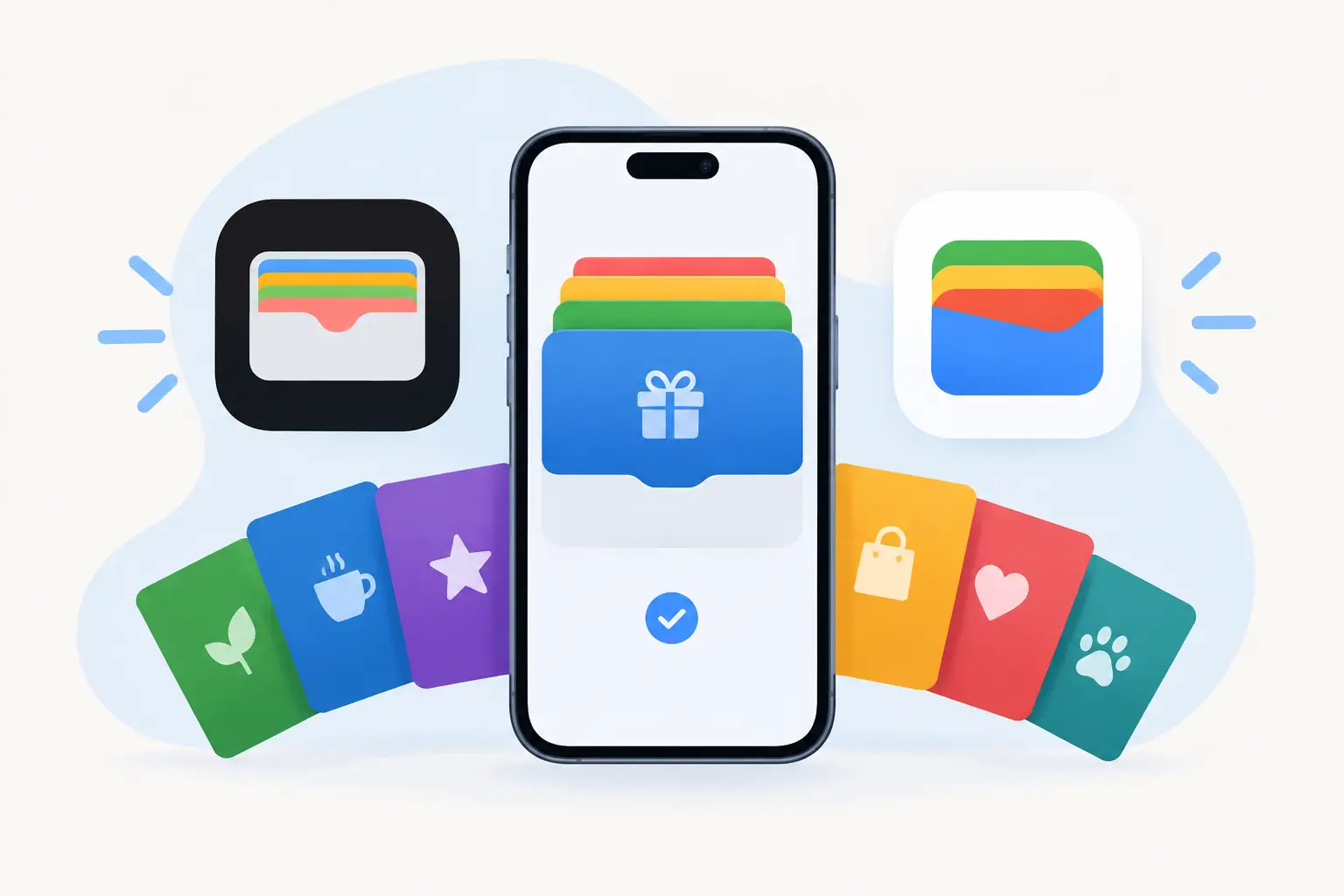
A printed punch card is easy to hand out, but it is also easy for customers to lose, forget, or leave in another bag. A wallet-based loyalty card gives customers a more practical option: their rewards card sits alongside the payment cards and tickets they already check on their phone. This guide explains how to put your business’s loyalty card in Apple Wallet and Google Wallet with BoomerangMe while building a process your team can support after launch.
The technology is only one part of the work. A loyalty card needs clear earning rules, a reliable customer enrollment path, and an operating process for staff who answer questions at the counter or through customer service. Getting those pieces in place before promotion helps prevent a wallet pass from becoming another disconnected tool.
What a wallet loyalty card does for your business
Apple Wallet and Google Wallet store digital passes on a customer’s mobile device. A loyalty pass can display a member name, points balance, membership tier, barcode or QR code, offer details, store information, and other fields relevant to your program. The customer does not need to search for an email or install a separate loyalty app just to present a card.
For a small or mid-sized business, the practical advantage is visibility. A card in a mobile wallet remains available after the initial sign-up, which can make repeat participation easier. It also gives your organization a more consistent digital alternative to manual punch cards, printed membership cards, and disconnected spreadsheets.
That does not mean a wallet pass automatically creates loyalty. Customers still need a reason to return, and employees need to apply rewards consistently. Think of Apple Wallet and Google Wallet as delivery channels for a well-run program, not replacements for the program itself.
Prepare the loyalty program before building the pass
Before opening BoomerangMe, document how the loyalty program works in plain language. Decide what customers earn, when they can redeem, whether points expire, and how staff should handle corrections. If those decisions are unclear, the pass design and customer messaging will be unclear as well.
Start with the information the card must show at a glance. For many businesses, that includes the customer’s name, a scannable code, current points or stamps, and a concise reward message. A restaurant may show progress toward a free item. A retail store may show points and available rewards. A service business may emphasize membership status or a return-visit benefit.
Keep the first version focused. Including every promotion, policy, and customer detail can make the pass hard to read on a phone screen. The goal is fast recognition at the moment a customer is ready to earn or redeem a reward.
You should also confirm who owns day-to-day administration. Assign responsibility for updating offers, reviewing enrollment data, resolving duplicate accounts, and training new employees. This is where many SaaS deployments lose momentum: the account is created, but no operational owner is assigned after launch.
How to put loyalty cards in Apple and Google Wallet with BoomerangMe
BoomerangMe provides a platform for creating and distributing digital wallet passes. Its interface, plan availability, and supported options can change, so use the current product documentation and account screens as the source of truth while configuring your program. The workflow generally follows the same implementation sequence.
Create a loyalty pass project
After setting up your BoomerangMe account, select the loyalty card or rewards pass format that fits your program. Add the business name, logo, brand colors, and the card fields customers and employees need to see. Use a logo that remains legible at a small size, and avoid placing critical text inside an image.
Configure the barcode or QR code carefully. This code must work with the way your business verifies activity. If staff will scan it using an existing point-of-sale workflow, test compatibility before rollout. If the code is used only to identify a customer record within a separate process, make that procedure explicit in staff training.
Set the pass information so it is useful without exposing unnecessary customer data. A first name and membership number may be appropriate. Full addresses, sensitive account details, or internal notes generally do not belong on a customer-facing pass.
Set earning and redemption rules in the supporting process
A pass can display a point balance or stamp count, but your business still needs a reliable source for that value. Depending on your setup, updates may be handled through BoomerangMe features, an integrated system, a connected customer database, or a staff-managed process. The right choice depends on transaction volume and how much manual administration your team can sustain.
For a low-volume local business, a simple, documented staff process may be enough initially. For a growing operation with multiple locations or high transaction counts, manual point changes create avoidable errors. In that case, integration planning and clear data ownership become more important than decorative pass design.
Define exceptions before customers encounter them. For example, decide whether customers can combine rewards, whether a missed scan can be added later, and how to verify a customer who has a new phone. These decisions help staff respond consistently instead of making case-by-case promises.
BoomerangMe can be used to give customers a digital pass through methods such as a QR code, landing page, email, text message, or an in-store sign-up flow, depending on the features you select. Customers on iPhone should see an option to add the pass to Apple Wallet. Customers on compatible Android devices should see an option to save it to Google Wallet.
Do not assume every customer will complete enrollment without assistance. Put clear instructions near the sign-up point: scan the code, enter the requested details, then select the appropriate wallet button. If enrollment happens at checkout, give employees a short script and enough time to explain the value of joining.
A customer should not have to guess what happens after they add the card. Tell them how rewards are earned, what they should present at checkout, and how they will learn about eligible offers. Clear expectations reduce support requests later.
Test the complete experience on at least one current iPhone and one current Android device. Create sample customer records and verify that the pass is added to the correct wallet, the logo and text display properly, and the barcode or QR code scans successfully in your real environment.
Then test routine changes. Add points or stamps, issue a reward, correct an account, and check whether the pass reflects the update as expected. Test the process for a customer who deletes the pass or changes devices. The goal is not merely to prove that the card can be created. It is to confirm that your team can operate it reliably.
Run this test with the people who will actually use the system. A manager may understand the setup, while a busy cashier may encounter confusing steps that were not obvious during configuration. Their feedback is implementation information, not a minor detail.
Build a support plan for the first 30 days
A controlled launch is usually more useful than a broad announcement on day one. Start with a single location, a defined customer segment, or a limited group of employees. Watch for failed enrollments, scanning delays, unclear reward rules, and customer questions that repeat.
Create a short internal reference for staff covering enrollment, earning, redemption, and common exceptions. It should also identify the person responsible for account changes and the escalation path for technical issues. This gives employees a dependable answer when the customer line is moving quickly.
Measure a few practical indicators rather than collecting data for its own sake: passes issued, successful adds to each wallet, repeat visits from enrolled customers, reward redemptions, and staff-reported problems. If enrollment is high but redemptions are low, the offer may not be compelling or customers may not understand how to use it. If redemption is high but staff time rises sharply, the process may need more automation.
Common implementation mistakes to avoid
The most common mistake is treating a digital loyalty card as a design project. Branding matters, but the customer experience depends more on reliable data updates and consistent staff execution. A polished card that shows an incorrect balance damages trust faster than a simpler card with accurate information.
Another issue is creating too much friction at sign-up. Long forms and vague instructions reduce completion rates. Ask only for the information required to operate the program and explain why the customer should join before asking them to do anything.
Finally, avoid launching without ownership. Someone should be accountable for reviewing program performance, updating seasonal offers, and maintaining the configuration as your business changes. Software adoption remains an ongoing operating responsibility after the initial setup.
A loyalty card earns its place in a customer’s wallet when it is easy to add, easy to use, and dependable every time they return. Give the program the same care you would give any customer-facing process, and it can become a practical part of repeat-business operations rather than another tool your team has to work around.