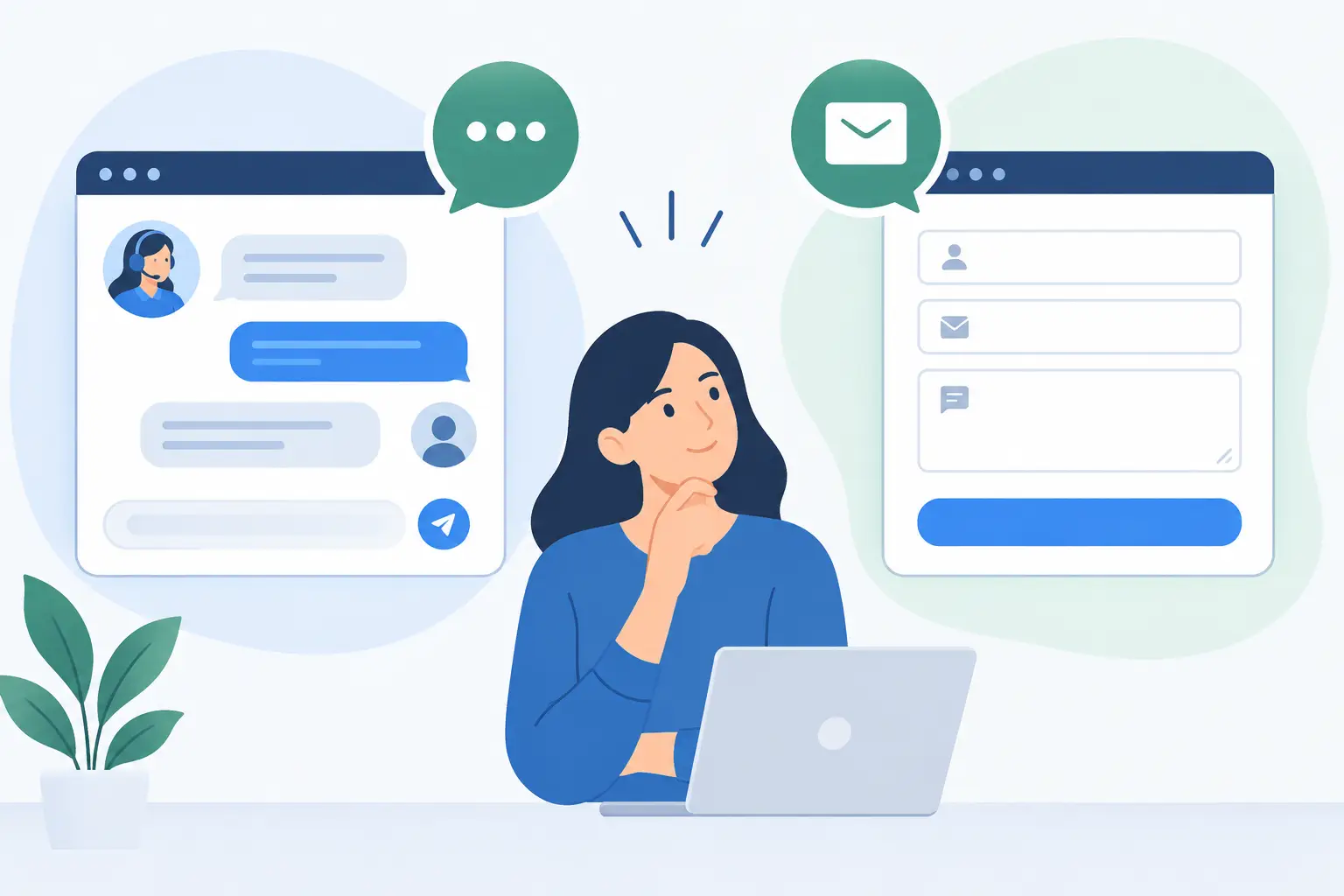
A prospect has a question about pricing, implementation, or whether a software platform will work with their existing process. If the only path is a generic form, they may leave before sharing the details your team needs. If the only path is LiveChat, they may arrive after hours and find no clear way to follow up. That is the practical question behind LiveChat vs. contact forms: does your website need both?
For most small and mid-sized businesses, the answer is not automatically yes. It depends on the type of questions visitors ask, the urgency of those questions, and, most importantly, your ability to respond reliably. A communication channel is only useful when it has an owner, a response process, and a clear next step.
LiveChat and contact forms support different moments in a buyer's decision process. Treating them as interchangeable often creates gaps in service rather than more opportunities.
LiveChat is designed for immediacy. It helps a visitor who is actively evaluating a service, comparing options, or running into a point of confusion. A well-timed conversation can clarify fit, answer a basic technical question, or direct the visitor to the right person before they leave the site.
A contact form is designed for structured follow-up. It gives prospects time to explain their needs, select the type of assistance they want, and submit details outside business hours. It also creates a dependable record that can be routed to sales, implementation, billing, or support.
The right choice is less about adding every available website feature and more about designing a dependable intake process. For a business that sells and supports SaaS solutions, that process needs to carry context from the first inquiry through onboarding and ongoing maintenance.
Where LiveChat works best
LiveChat is useful when a visitor's question is simple enough to answer quickly and when a timely response can move the conversation forward. Common examples include asking whether you support a specific software product, whether an implementation service is available, or how to schedule an initial discussion.
It can also reduce friction for visitors who are unsure how to describe their needs. A short exchange often surfaces the real issue faster than a blank form field. Someone who starts by asking about software pricing may actually need help choosing a platform, migrating data, training users, and managing the system after launch.
The trade-off is staffing. A chat widget that signals immediate help but receives slow or inconsistent replies can damage trust. Automated chat responses can collect basic information, but they should not pretend to be a live person or make promises your team cannot keep.
Contact forms are better for requests that need context, documentation, or routing. An operations leader exploring a new SaaS platform may need to explain current workflows, team size, timing, existing tools, and internal constraints. That conversation rarely benefits from a rushed chat exchange.
Forms also provide a stable option when your team is unavailable. Rather than relying on a visitor to remember a phone number or send an unstructured email, a form can ask for the information needed to start a productive response. For example, a software onboarding inquiry may request the platform under consideration, number of users, desired launch date, and the primary business objective.
The risk is making the form too demanding. A first-contact form should not resemble an implementation questionnaire. Ask only for details that help you route and prioritize the request. Additional discovery can happen after a qualified conversation begins.
When Your Website Benefits From Both
Using both channels makes sense when visitors arrive with different levels of urgency and different information needs. A business considering a software purchase may want a quick answer before booking a meeting. An existing customer facing a configuration issue may need to provide screenshots, account details, and a fuller description. One channel will not serve both situations equally well.
A combined approach is especially useful when your website supports multiple stages of the customer lifecycle. Prospective customers need a clear sales and consultation path. New customers need help with account setup, implementation, and user onboarding. Established customers need a dependable way to request maintenance or support. LiveChat can handle quick orientation, while forms can capture the structured requests that require research, assignment, and documented follow-through.
The key is to avoid presenting both options as competing choices with no guidance. Label them by purpose. For example, chat can be positioned for quick questions during staffed hours, while a form can be positioned for project inquiries, detailed support needs, or requests submitted outside those hours.
Decide Based on Operating Capacity, Not Website Trends
Before adding LiveChat, confirm who will monitor it and what they can resolve. Before relying on a contact form, confirm how submissions are received, assigned, tracked, and answered. The technology is easy to add. The operating discipline is what determines whether it helps.
Consider four practical questions:
- Can a trained team member respond to chat within the timeframe visitors reasonably expect?
- Does your form collect enough information to route inquiries without creating unnecessary effort for the visitor?
- Are chat transcripts and form submissions recorded in the same customer or support workflow?
- Does each inquiry type have a defined owner and a response standard?
If the answer to the first question is no, a form with a clear response commitment may serve visitors better than an unattended chat window. You can add LiveChat later when staffing, coverage, and escalation procedures are in place.
If your team already handles high-value conversations by phone or email but loses leads because visitors do not know where to begin, chat may be a worthwhile front door. Its role is not to replace detailed discovery. Its role is to make that next step easier.
Build One Intake System, Not Two Separate Channels
When both channels are available, they should feed the same operational process. A chat conversation that ends with a vague promise to “have someone reach out” is easy to lose. A form submission that sits in a shared inbox without assignment creates the same problem in a quieter way.
Start by defining inquiry categories. New software selection, product resale, implementation planning, onboarding, technical support, account administration, and billing questions may each require a different response path. The categories do not need to be visible as a complicated menu, but they should exist behind the scenes.
Next, decide what information must travel with the request. For chat, that may include the visitor's name, company, email address, topic, and a concise transcript. For forms, it may include selected product, urgency, current environment, and the best time to contact the requester. The goal is to prevent customers from repeating the same story after they have already taken the time to explain it.
Then establish response expectations that reflect actual capacity. If chat is staffed only during business hours, say so. If form requests receive an initial reply within one business day, make that process dependable internally before promoting it publicly. Clear expectations build more confidence than vague claims of instant support.
Common Mistakes That Create Friction
The most common mistake is adding LiveChat without assigning responsibility for it. A widget may generate more conversations, but it also creates a visible service commitment. If messages wait for hours, visitors may assume the same delay applies to implementation or ongoing support.
Another mistake is using one generic contact form for every request. A prospective customer evaluating a platform should not be routed the same way as an existing customer reporting a service issue. Even a simple topic selector can improve response quality and reduce internal handoffs.
Businesses also lose valuable context when chat and forms are managed in separate systems. Sales may see a form inquiry but not the earlier chat that explains the prospect's concerns. Support may receive a request with no record of the implementation commitments made during the sale. Centralizing the record of customer communication supports continuity across the full software lifecycle.
Finally, avoid treating automation as a substitute for accountability. Automated acknowledgments are helpful when they confirm receipt and set realistic expectations. They are unhelpful when they provide generic language without a meaningful path to a qualified person.
A Practical Starting Point
For many growing businesses, the most effective setup begins with a well-designed contact form and a clearly managed follow-up process. Add LiveChat when you can staff it during defined hours, train responders on common questions, and escalate complex requests without delay.
MBH Web Services approaches software adoption the same way: the product matters, but the process around it determines whether customers receive lasting value. Your website communication tools should support that same continuity, from a prospect's first question through implementation and continued service.
Choose the channels your team can maintain with care. A visitor who receives a clear response, reaches the right person, and does not have to repeat their needs is far more likely to see your business as a reliable partner.