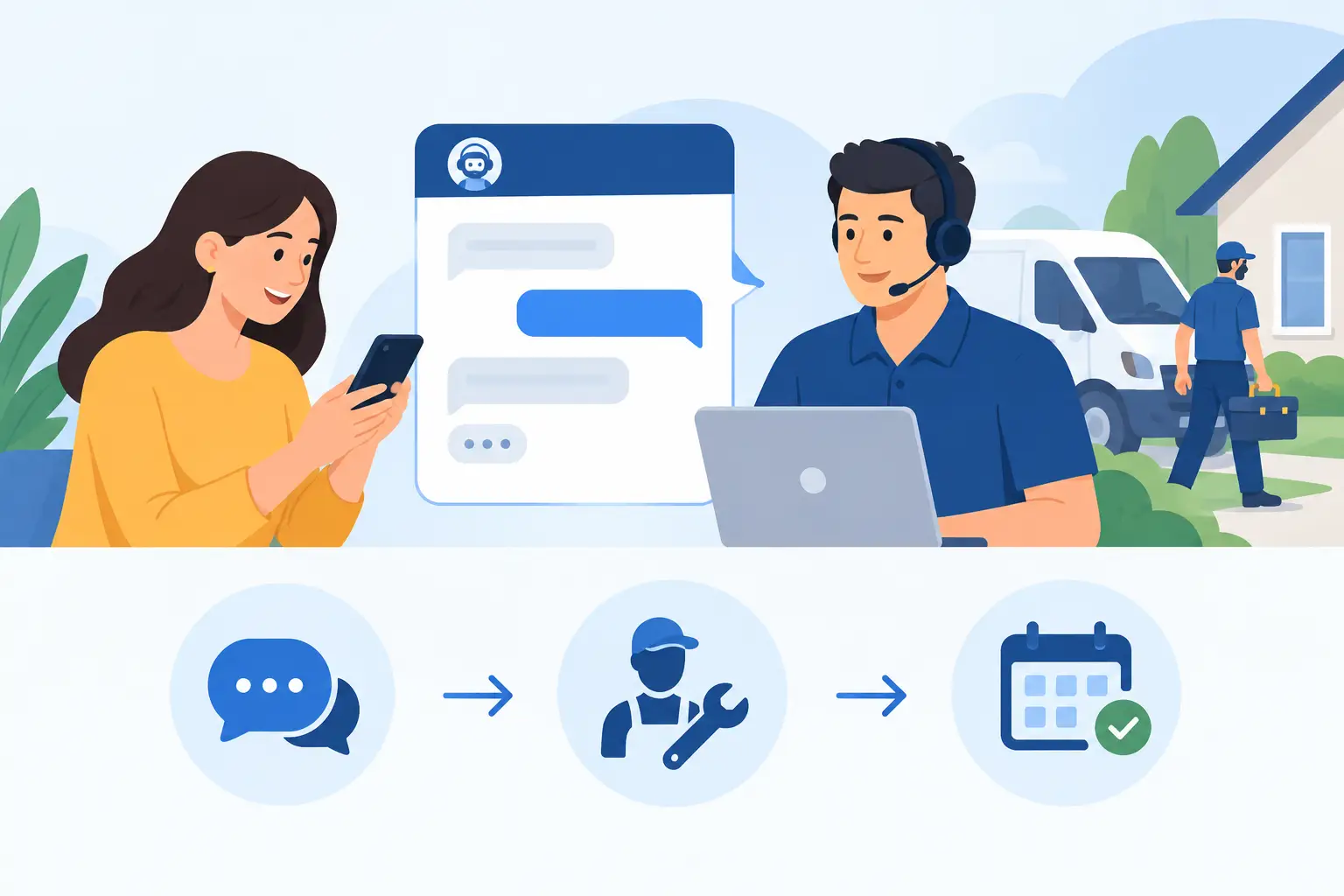
A prospective customer lands on your website at 8:15 p.m. They need a plumber, an IT consultant, a cleaning crew, or an appointment with a specialist. They have a question about availability, pricing, service area, or timing. If the only option is a contact form that promises a reply tomorrow, they may continue searching before your team sees the lead.
LiveChat for service businesses turns inquiries into bookings by shortening that gap between interest and a useful next step. The value is not simply having a chat box on the site. It is building a dependable process that identifies intent, answers the right questions, collects booking details, and hands work to the people responsible for delivery.
For small and mid-sized service organizations, that process needs to fit existing operations. A chat tool that generates conversations but creates confusion for staff will not improve customer experience or revenue. The objective is a managed intake channel that supports the customer lifecycle from first question through confirmed appointment and follow-up.
Why speed matters when a customer is ready to book
Service inquiries are often time-sensitive. A homeowner with a leaking pipe, a manager seeking payroll support, or a patient trying to schedule a visit is not conducting abstract research. They are evaluating whether your business can solve a specific problem within a specific timeframe.
Fast responses build confidence, but speed alone is not enough. An immediate generic reply can frustrate a customer if it does not clarify what happens next. Effective live chat gives the visitor an answer, establishes expectations, and moves the conversation toward a defined action: scheduling, requesting an estimate, qualifying for a consultation, or connecting with the correct department.
This is particularly useful when phone coverage is limited. Many service businesses receive inquiries outside standard office hours or during periods when staff are serving customers. Chat can acknowledge the visitor, capture key details, and create a reliable follow-up task rather than leaving the inquiry unrecorded.
A live chat implementation should begin with a practical question: what must happen for a qualified inquiry to become a confirmed booking? The answer differs by service model.
A home services company may need the customer’s ZIP code, service type, urgency, and preferred time window before scheduling. A professional services firm may need to determine company size, the requested service, and whether the prospect is a fit for a discovery call. A wellness or appointment-based business may need to match the visitor with the right provider, location, and appointment length.
Map that path before selecting chat prompts, automated replies, or routing rules. This prevents a common failure point: collecting information in chat that staff must re-enter manually into a scheduling system, CRM, inbox, or ticket queue. When tools are disconnected, response times slow down and important context gets lost.
Define a clear booking outcome
Not every chat needs to produce an immediate calendar reservation. In some businesses, a booking is appropriate only after a technician reviews the request, an advisor confirms scope, or staff verify insurance, location, and availability. Trying to force instant scheduling in those cases can create cancellations and operational strain.
Define the correct outcome for each inquiry type. It may be a confirmed appointment, a requested callback, an estimate visit, a consultation request, or an escalated support case. The chat flow should make that outcome clear to both the visitor and the employee receiving the handoff.
Chat works best when questions feel helpful rather than administrative. Start with the customer’s need, then request the details necessary to route and schedule the work. For example, “What service do you need?” is a better opening than a long form asking for every contact field at once.
As the conversation progresses, collect contact information, location, preferred timing, and relevant constraints. If the inquiry concerns an existing customer, account identification may be required. Keep privacy and data retention requirements in mind, particularly if conversations involve personal, financial, or health-related information.
Balance automation with accountable human support
Automation can handle routine questions and capture leads after hours. It can present service categories, confirm coverage areas, share standard preparation instructions, and collect a preferred callback time. Used well, it reduces repetitive work and gives visitors an immediate response.
Automation should not pretend to be more capable than it is. If a visitor has a complex pricing question or an urgent issue, a rigid scripted exchange can feel like a barrier. Make it easy to request a person, and set honest expectations when the team is unavailable.
The right balance depends on inquiry volume and service complexity. A business with standardized appointments may automate much of the initial qualification and connect directly to scheduling availability. A firm selling customized projects may use automation only to identify the request and route it to a knowledgeable coordinator.
For either model, ownership matters. Someone should be responsible for reviewing unanswered chats, missed messages, and automation paths that frequently lead visitors to abandon the conversation. A chat tool is not self-managing simply because it is cloud-based.
Connect live chat to the systems that run the business
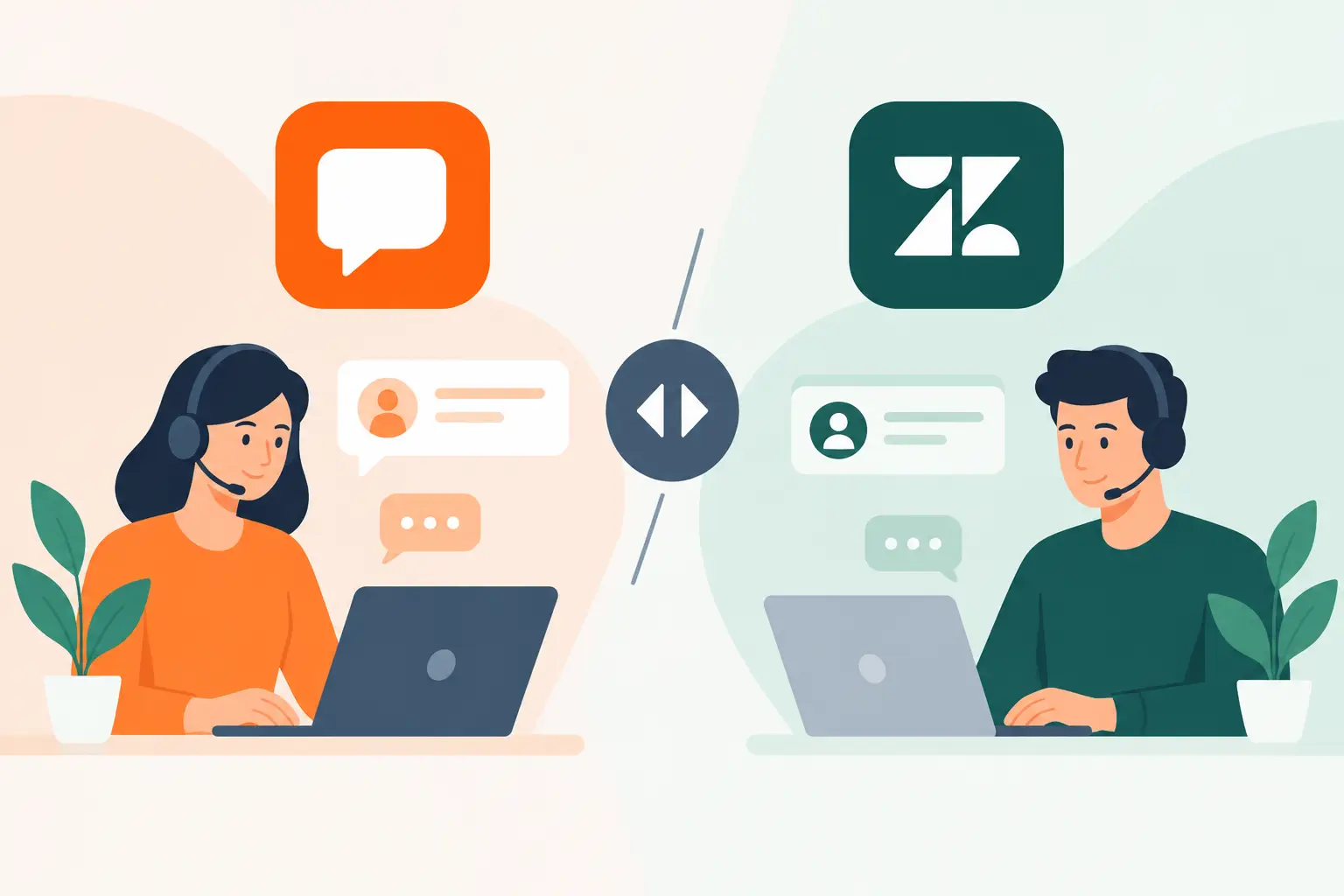
The most useful chat setup is connected to the operational systems employees already rely on. At minimum, the team needs a dependable way to see new conversations, assign ownership, record outcomes, and follow up. Ideally, qualified inquiries are also passed to the scheduling platform, CRM, service management system, or help desk without manual duplication.
Integration does not always mean an extensive technical project. For some businesses, a structured notification and defined process are sufficient at first. For others, direct synchronization is necessary because of high inquiry volume, multiple locations, or strict scheduling rules.
Before implementation, establish how these details will be handled:
- Who monitors chat during business hours, and who owns after-hours follow-up?
- Which inquiry types can be booked immediately, and which require review?
- Where are conversation records stored and how long are they retained?
- How will staff update the customer when a requested time is unavailable?
- What happens when chat, scheduling, or notification systems are temporarily unavailable?
These decisions turn a chat channel into an operational process. They also reduce the risk that a promising inquiry sits in an unassigned queue because each team assumed someone else would respond.
Build routing rules around customer intent
Service organizations often receive several types of conversations through the same website: new sales inquiries, existing customer support requests, billing questions, urgent service needs, partnership requests, and job applications. Treating all of them as booking leads creates delays for customers and unnecessary work for staff.
Use simple routing choices at the beginning of the chat to separate these needs. The labels should reflect the language customers use, such as “Schedule service,” “Get an estimate,” “Existing customer support,” or “Billing question.” Behind the scenes, each option should have a destination, response expectation, and escalation owner.
Routing becomes more important as a business expands to multiple service areas, departments, or locations. A customer should not have to explain their request twice because the first team cannot serve their region. If location determines availability, collect it early and use it to guide the next step.
Measure the handoff, not just chat volume
A growing chat count is not automatically a positive result. Some conversations are low-value questions that should be answered on a service page, while others may indicate that website information is unclear. The metrics that matter are the ones tied to business outcomes and service delivery.
Track how quickly chats receive a first meaningful response, how many qualified conversations reach a booking outcome, and how often staff complete promised follow-up. Review no-response and abandonment patterns. If visitors commonly leave after asking about price or availability, the issue may be unclear messaging, limited coverage, or an overly complicated chat flow.
It is also useful to compare booked work with completed work. A high rate of booked appointments that cancel or prove unsuitable may mean the qualification process is too shallow. Conversely, if staff spend too much time screening leads that do not fit, the initial prompts may need clearer service criteria.
Plan for ongoing maintenance
Live chat is part of the customer-facing operating environment, not a one-time website feature. Service categories change, staff responsibilities shift, pricing guidance evolves, and integrations require periodic review. A workflow that worked when one person handled inquiries can break as the organization grows.
Review chat transcripts regularly for recurring questions, routing problems, and gaps in employee training. Update automated responses when policies or availability change. Test the full path from chat conversation to scheduled appointment, especially after changes to calendars, forms, CRM fields, or notification settings.
MBH Web Services approaches SaaS adoption with this lifecycle in mind: selecting the right tools is only the beginning. Effective results come from configuration, staff onboarding, connected workflows, and ongoing support that keeps the system aligned with daily operations.
A well-managed live chat experience should leave customers with one clear impression: your business heard the request, understood what was needed, and took responsibility for the next step. When that happens consistently, chat becomes more than another website feature. It becomes a reliable front door to your service operation.