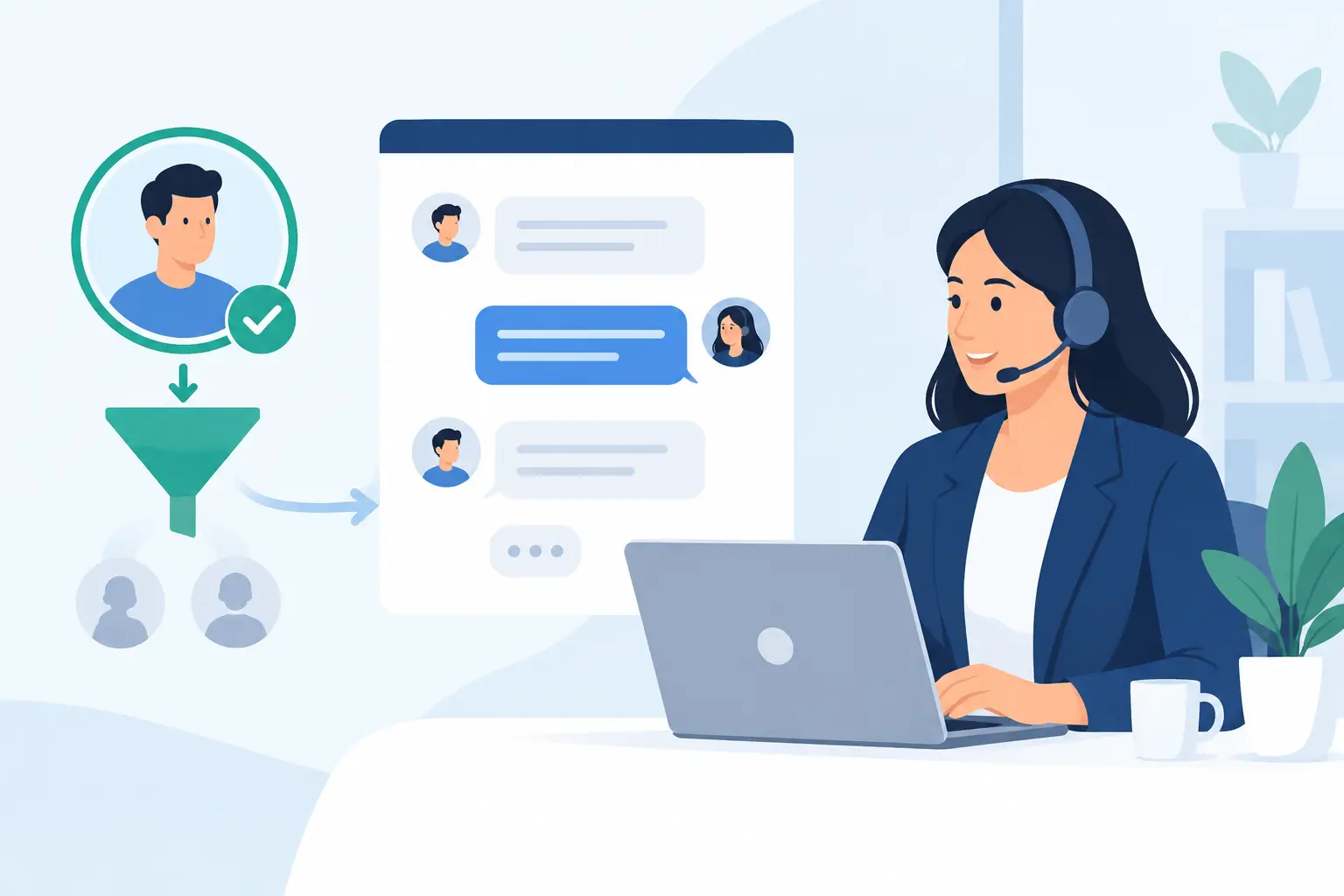
A consultant’s calendar can fill quickly with conversations that were never likely to become projects. A prospect may need a service outside your scope, lack a realistic timeline, or simply be looking for free advice. LiveChat for consultants: qualifying leads before a sales call creates a practical first step between website interest and a scheduled meeting. Done well, it gives qualified buyers faster answers while protecting time for conversations your team can serve effectively.
For SaaS implementation and support providers, qualification is not about making every visitor fit a rigid script. It is about understanding the operational need behind the inquiry: the software involved, the business goal, the people affected, the current obstacles, and the level of support required after launch. Those details help determine whether a sales call is appropriate, which specialist should handle it, and what the prospect should prepare.
Why qualification belongs before the calendar link
A calendar link is convenient, but it can make every inquiry look equally ready to buy. That approach often creates avoidable work for sales and delivery teams. A 30-minute call with an unqualified visitor does not only consume 30 minutes. It can trigger research, follow-up, internal discussions, and a proposal process for a project that was not a fit from the start.
Live chat gives prospects a low-friction way to explain what they need before they commit to a meeting. It also gives your business a chance to set expectations. A visitor looking for basic product access may need an onboarding conversation. A company replacing several disconnected systems may need discovery with an implementation specialist. Someone needing help with an existing account may belong with support rather than sales.
This early sorting improves the buyer experience as much as internal efficiency. Prospects do not have to repeat the same information to multiple people, and the first sales call can begin with useful context instead of a basic intake interview.
Define what a qualified lead means for your firm
Before building a chat flow, agree on the conditions that make a prospect ready for a sales call. The definition should reflect the services you actually deliver, not a generic lead-scoring model designed for high-volume software sales.
For many consulting and SaaS services firms, qualification comes down to a few connected questions. Does the organization have a business problem your software and services can address? Is there a project owner or decision-maker involved? Is there a reasonable implementation timeline? Does the prospect need the type of onboarding, configuration, training, or ongoing maintenance your team provides?
Budget can be useful, but it is often best treated with care in chat. Asking for an exact number too early can discourage a legitimate buyer who is still defining requirements. A better approach is to ask whether they are evaluating options, actively planning a project, or seeking immediate support. You can also provide starting ranges or explain that scope depends on users, systems, configuration, and support needs.
Qualification should also identify clear non-fits. If your business supports US-based organizations and a visitor needs service in another region, that should be understood early. The same applies to unsupported platforms, one-time requests that fall outside your service model, or organizations seeking a fully custom development engagement when your focus is third-party SaaS adoption and maintenance.
Build a chat conversation that feels useful, not interrogative
The best chat qualification flows start with help, not a form disguised as a conversation. Open with a clear offer such as: “I can help direct you to the right onboarding, implementation, or support option. What are you trying to accomplish with your software?” This gives the visitor a reason to answer and signals that the chat has a practical purpose.
From there, use short, progressive questions. Do not ask for company size, budget, timeline, platform, contact information, and meeting availability all at once. Visitors are more likely to stay engaged when each question follows naturally from the answer before it.
A useful sequence might begin with the software or workflow involved, then move to the reason for the inquiry. Ask whether the organization is selecting a new platform, setting up a recently purchased tool, improving an existing deployment, or looking for ongoing support. Next, clarify the approximate number of users, the desired start date, and whether other systems or teams are involved.
For example, a visitor who says they need help getting a new SaaS platform live can be asked whether the account has already been purchased and which teams will use it. If they mention data migration, permissions, integrations, or employee training, the chat can flag the inquiry for implementation discovery rather than a basic product discussion.
Keep the language plain. “What needs to work better after this project is complete?” is usually more useful than “What are your digital transformation objectives?” The first question invites an operational answer that a sales or delivery team can act on.
Use automation for consistency, not for every answer
Automated prompts are valuable when they handle repetitive intake and provide immediate direction outside business hours. They are less effective when they try to resolve complex implementation questions without human involvement. Consultants often sell judgment, planning, and accountability. A chat experience should reflect that reality.
Use automation to collect basic context, identify common paths, and present the right next step. Bring in a trained team member when the visitor has a specific technical question, a multi-team project, or an urgent problem with an existing deployment. If live coverage is not available, the chat should set an honest response expectation and collect enough information for a meaningful follow-up.
LiveChat for consultants: route leads by need and readiness
A qualified lead does not always need the same appointment type. Routing is where chat becomes more than a lead capture tool. It can move each prospect toward the right person and process without adding unnecessary handoffs.
A new buyer evaluating a third-party SaaS platform may need a consultation that combines product selection with implementation planning. An organization that has already chosen a platform may be ready for a scoped onboarding call. A current customer reporting a configuration issue should be directed to the appropriate support channel, where account details and service history can be reviewed.
Create a small number of clear routes rather than dozens of specialized branches. In most cases, categories such as new software evaluation, implementation help, existing-platform improvement, and ongoing support are enough to organize the first interaction. Too many choices can make visitors unsure where they belong and can create maintenance work every time your offerings change.
The handoff should include the chat transcript and the key qualification details. The person taking the call should know the platform, objective, estimated user group, timing, stated challenge, and any requested services. This continuity is particularly valuable for projects that require onboarding and long-term maintenance because it demonstrates that your team is prepared to stay accountable beyond the initial conversation.
Make the sales call more productive with a better handoff
Qualification succeeds only if the information collected in chat is used. A common failure point is treating chat as a separate inbox, then asking prospects to repeat everything once they schedule. Connect the chat intake to the system your sales and service teams actually use, whether that is a CRM, ticketing process, or shared project intake record.
Set a simple internal standard for appointment readiness. Before a call is scheduled, the record should show the company name, contact role, primary need, relevant platform, timeline, and routing recommendation. If one of those fields is missing, the chat agent or automated follow-up can request it before the meeting.
Sales teams should also be able to see why a lead was considered qualified. This prevents confusion when a project looks smaller or more complex than expected. It also helps consultants prepare targeted questions instead of reviewing a generic discovery checklist from the beginning.
There is a trade-off here. Requiring too much information before scheduling can reduce conversion, especially for prospects who are early in their research. Requiring too little fills calendars with uncertain meetings. Start with the minimum information needed to route responsibly, then adjust based on the quality of calls your team receives.
Measure quality, not just chat volume
The number of chat conversations is easy to report, but it does not tell you whether qualification is working. Track how many chats become scheduled calls, how many scheduled calls meet your internal qualification standard, and how many progress to proposals or active projects.
Also review the reasons leads do not move forward. If visitors frequently ask for a service you do not offer, your website messaging may need to be clearer. If many prospects arrive without knowing whether they need product selection or implementation support, add better guidance before the chat begins. If no-shows are high, the booking confirmation may need clearer expectations about what the call will cover.
A monthly review between sales, implementation, and support teams is usually enough to improve the process. The delivery team often sees fit issues that sales cannot identify during an initial conversation, while sales can identify chat questions that are blocking legitimate prospects from scheduling.
A well-designed chat process should leave prospective clients feeling guided, not screened out. When your first questions focus on their operational goals and your handoff preserves the context they share, the sales call becomes the beginning of a useful working relationship rather than another meeting to qualify.