A course can look finished on the creator’s side and still fail operationally for learners. A missing access rule, unclear module sequence, or untested checkout can create support requests before the first lesson is watched. Knowing how to set up an online course in Systeme.io means treating the platform configuration as part of the course experience, not as an afterthought.
For small and mid-sized businesses, the best setup is not necessarily the most elaborate one. It is the one your team can manage consistently, your learners can navigate without assistance, and your organization can maintain as offers, staff, and course materials change.
Start with the delivery plan, not the course builder
Before creating modules in Systeme.io, define what the course must accomplish and who will own it after launch. This prevents a common implementation problem: building content first, then trying to force it into a sales and delivery process that was never clearly designed.
Decide whether the course is free, one-time paid, subscription-based, or included with another service. Confirm who should receive access, whether learners need immediate access or a scheduled start date, and whether content must be released all at once or over time. Also identify the person responsible for updating lessons, reviewing enrollments, responding to learner issues, and monitoring payments.
This planning step matters because the structure of the course affects your checkout configuration, access rules, automation, and support process. A free lead-generation course has different requirements than paid customer training or an internal education program.
Build the course structure in Systeme.io
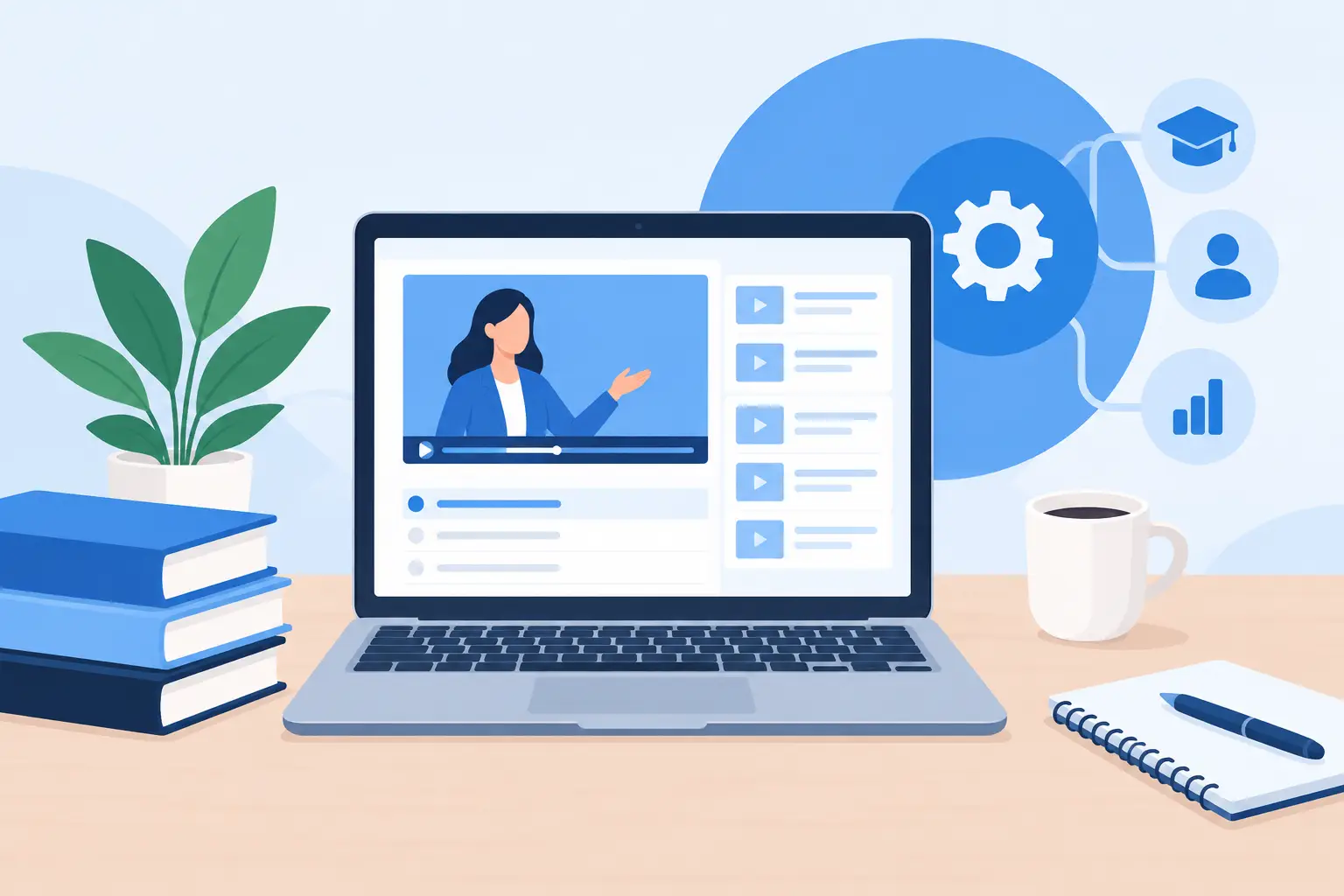
In Systeme.io, begin by creating the course product and organizing it around modules and lessons. Use module names that reflect outcomes or clear stages of progress rather than internal project labels. A learner should be able to understand the sequence at a glance.
For example, a customer onboarding course might use modules such as “Getting Started,” “Core Setup,” “Daily Workflows,” and “Troubleshooting.” Within each module, keep lesson names specific. “Configure User Permissions” is more useful than “Step 2.”
Systeme.io lessons can include written content, videos, downloadable files, and other instructional materials. Choose formats based on what learners need to do, not simply what is easiest to produce. A short video may demonstrate a software workflow well, while a written checklist may be more useful for a repeatable process.
Avoid placing every resource in one long lesson. Separate materials when learners may need to return to them later, such as templates, standard operating procedures, reference guides, or recordings. This also makes maintenance easier. If a single document changes, your team can update that lesson without rebuilding an entire section.
Set the course order deliberately. If a lesson depends on a previous action, keep the sequence clear and consider whether learners should be required to complete earlier lessons first. Forced progression can improve consistency for structured training, but it can frustrate experienced users who need only one answer. The right choice depends on whether your course is education, compliance training, client onboarding, or a self-service resource library.
Establish a consistent learner experience
Use a recognizable format across modules. For instance, each lesson can open with a short purpose statement, present the training, and close with an action item or next step. Consistency reduces confusion and limits the number of support questions your staff receives.
Review the course from the learner’s perspective. Check that videos have accurate titles, downloads open correctly, and instructions do not assume access to tools or credentials learners have not yet received. If the course includes third-party software, clearly distinguish what happens inside the course platform from what happens inside the software being taught.
The course itself is only one part of implementation. You also need a dependable path from interest to enrollment. In Systeme.io, that often involves a landing page or sales page, an order form when payment is required, and an automation rule that grants course access after the intended action occurs.
For a free course, access may be triggered when someone submits a form. For a paid course, access should follow successful payment confirmation. Do not rely on manual enrollment unless the program is intentionally limited and your team has capacity to manage requests promptly.
Connect the offer to the correct course
Create the offer with the correct pricing, currency, billing terms, and access conditions. If you offer a trial, installment plan, or subscription, document what happens when payment fails, a subscription is canceled, or a refund is issued. These details become operational issues quickly when they are not decided in advance.
Then connect the offer or automation to the appropriate course. If you have more than one audience, avoid using one generic course access rule for all of them. Separate courses, access paths, or tags can make it easier to provide the right content and identify which enrollment source is performing well.
Keep the learner-facing language precise. State what they receive, when access begins, and where they should look for login instructions. A clear confirmation message can prevent unnecessary tickets and abandoned enrollments.
Use automation for the handoff, then plan for exceptions
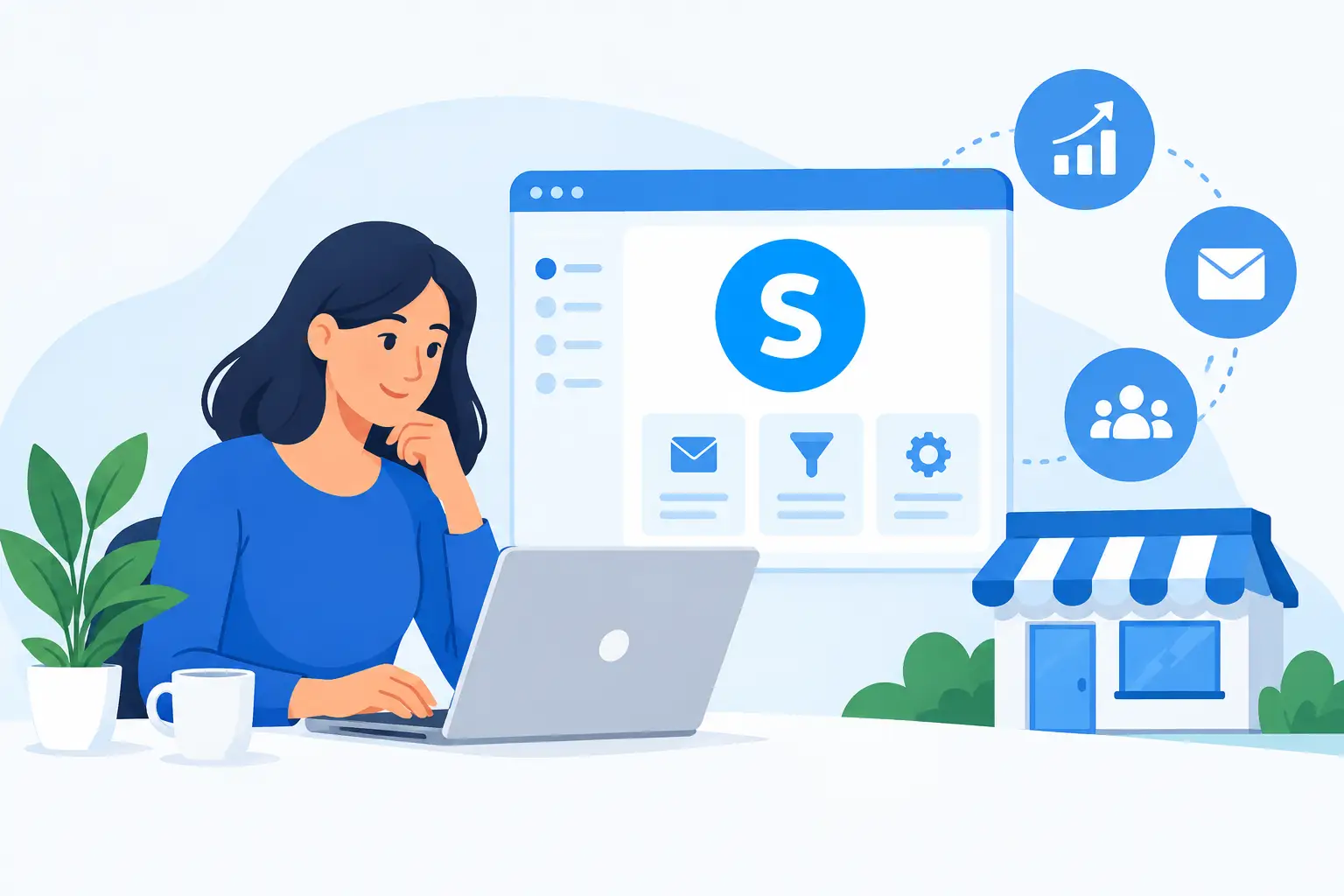
Systeme.io can automate important communication around enrollment, including welcome messages and course access notifications. A basic sequence should confirm enrollment, explain how to access the course, set expectations for the first lesson, and identify where learners can get assistance.
Automation saves time, but it does not eliminate the need for ownership. Assign someone to handle exceptions such as duplicate purchases, incorrect email addresses, missing access, account changes, and payment-related questions. Establish a simple internal process for documenting these incidents. Repeated issues often point to a configuration gap or unclear customer communication.
If your course supports a broader client onboarding process, use the welcome email to clarify what is automated and what requires human follow-up. For example, a course may prepare a client for implementation while a separate team schedules their account setup meeting. Keeping those steps distinct reduces missed handoffs.
Test the full course journey before launch
The most valuable quality check is a complete test using the same path a real learner will take. Do not test only the course editor. Start with the landing page or enrollment form, submit a test registration or purchase, receive the relevant emails, log in as the learner, and complete the first several lessons.
During testing, verify the following operational points:
- The enrollment trigger gives access to the intended course and no other course.
- Confirmation and welcome emails arrive at the correct address and contain accurate instructions.
- Payment, trial, or subscription terms display correctly when applicable.
- Videos, downloads, buttons, and lesson navigation work on both desktop and mobile devices.
- Staff know how to locate an enrollment and resolve an access issue.
Testing on a mobile device deserves special attention. Many learners will open welcome emails and course lessons from a phone, even if the course is best completed on a computer. A page that works on desktop but hides an important button on mobile can interrupt the entire enrollment flow.
Maintain the course as an operating system
A course is not finished when it is published. It needs periodic review, especially when prices change, linked processes change, or the tools featured in the training are updated. Set a review interval that matches the course’s purpose. A course tied to changing software may need quarterly review, while stable orientation content may only need a review twice a year.
Track the questions learners ask repeatedly. If multiple people cannot find a login link or misunderstand a setup step, revise the instructions rather than answering the same question one by one. Small content updates often reduce support volume more effectively than adding more automation.
It is also useful to maintain basic administrative documentation outside the course: who owns the platform account, where billing details are managed, what automations grant access, and how to respond if a team member leaves. This protects continuity when responsibilities shift.
For organizations that do not want their operations team to become the Systeme.io specialist, MBH Web Services can provide guided SaaS onboarding, implementation support, and ongoing maintenance. The objective is not simply to get a course published, but to ensure the people responsible for it can operate it reliably over time.
A well-configured course gives learners a clear path forward and gives your staff fewer preventable exceptions to manage. Build for the next enrollment, the next update, and the next person who inherits the process. That is what turns a course platform into a dependable business capability.