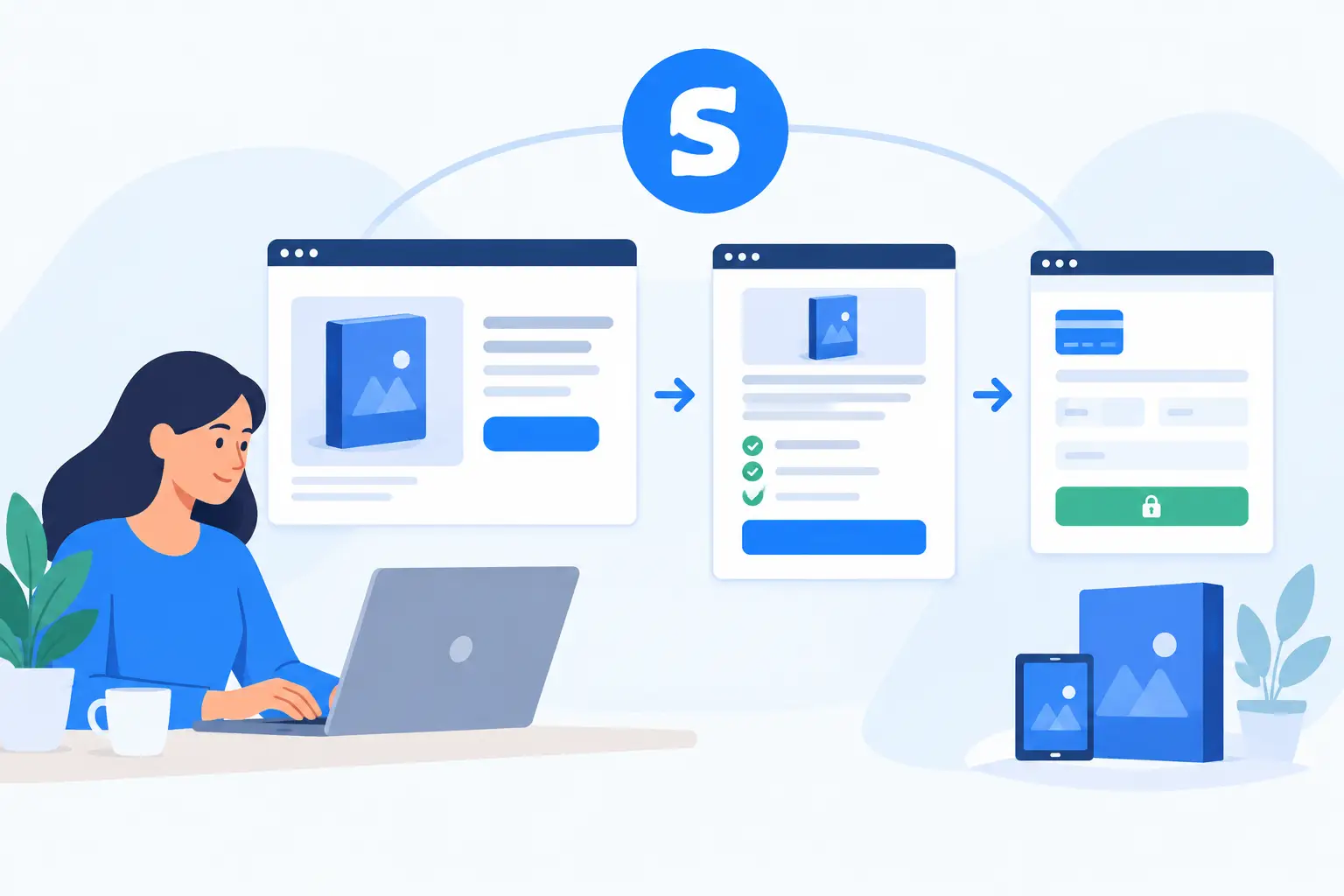
A digital product can be ready to sell long before the buying process is ready to support it. Knowing how to sell digital products with Systeme.io: from sales page to checkout means building more than a page and a payment button. You need a clear offer, a reliable transaction path, immediate access delivery, and a process for answering customer questions after purchase.
For small and mid-sized businesses, that full path matters. A downloadable toolkit, paid webinar, template library, training program, or membership can create recurring revenue, but only if customers can understand what they are buying and receive it without confusion. Systeme.io can support this process when the setup is planned around the customer lifecycle rather than treated as a one-time campaign.
Start With an Offer That Is Easy to Explain
Before configuring the platform, define the product in operational terms. Identify the customer problem, the format of the product, what is included, the price, and what happens immediately after payment. If the product includes a course, state the number of modules and access period. If it is a download, specify the file types and whether updated versions are included.
This clarity prevents a common sales-page problem: describing the general value of an idea without explaining the actual purchase. Buyers should not have to guess whether they are receiving a PDF, a video library, a live session, or ongoing support.
Digital products also need clear boundaries. A $49 operations template package should not imply custom implementation assistance unless that service is included. If buyers can add setup help, consulting, or onboarding, present it as a separate option with defined scope. This protects delivery capacity and gives customers a more accurate expectation of the relationship.
Choose a pricing model that fits the product and your support commitment. A one-time payment is usually appropriate for self-contained assets such as guides, templates, and recorded training. Recurring billing can work for memberships, updated resource libraries, or ongoing training access. The right model depends on whether customers receive continuing value and whether your team can reliably maintain that value.
Build a Sales Page Around the Buyer’s Decision
A sales page in Systeme.io should answer the practical questions a buyer asks before entering payment information. Lead with the business outcome, then explain the product and the delivery process in plain language.
A useful page structure begins with a direct statement of who the product is for and what it helps them accomplish. Follow it with the specific contents, the price, and a clear call to action. For business buyers, practical details often carry more weight than broad promises. Explain how long the material takes to use, whether it requires a particular software platform, and whether a manager can share it with a team.
Include proof where it is available and accurate. That may be a customer quote, a sample lesson, a preview image, or a short explanation of the process behind the product. Avoid claims that cannot be supported, particularly around revenue, compliance, or performance results. Credibility is built when the page sets realistic expectations and the product meets them.
Keep the page focused on one primary action. If the goal is a purchase, do not surround the checkout path with competing calls to book a demo, subscribe to multiple lists, or browse unrelated services. A secondary contact option can be helpful for higher-priced products, but it should not distract from the core transaction.
Within Systeme.io, create the offer with the correct price, currency, payment type, and access arrangement. Connect the product to the resource the customer should receive after purchase, such as a course area, membership content, download, or email sequence.
This is where implementation details matter. Confirm that each offer grants access only to the materials included at that price point. If you sell a basic and premium version, test that premium buyers receive premium materials and basic buyers do not receive restricted content. If access expires after a defined period, state that on the sales page and configure the appropriate rules in the platform.
Use a dedicated product name internally as well as publicly. Clear naming helps your team reconcile sales, respond to support requests, and identify which automation should run after a purchase. It is especially useful when similar offers, promotions, or versions exist over time.
The checkout page is not the place for surprises. Its job is to let a ready buyer review the order, provide required information, and pay securely through your connected payment provider.
Keep the form fields limited to what your business needs. For many digital products, a name and email address are enough to deliver access and provide support. If you need company information for a business-focused product, explain why it is being collected. Every additional field creates another reason for a buyer to pause or abandon the order.
Make the order summary easy to scan. It should show the product name, price, billing frequency if applicable, and any relevant tax or fee information before the customer confirms payment. If you offer a guarantee, cancellation policy, or refund terms, make those terms accessible and consistent with your actual operating process.
Payment processing requires its own readiness check. Verify that the connected processor is active, that your business details are current, and that the processor supports the payment methods your audience is likely to use. US business customers may expect a card payment, while some larger organizations may require invoicing or a purchase-order process. Systeme.io checkout can be a practical fit for direct card purchases, but it may not replace every procurement workflow. For higher-value B2B sales, a managed invoicing process may be the better route.
Connect Purchase to Delivery and Onboarding
A completed payment should trigger a clear next step. At minimum, the customer should see a confirmation page and receive a confirmation email that explains how to access the product. The message should include the support contact process, not simply a generic receipt.
For a simple download, send the access instructions immediately and make sure the file location is stable. For a course or membership, provide account-login instructions and tell the customer where to begin. A short welcome sequence can improve completion rates by reminding buyers why they purchased and directing them to the first useful action.
This is also the point to separate product delivery from service delivery. If your digital product includes implementation guidance, define whether that means an onboarding email sequence, office hours, a scheduled kickoff, or dedicated support. Do not rely on informal assumptions. Customers are more satisfied when access, response times, and responsibilities are stated at the outset.
For organizations selling operationally important training or resources, ongoing maintenance deserves attention. Update outdated content, remove broken downloads, review access permissions, and monitor customer questions for recurring issues. MBH Web Services approaches software adoption as an ongoing responsibility, and the same principle applies to digital product operations: delivery is only dependable when someone owns what happens after the sale.
Test the Entire Systeme.io Sales Flow Before Launch
A sales funnel should be tested as a customer would experience it. Review the sales page on desktop and mobile, submit a test order where possible, confirm the payment status, and check every follow-up message. Log in using the buyer account and verify that the promised content is available.
Test more than the successful path. Enter an invalid email address, cancel at checkout, try a declined payment scenario if your testing environment permits it, and review what your team sees in the order records. These checks reveal gaps that can otherwise become support tickets at the worst possible time.
Pay close attention to automated emails. Confirm that the sender name is recognizable, the subject line identifies the purchase, and the instructions are not buried beneath promotional language. Many access issues are not technical failures. They occur because a customer cannot find the welcome email, does not recognize it, or does not understand the next step.
Measure What Needs Improvement
After launch, review performance at each stage rather than judging the offer only by total revenue. If visitors reach the sales page but do not start checkout, the offer or call to action may need work. If buyers start checkout but do not finish, inspect price presentation, payment options, mobile usability, and form length. If purchases are completed but support requests rise, the access and onboarding process needs attention.
Use customer questions as operational feedback. Repeated requests for a file, login help, invoice details, or product clarification indicate that the process should be adjusted. A sales system improves when the information customers need is provided before they have to ask for it.
The most dependable digital-product setup is not necessarily the one with the most pages or automations. It is the one that makes a clear promise, collects payment accurately, delivers access promptly, and gives customers a reliable way to get help when they need it.