A former employee can do real damage with an old administrator login. They may not intend to, but one saved password can expose customer records, change billing details, delete a campaign, or lock the owner out of a critical account. Knowing how to assign SaaS administrators is less about handing out titles and more about protecting the systems your business relies on every day.
For a Texas contractor managing leads, a restaurant running loyalty offers, or a growing service business coordinating sales, software access can become messy quickly. The owner signs up for a tool, adds a staff member to help, and then adds another person when the first employee leaves. Before long, nobody is sure who has authority, who receives security alerts, or whether the business can recover an account if something goes wrong.
The practical goal is simple: give people enough access to do their jobs, keep final control with the business, and make changes easy when roles change.
Start with ownership, not administrator access
Every paid software account should have a clear business owner. This is usually the company owner, a trusted executive, or a shared company-controlled mailbox that is protected with strong security. The owner is responsible for billing, renewal decisions, recovery information, and the final authority to add or remove administrators.
Do not make a personal employee email the only account owner, even if that employee set up the platform. If they leave, lose access to their inbox, or become unavailable, recovering the account can turn into an avoidable dispute with the software provider.
A good setup separates account ownership from day-to-day administration. The owner retains control while one or two designated people handle routine work, such as adding users, updating workflows, reviewing settings, or managing integrations.
This distinction matters with customer-facing tools. A marketing manager may need to manage an EngageBay campaign, for example, without having unrestricted control over company billing. A sales coordinator using Smartlead may need campaign-level permissions but not the ability to change account ownership or invite unlimited new users.
Define what an administrator can actually do
“Admin” means different things across SaaS platforms. In one system, an admin can only manage users. In another, the same role can export every customer record, alter payment settings, create API keys, or permanently delete data.
Before assigning the role, review the platform’s permission levels. Look beyond the label and identify the actions each role can take. The highest-risk permissions usually involve billing, account recovery, user management, data exports, integrations, security settings, and deletion rights.
For most small and medium-sized businesses, there are three useful layers of responsibility:
- Account owner: Holds final control over billing, recovery email addresses, ownership transfers, and the highest-level security settings.
- Platform administrator: Manages users, settings, templates, automations, or operational configuration needed to keep the tool useful.
- Standard user or manager: Works in the platform daily but does not need broad control over access, billing, or sensitive data.
Not every platform supports this exact structure. Some entry-level plans have limited permission controls, while more advanced plans offer custom roles and audit logs. That tradeoff may affect which subscription tier makes sense. Paying more for granular permissions can be worthwhile when a tool contains customer data, payment information, or core sales operations. It may be unnecessary for a low-risk tool used by two people.
Use least privilege when assigning SaaS administrators
The least-privilege principle sounds technical, but it is straightforward: assign the smallest amount of access a person needs to do their work well.
If your office manager only needs to add new team members, give them user-management access if the platform allows it. If your marketing lead needs to build loyalty campaigns in BoomerangMe, they may need campaign administration but not control of the company’s subscription or recovery options. If a customer service lead uses LiveChat, they may need access to chat settings, agent assignments, and reporting without access to unrelated company systems.
Broad permissions are tempting because they avoid short-term questions. But giving every capable employee full access creates a larger problem later. It makes errors harder to trace, increases the risk of accidental changes, and complicates offboarding.
This does not mean nobody should have full administrative rights. It means those rights should be deliberate. A small business may have only the owner and an operations manager with full access, while a larger organization may assign a primary admin, a backup admin, and platform-specific managers.
Choose a primary admin and a backup
Single-person dependency is one of the most common SaaS management problems. If only one person knows how to access a platform, reset multifactor authentication, approve user requests, or manage billing, normal business can stop when that person is sick, on vacation, or no longer with the company.
Assign a primary administrator for each business-critical tool and a backup administrator who can step in when needed. The backup should be a current employee or business owner, not a former contractor and not a generic shared login used by several people.
Keep this record in a secure internal location. For each platform, document the account owner, primary admin, backup admin, billing contact, recovery email, and the purpose of the tool. You do not need a complicated governance program. A well-maintained access register is enough for many small businesses.
The key is reviewing it when staffing changes occur. A business can lose control of its software because it failed to update a recovery phone number just as easily as because it forgot to remove an old user.
Secure the administrator accounts themselves
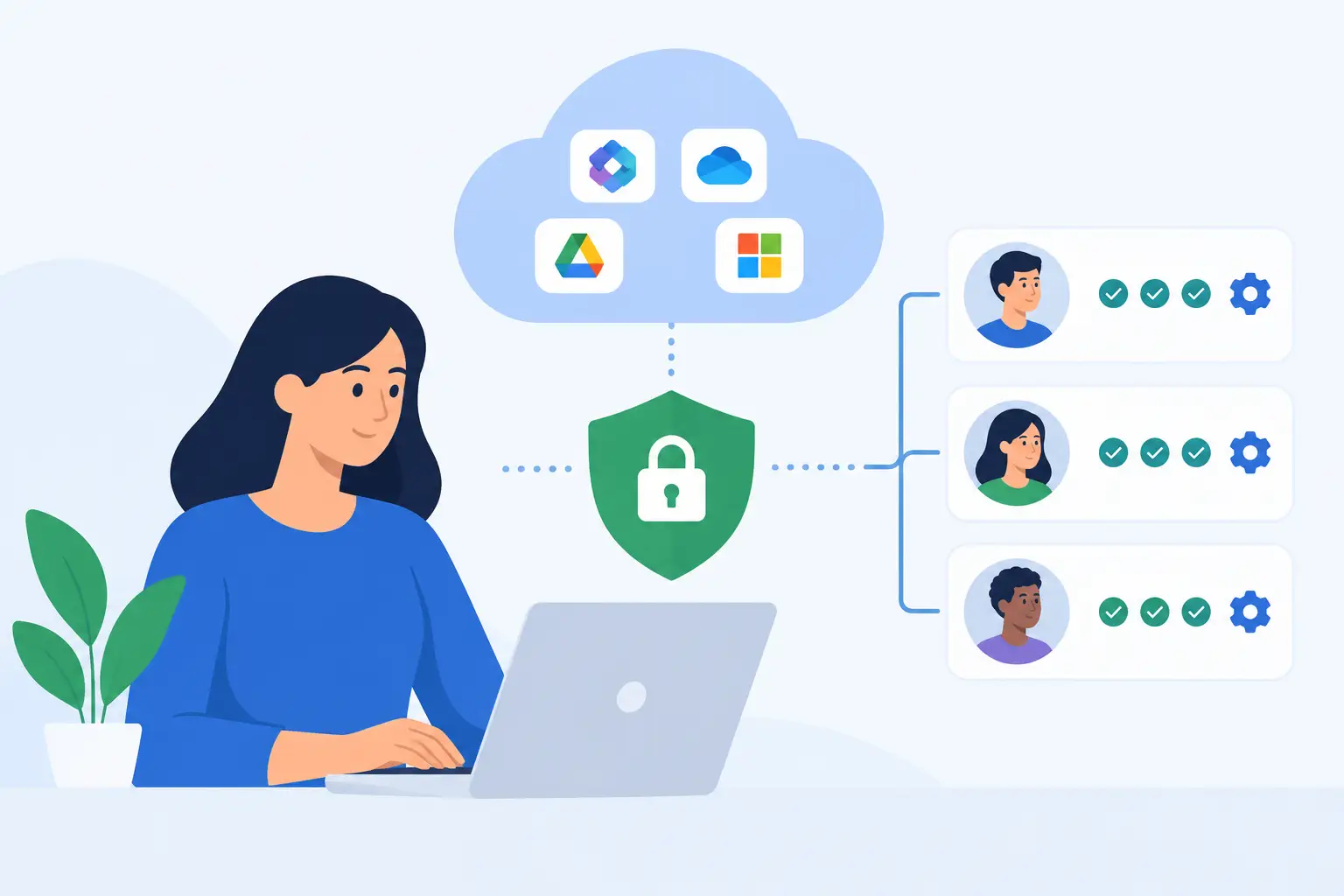
Administrator privileges are only as safe as the login protecting them. Require unique passwords and multifactor authentication for every admin account. Avoid shared administrator credentials whenever possible. Shared logins may feel convenient, but they remove accountability and make it difficult to revoke access for one person without disrupting everyone else.
Use company-controlled email addresses for administrator accounts. A personal Gmail address may be practical during a startup phase, but it creates a long-term ownership risk. As the business grows, move important accounts to an address controlled by the company.
Also review connected sign-in methods. If an employee uses Google or Microsoft single sign-on to access a platform, removing their SaaS user account alone may not be enough. Make sure their company identity account is disabled or removed during offboarding.
For especially sensitive systems, such as your CRM, email sending platform, accounting software, or payment tools, enable login alerts and review the platform’s activity history. Many systems record changes to users, roles, API keys, and settings. That history can be valuable when something changes unexpectedly.
Create a simple approval process
Administrator access should not be granted through an informal chat message and forgotten afterward. A lightweight approval process protects the business without creating unnecessary red tape.
Ask three questions before approving admin rights: What job requires this access? What exact tasks will the person perform? How long should the access remain in place? If the answer is vague, assign a lower role first.
For temporary needs, such as a short-term campaign setup or a contractor assisting with a migration, set a calendar reminder to review or remove access. Contractors can be valuable, but their accounts should be individual, time-bound, and limited to the systems necessary for the work. Never solve a contractor access problem by sharing the owner’s credentials.
A small company may handle approvals verbally and record the decision in its access register. A larger company may use a ticketing or HR workflow. The method matters less than having a repeatable record of who approved access and why.
Build offboarding into the process
The best time to plan for employee departure is before you grant access. Whether someone resigns on good terms or leaves unexpectedly, your business should know which systems to review on their last day.
Create an offboarding checklist for all SaaS tools, not just email. Remove the person’s user account, revoke administrator privileges, transfer ownership of campaigns or dashboards, rotate shared credentials if any exist, and review API keys or integrations they created. If the person used an authenticator app or recovery phone, update those settings too.
Pay particular attention to platforms that affect revenue and customer communication. A former employee with access to Smartlead could potentially alter outreach settings. Someone with access to EngageBay could view contact records or modify automations. A user with elevated access in LiveChat could affect customer messaging and team assignments. The specific risk depends on how your business uses each tool, which is why the access review should be platform by platform.
For employee exits involving sensitive data or disputed circumstances, act quickly and preserve relevant account records. Remove access first, then take time to sort out lower-priority cleanup tasks.
Review access on a schedule that fits your business
Quarterly reviews are a sensible default for most businesses with several SaaS subscriptions. If your team is small and stable, twice a year may be enough. If you hire often, work with contractors, or handle sensitive customer data, monthly reviews may be more appropriate.
During the review, confirm that each admin is still employed, still needs the role, and still has the right scope of permissions. Check whether the account owner and recovery details remain current. Review inactive users, unused integrations, and any shared credentials that should be replaced with named accounts.
This is also a good time to look at software overlap. Multiple employees may have created separate tools for email outreach, customer messaging, or marketing automation. Consolidating where it makes operational sense can reduce costs and simplify access management. Still, do not force every function into one platform just for convenience. A specialized tool can be worth keeping when it supports a clear business need and the team can manage it responsibly.
A well-assigned SaaS administrator is not simply the person who knows the software best. It is the person with a defined responsibility, appropriate access, a secure login, and a backup plan. Put that structure in place before your next hire or software purchase, and your business will be far less likely to lose control when people and priorities change.