A visitor has a question about delivery, pricing, or whether a service fits their needs. If no one answers quickly, they may leave and contact a competitor. How Does LiveChat Work? A Small-Business Owner’s Guide starts with that simple business problem: giving website visitors a fast, useful way to speak with the right person while keeping the work manageable for your team.
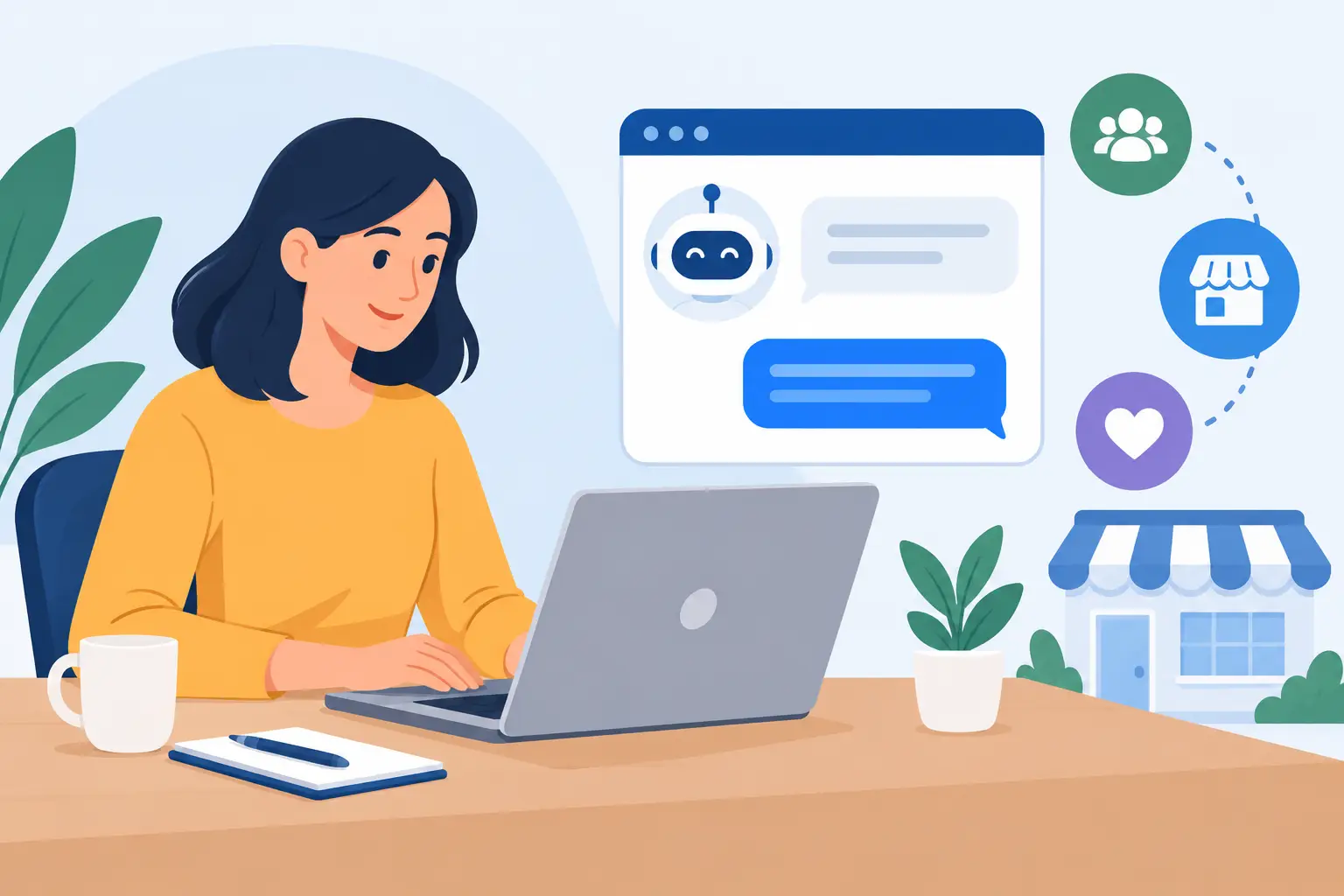
LiveChat is a customer messaging platform that places a chat window on your website or other supported digital touchpoints. It gives team members a shared workspace to respond to visitors, manage conversations, collect leads, and review service activity. For a small business, the value is not merely adding a chat bubble. The value comes from configuring the platform around real staffing capacity, customer questions, and handoff processes.
How Does LiveChat Work for a Small Business?
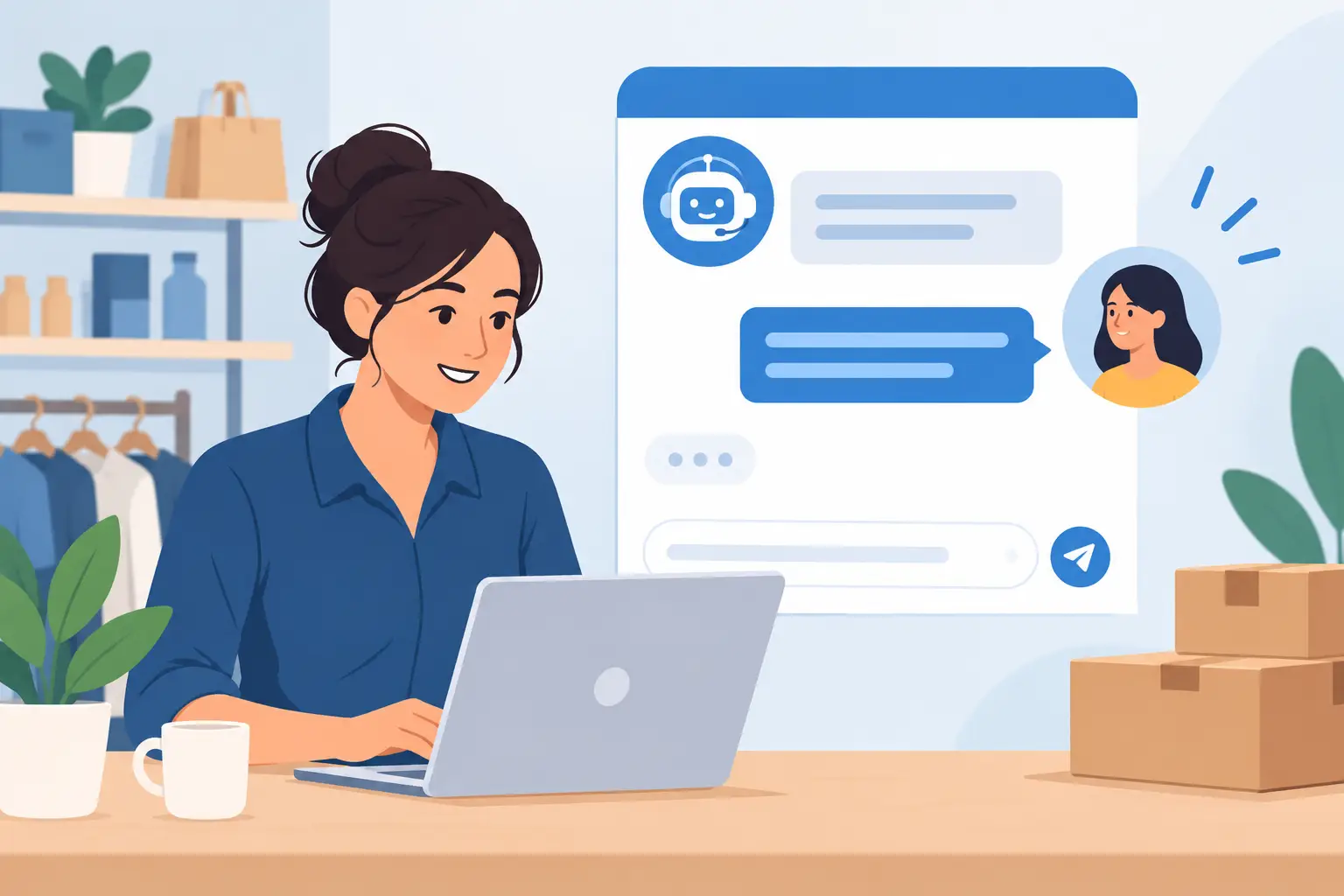
At its core, LiveChat connects a visitor’s message with an available agent. A visitor opens the chat widget, types a question, and the system routes that conversation to a team member based on rules you set. The agent replies from an application or browser-based agent workspace, rather than from a personal inbox.
The conversation can begin with a proactive invitation. For example, a visitor who has spent several minutes on a service page might see a message asking whether they need help choosing an option. It can also begin only when the visitor chooses to open chat. The right approach depends on your audience. A high-intent service page may benefit from a timely invitation, while an aggressive pop-up on every page can feel disruptive.
Once a chat starts, the agent can answer directly, use saved responses for common questions, share approved materials, or transfer the conversation to another department. If the visitor provides contact information, the chat can become a lead for later follow-up. If no agent is available, an offline form or automated response can set expectations and capture the request.
This shared structure matters. Without it, website inquiries often arrive through scattered email accounts, contact forms, or employee phones. LiveChat can centralize the interaction, make ownership clearer, and create a record of what customers asked and how the business responded.
The Main Parts of a LiveChat Setup
A useful implementation starts with the customer journey, not the software settings. Most small businesses need to decide who will answer chats, when they will be available, which questions can be handled immediately, and what happens when an issue requires another person.
The widget is the visible chat icon and conversation window on your site. You can generally adjust its appearance, greeting, language, operating hours, and placement so it fits your website and brand. Keep the opening message helpful and specific. “Questions about scheduling? We can help” is more useful than a vague request to start chatting.
The widget also needs careful placement from a technical standpoint. Someone must add the required code or use an available website integration, then test it across desktop and mobile pages. After publishing, verify that the widget does not interfere with checkout buttons, forms, accessibility tools, or other site functions.
The agent workspace
Agents use a central workspace to receive and respond to chats. This is where a team can see visitor details, conversation history, tags, notes, and assignment status. Depending on the plan and configuration, the workspace may also support collaboration features and connections to other business systems.
For a small team, the key question is coverage. If two employees are responsible for chat, both need clear access, notifications, and a defined schedule. A tool cannot create availability on its own. It can only help you distribute and manage the availability you have.
Routing, queues, and departments
Routing rules determine where a chat goes. A general inquiry may go to a customer service queue, while a pricing question may go to sales. You can also route based on office hours, website page, visitor language, or agent availability when those options fit your operation.
Start simply. Too many departments and complicated rules can cause chats to bounce between people. A small business often gets better results from two clear paths, such as sales and support, with named backups for each. Refine the routing after reviewing real conversation patterns.
Automation and chatbots
Automation can greet visitors, ask qualifying questions, provide answers to common requests, and collect details before a human joins. This can reduce repetitive work, especially outside normal hours. For example, an automated flow can ask whether a visitor needs technical support, a quote, or an appointment, then capture the information needed for follow-up.
Automation works best when it shortens the path to help. It works poorly when it forces customers through a long script before allowing them to speak with a person. Use it for routine tasks and basic triage, not as a barrier between a customer and a capable employee.
What Happens During and After a Chat?
A well-run chat follows a repeatable service process. The agent acknowledges the request, confirms what the visitor needs, provides an accurate answer or next step, and records any follow-up commitment. If the request cannot be resolved during the conversation, the agent should explain who owns the next action and when the customer can expect a response.
Saved replies can improve consistency for recurring questions about hours, service areas, return policies, or onboarding steps. They should be reviewed regularly. An outdated saved response can create more work than it saves, particularly when pricing, availability, or policies change.
After the chat, the conversation history can be reviewed for quality, training, and operational insight. Repeated questions may indicate that a website page is unclear. Frequent order-status requests may show that customers need better self-service updates. A rise in technical questions may point to a product issue or training gap. Chat data is most useful when someone has responsibility for acting on those patterns.
LiveChat can be more valuable when it fits into the systems your business already uses. Depending on your selected plan and tools, integrations may help connect chats with a customer relationship management system, help desk, ecommerce platform, calendar, or internal communication workflow.
The goal is not to integrate everything. Each connection should serve a clear operational purpose. A sales team may want qualified chat leads recorded in its CRM. A support team may need unresolved chats converted into tickets. An appointment-based business may want a chat agent to direct visitors to scheduling. Adding integrations without ownership and testing can create duplicate records, missed handoffs, and confusion about which system is the source of truth.
Before enabling an integration, decide what data should move, who will use it, and how the process will be checked. Customer names, contact details, transcripts, and notes should be handled according to your privacy practices and applicable requirements. Limit access to people who need it, and establish how long conversation records should be retained.
A chat window creates an expectation of responsiveness. That does not mean a small business must provide 24/7 service. It does mean your availability message should be honest. If your team handles chat from 9 a.m. to 5 p.m. Central Time, say so. If response time varies, provide a reasonable expectation and capture the visitor’s contact details.
Set service standards before launch. Define which questions agents can answer without approval, when to transfer a chat, how quickly a missed chat receives follow-up, and how urgent concerns are escalated. Train agents on product knowledge, writing style, customer privacy, and when not to guess.
Many businesses underestimate the maintenance involved after launch. Someone needs to review routing rules, update automated messages, add new saved replies, manage user access, and monitor whether notifications are working. Platform settings also change as teams, services, and policies change. Treat LiveChat as an operating capability, not a one-time website feature.
A Practical Rollout Plan
Begin with a limited launch on the pages where visitors are most likely to need help, such as service, pricing, or contact pages. Use one or two departments, a short list of approved responses, and clearly defined hours. This makes it easier to test the experience without overloading the team.
During the first few weeks, review missed chats, response times, transfers, lead quality, and common questions. Ask agents where conversations get stuck. Then adjust greetings, staffing schedules, routing, and website content based on evidence rather than assumptions.
If your internal team does not have time to manage implementation, working with an experienced onboarding and maintenance partner can help establish the technical setup and operating process together. MBH Web Services approaches SaaS adoption as an ongoing responsibility, helping organizations connect software configuration with the people and procedures required to keep it useful.
The best first step is not installing a chat widget everywhere. It is deciding what a visitor should be able to accomplish in a conversation, who will make that happen, and how your team will follow through after the chat ends.