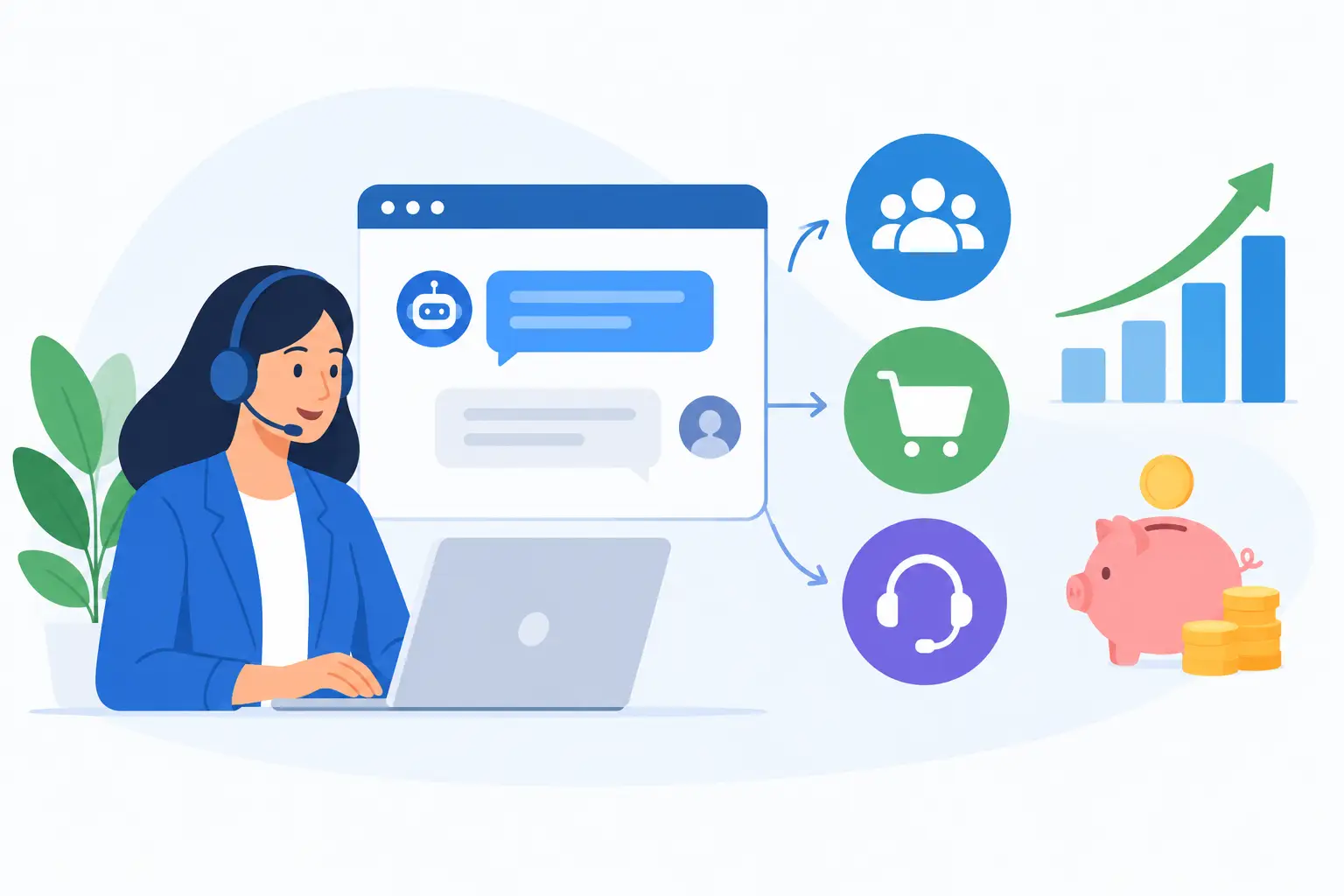
A chat window can look busy without producing measurable business value. Conversations may reassure customers, answer routine questions, and keep prospects from leaving a page, but activity alone is not a return. LiveChat ROI: how to measure leads, sales, and support costs starts by connecting each conversation to an outcome your business already tracks: qualified demand, booked revenue, or a lower cost to serve.
For small and mid-sized businesses, that connection matters because chat software is rarely the only expense. There may be subscription fees, implementation work, staff time, training, maintenance, and the cost of integrating chat records with a CRM or help desk. A useful ROI model accounts for the full operating picture, not just the monthly license.
Start LiveChat ROI measurement with a defined purpose
Before collecting metrics, decide what the chat program is expected to do. A sales-led chat program may focus on qualifying website visitors and booking demonstrations. A service-led program may aim to reduce email volume, resolve straightforward issues faster, and protect support capacity for more complex work. Some teams need both, but they should still measure each outcome separately.
Without that distinction, reports tend to overstate results. For example, a support chat that prevents a customer cancellation has real value, but it should not be counted as new sales revenue. Similarly, a visitor who shares an email address is not necessarily a qualified lead. Clear definitions keep the numbers credible when operations, finance, and leadership review them.
Document the purpose, target audience, staffed hours, and expected next step for each type of conversation. If chat agents are supposed to route product questions to sales, define what information makes a contact sales-ready. If they are solving account-access issues, define what counts as a resolved case. These decisions are part of implementation, not reporting cleanup to handle later.
Establish a baseline before comparing results
ROI depends on change. If you do not know how many leads, sales, or support tickets your organization handled before chat was introduced, you cannot reliably claim what chat improved.
Use a comparable period, such as the prior 60 or 90 days, and account for predictable changes in traffic, promotions, seasonality, and staffing. Capture website sessions, inbound lead volume, lead-to-sale conversion rate, average order value or contract value, support ticket volume, average handling time, first-contact resolution, and customer satisfaction where available.
The baseline does not need to be perfect. It needs to be consistent enough to support a fair comparison. For a growing company with rapidly increasing traffic, compare outcomes per 1,000 website visitors or per active customer instead of relying only on total volume.
Measure the value of leads created through chat
The most common mistake in chat reporting is treating every captured contact as a lead. A useful lead should meet your business's qualification criteria, such as company size, location, stated need, budget range, timeline, or fit with the product or service offered.
Configure agents and chat forms to capture only the information needed for a practical handoff. Too many required fields can reduce conversion, while too few leave sales teams with conversations they cannot act on. The right balance depends on your sales cycle. A local service business may need a phone number and service location, while a B2B software provider may need role, organization size, and use case.
Track three stages: chat contacts captured, qualified leads accepted by sales, and qualified leads that become opportunities. The lead value calculation should use accepted or qualified leads, not raw conversations.
A simple estimate is:
Lead value from chat = qualified chat leads × historical close rate × average gross profit per sale
Use gross profit rather than total revenue when costs of delivery are significant. If 40 chat-qualified leads enter the pipeline, your historical close rate is 15%, and average gross profit per new customer is $2,000, the estimated value is $12,000. This is an estimate, not booked revenue, so label it accordingly.
Attribute sales revenue without giving chat too much credit
Direct sales attribution is stronger when a conversation can be tied to a CRM record, opportunity, and closed transaction. Ask agents to create or update a contact record, apply a consistent chat source field, and record the conversation reason. Automated tracking can help, but the team still needs procedures for identifying returning visitors, duplicate records, and handoffs made outside the chat platform.
For short sales cycles, first-touch attribution may be enough: chat introduced the buyer, so chat receives the credit. For longer or more involved buying journeys, that approach can be misleading. A prospect may have attended a webinar, spoken to a salesperson, and later used chat to ask a final question before purchasing. In that case, chat assisted the sale, but may not have created it.
Use an attribution rule that fits the decisions you need to make. First-touch is useful for judging lead generation. Last-touch can show whether chat helps remove purchase friction. Assisted revenue is often the most realistic measure for complex sales, provided it is not added on top of full first-touch or last-touch revenue and counted twice.
Review a sample of closed-won chat records each month. Confirm that the source is accurate, the conversation occurred before the opportunity closed, and the deal value reflects recognized or contracted revenue according to your internal reporting standard. A smaller, defensible number is more useful than an impressive number that cannot withstand review.
Calculate support cost savings carefully
Support ROI often comes from avoided work rather than obvious new revenue. Chat can reduce the number of email tickets, shorten time to resolution, and help agents solve basic questions while customers are already logged in. Yet a faster chat response does not automatically mean lower costs. If chat adds another channel without reducing ticket volume or staffing pressure, it may improve service while increasing operating expense.
Start with the fully loaded cost per support interaction. Include agent wages, benefits, management time, software costs assigned to support, and a reasonable share of training and quality assurance. Then compare the cost of resolved chat conversations with the cost of the cases chat replaced.
Use this calculation:
Support savings = avoided cases × cost per avoided case - added chat labor and platform costs
An avoided case should be supported by evidence. For example, customers may select whether chat prevented them from emailing or calling, or analysts may compare ticket rates for customers with and without access to chat. Survey responses alone can overstate avoidance, so validate them against support volume and workload trends.
Also measure quality. A low-cost chat interaction is not a win if customers must contact support again the next day. Track repeat contacts, escalations, first-contact resolution, and customer satisfaction alongside average handling time. The best operating result is usually fewer customer effort points, not simply shorter conversations.
Include the full cost of operating chat
A credible calculation includes more than the vendor invoice. Add subscription fees, implementation and configuration work, integrations, onboarding, agent training, supervision, transcript reviews, reporting, and periodic maintenance. If sales or support employees cover chat during existing shifts, assign only the incremental labor cost when that time does not displace other work. If chat requires additional coverage, include the full staffing cost.
This is where implementation planning has a direct financial effect. Poor routing, incomplete knowledge resources, and unclear ownership create longer chats and unnecessary escalations. A supported rollout with documented workflows, agent guidance, CRM fields, and ongoing review can reduce those costs over time. MBH Web Services approaches SaaS adoption with that continuing operational responsibility in mind.
Once you have defensible values, combine them in a single model:
LiveChat ROI = (incremental gross profit from sales + validated support savings - total chat cost) ÷ total chat cost × 100
Keep lead estimates separate from closed revenue in the report. A practical monthly dashboard can show qualified leads, pipeline value, closed-won gross profit, assisted revenue, avoided support cost, total program cost, and ROI. Finance may prefer a quarterly view when sales cycles are longer or initial implementation costs are substantial.
Do not expect the first month to tell the whole story. Early results often include setup labor, agent learning, and incomplete data capture. By the second or third reporting cycle, patterns become more useful: which pages generate qualified conversations, which questions drive escalations, which hours justify staffing, and whether chat is supporting sales, service, or both.
A well-run chat program earns its place when it gives customers a faster path forward and gives your team clear evidence of the business value created. Measure that value with the same discipline used for any operational investment, then use what you learn to improve the process behind every conversation.