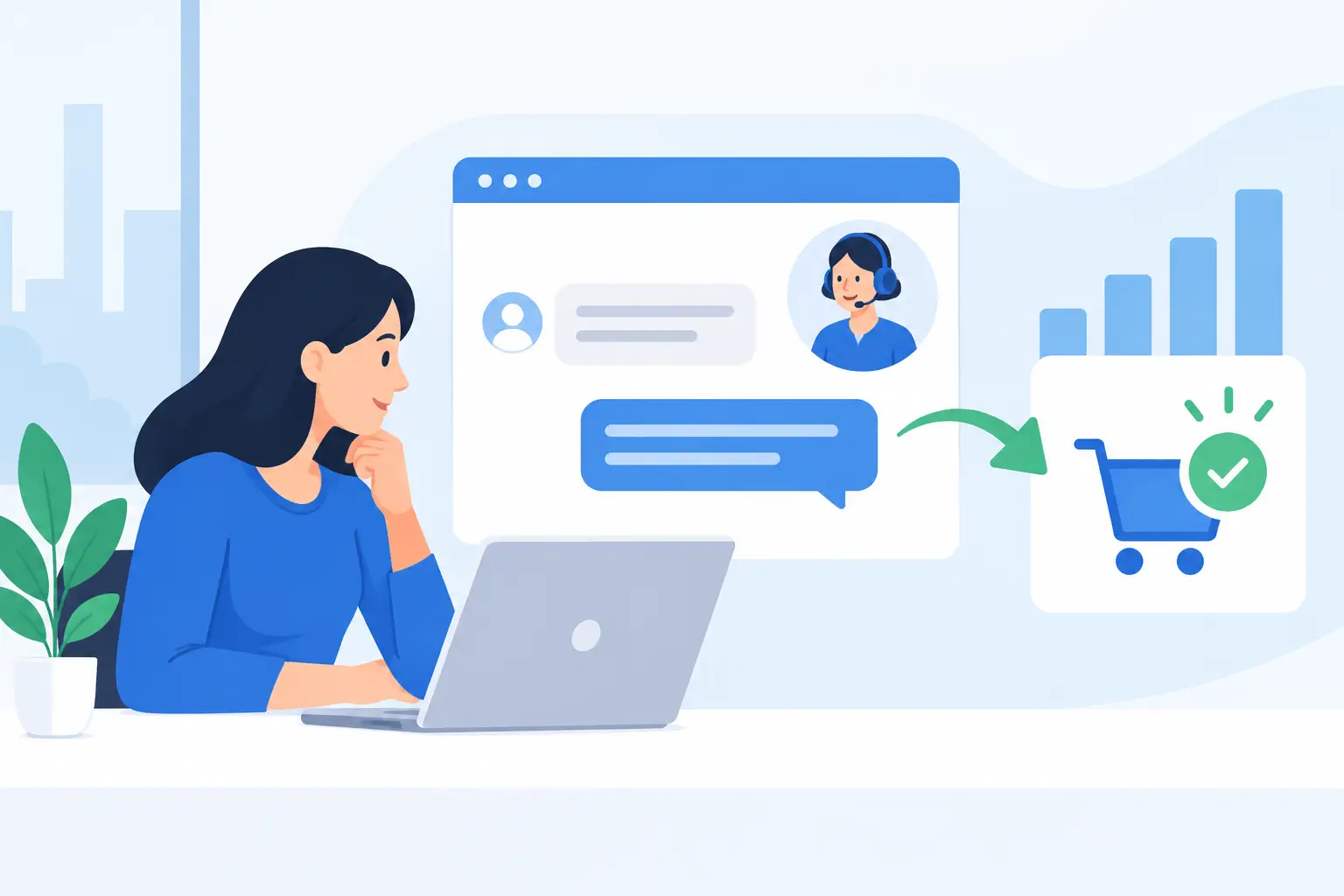
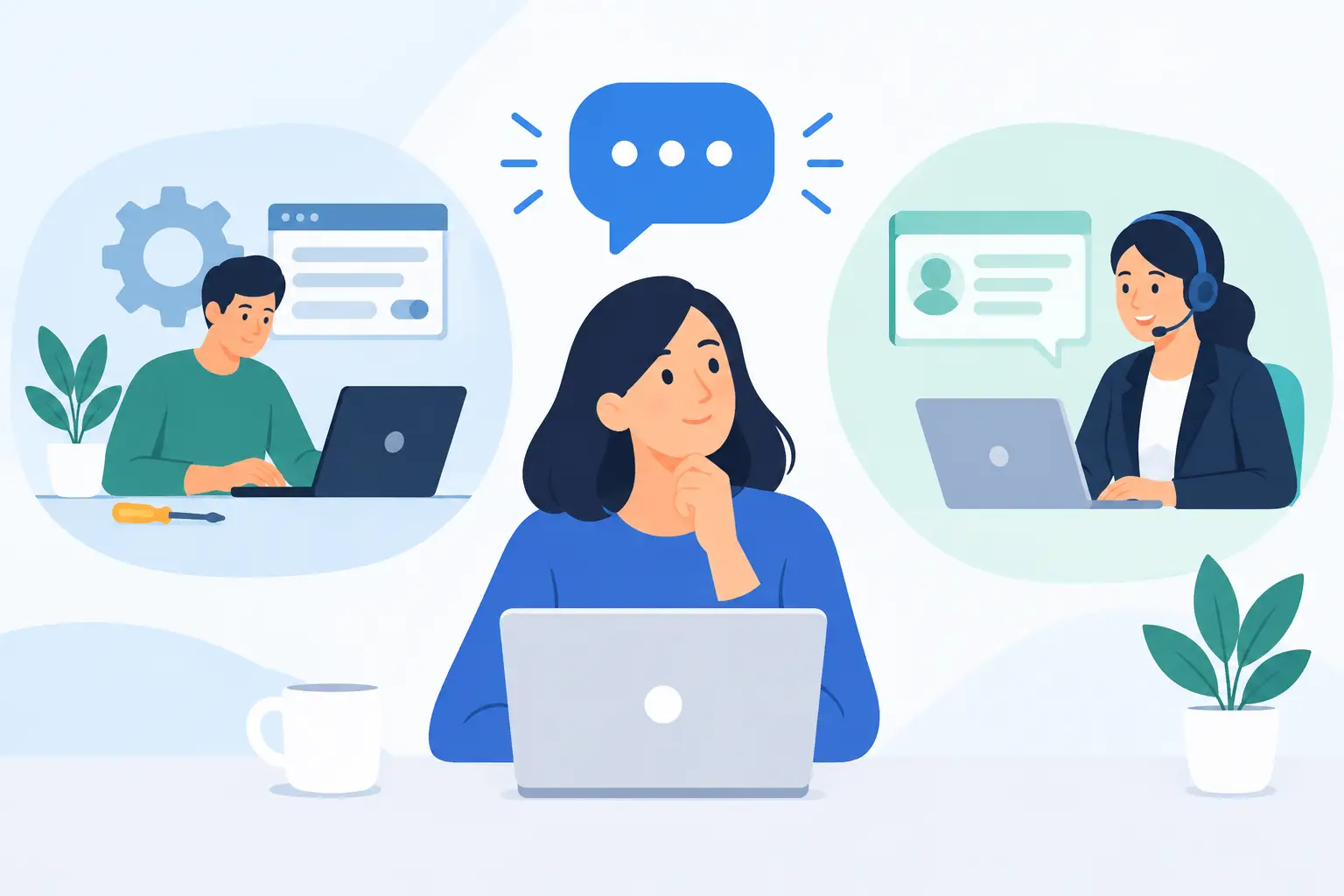
A prospect is reviewing your pricing, comparing options, or trying to determine whether your software will work with an existing process. They have one question that stands between them and the next step. If the answer is hard to find, arrives too late, or feels generic, they may leave without returning. Knowing how to use LiveChat to turn website questions into sales means treating those conversations as part of your sales and onboarding process, not as a disconnected support feature.
For small and mid-sized businesses, chat works best when it reduces uncertainty at the point where a buyer is making a decision. It should help visitors understand fit, clarify implementation requirements, and reach a qualified person quickly. It should not pressure every visitor into a sales conversation.
Start with the questions that delay a decision
LiveChat is most valuable on pages where visitors are likely to hesitate. Pricing, product comparison, implementation, integrations, service plans, and contact pages usually deserve the most attention. A generic chat prompt on every page can be useful, but it often creates conversations that are too broad to move forward efficiently.
Review the questions your sales, support, and implementation teams answer repeatedly. Common examples include: How long does setup take? Can this platform connect with our current tools? What is included after purchase? Can we migrate existing data? Who will train our users?
These are not minor pre-sales questions. They reveal the operational risks a buyer is trying to avoid. A useful chat strategy acknowledges that concern and provides a credible next step.
For example, rather than responding to an implementation question with, “Yes, we can help,” a stronger response is: “Implementation timing depends on your current setup and the number of users. We can review your requirements and outline the configuration, training, and ongoing support needed.” That answer is direct, accurate, and moves the conversation toward discovery.
Set a clear purpose for every chat conversation
Not every visitor needs a demo, and not every question belongs with a sales representative. Before configuring LiveChat, decide what successful outcomes look like for the pages and visitor types you serve.
For a first-time visitor, success may be identifying the right software category or service package. For someone on a pricing page, it may be scheduling a consultation. For an existing customer, success may be resolving an account or maintenance issue without creating friction. Treating all three visitors the same can waste time for your team and frustrate the customer.
A practical approach is to use simple conversation paths. Sales-oriented conversations should qualify the need, clarify the next action, and capture enough information for a useful follow-up. Support-oriented conversations should focus on resolution, documentation, and continuity. If a support request reveals an expansion opportunity, the transition should feel helpful rather than opportunistic.
Ask questions that improve the next step
The best chat questions are easy to answer and connected to a real decision. Ask about the visitor's goal, current process, team size, timeline, or the software they are evaluating. Avoid turning the first interaction into a long intake form.
A conversation might begin with: “What are you hoping to improve with this platform?” If the visitor says they need a better way to manage employee onboarding, the agent can ask whether they are replacing an existing system, how many people will use it, and whether they need implementation assistance. Each answer helps determine whether a product recommendation, a consultation, or a technical review is appropriate.
Keep the exchange conversational. The purpose is not to collect every detail in chat. It is to show that your team understands the business problem and can guide the buyer to a useful next step.
Make response speed realistic and dependable
A chat widget creates an expectation of availability. If your team cannot monitor chat continuously, configure hours honestly and provide a clear alternative when agents are unavailable. A visitor will usually accept a response the next business day if that expectation is clear. They are less likely to accept silence after seeing a chat prompt that suggests immediate help.
During staffed hours, response time matters because buying intent fades quickly. Establish ownership for incoming conversations, especially during busy periods. Assigning chat to a shared team without a defined rotation often leads to missed messages because everyone assumes someone else is responding.
Use automation carefully. A welcome message can invite a visitor to ask about pricing, setup, or support. Routing questions can direct technical issues to support and pre-sales questions to a qualified advisor. But automated replies should not trap visitors in a rigid decision tree when they need a person.
The right balance depends on traffic volume and team capacity. A business with a small number of high-value inquiries may benefit from human-first chat coverage. A company handling a large volume of basic questions may need automation for common requests, with a clear path to an agent for more complex needs.
LiveChat converts questions into sales only when agents can provide accurate, consistent guidance. That requires more than a friendly tone. Your team needs current information on product capabilities, pricing boundaries, integration requirements, implementation timelines, and service scope.
Create a concise internal reference that agents can use during conversations. It should include approved answers to common questions, escalation contacts, qualification prompts, and situations where an agent should avoid making a commitment. For example, an agent should not promise a specific integration or deployment timeline before the technical requirements have been reviewed.
This is particularly important for SaaS sales. Buyers are rarely purchasing a login and a list of features. They are evaluating whether the product can be configured, adopted by employees, and maintained without adding unnecessary work to their organization. Agents should be able to explain the role of onboarding, implementation, user training, and ongoing support in plain business language.
At MBH Web Services, that continuity is central to the conversation: the right software decision includes a plan for successful deployment and continued operation after purchase.
Use chat scripts as guardrails, not canned speeches
Scripts help teams maintain quality, especially when several people handle conversations. However, overly polished or repetitive responses can make a visitor feel like they are talking to a bot, even when they are not.
Build short response frameworks instead of lengthy scripts. A pricing inquiry may follow this pattern: acknowledge the question, explain what affects pricing, ask one qualifying question, and offer the appropriate next step. An integration question may require confirming the tools involved, identifying whether a standard connection exists, and offering a technical review if the situation is more complex.
Agents should also know when to say, “I want to confirm that before I give you an answer.” Accuracy builds more trust than an immediate but uncertain response. This is especially true when a prospect is deciding whether to move a core process into a new platform.
Capture the conversation and follow up with context
A chat conversation should not disappear once the browser window closes. Connect LiveChat to your lead management or customer relationship process so the transcript, contact details, topic, and agreed next step are available to the person who follows up.
The follow-up should reflect what the visitor actually asked. If they were concerned about implementation, send a note that addresses implementation. If they needed help comparing service levels, clarify the differences relevant to their team. Repeating generic product information tells the prospect that the conversation was not heard.
Timing matters here as well. A qualified prospect who requests a consultation should receive confirmation promptly, along with a clear explanation of what will happen next. If additional research is needed, tell them when they can expect an answer and keep that commitment.
Measure sales quality, not just chat volume
High chat volume does not necessarily indicate strong performance. Track how many conversations become qualified opportunities, consultations, proposals, purchases, or successful onboarding engagements. Review the pages that generate the most valuable conversations and the questions that frequently cause prospects to leave or stall.
It is also useful to monitor response time, abandonment rate, transfer rate, and recurring unanswered questions. These metrics can identify operational gaps. If visitors repeatedly ask whether a product supports a particular workflow, the issue may be unclear website messaging rather than agent performance.
Listen for patterns in the transcripts. They can improve sales enablement, implementation planning, website copy, and service packaging. LiveChat is not just a lead channel. It is a direct source of customer language and buying objections.
Build trust before asking for the sale
The most effective chat conversations make a business decision feel more manageable. They replace vague claims with practical guidance, clarify who is accountable for the next step, and show prospects that support will continue after they become customers.
When your team responds quickly, qualifies thoughtfully, and follows through with useful information, website questions become more than interruptions. They become the early moments of a working relationship, which is often what a cautious buyer needs before choosing a new software partner.